

Customer Support Even on the Go!
FamilyTime offers you in-app support get customer support right when you need it!
You don’t have to rush back to our website to get your issues resolved. We’re there for you whenever you need us! Using our app and got some issues, simply tap on Help in your app menu and get instant customer support!
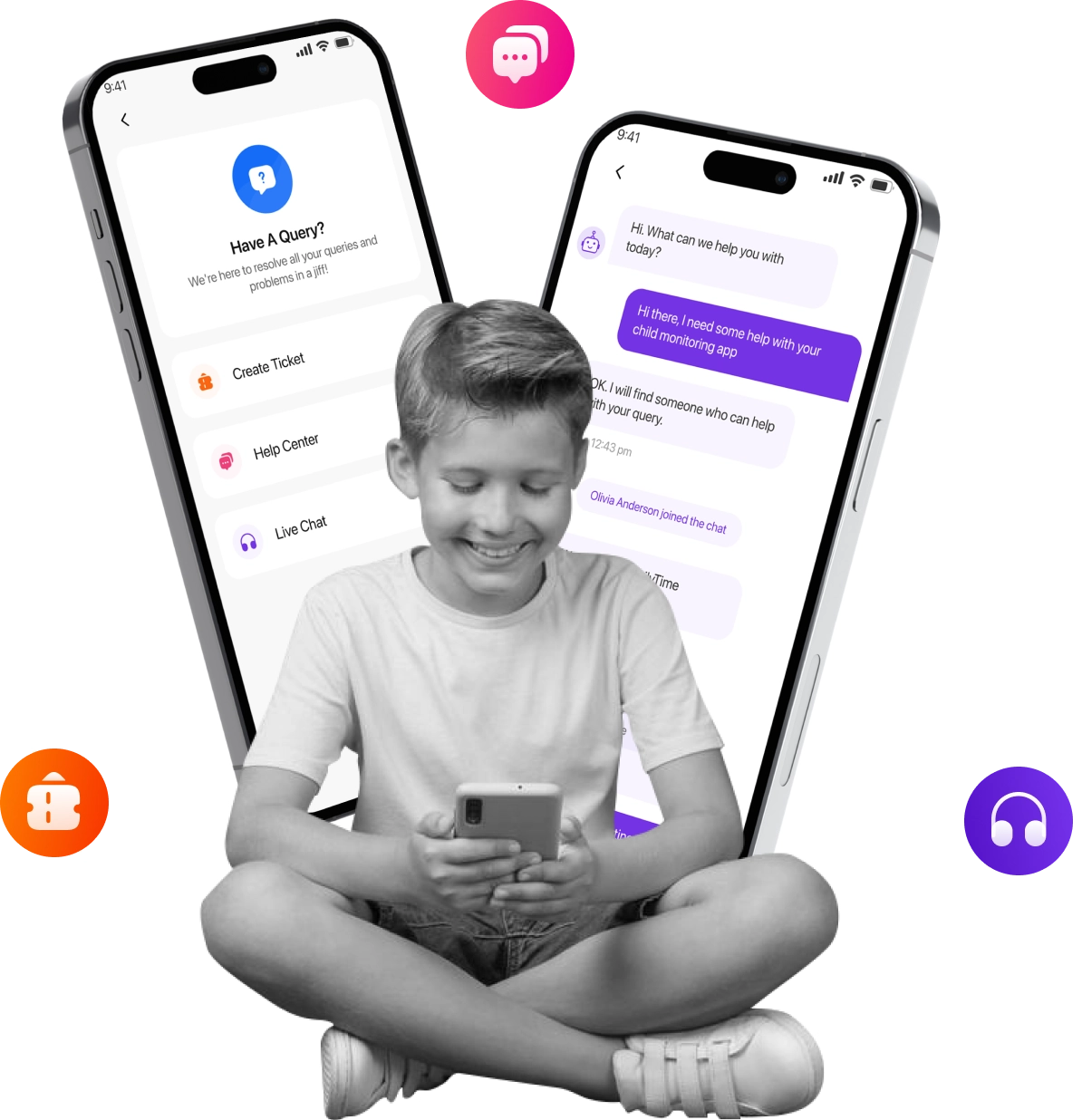
What is in-app support?
Everything’s getting mobile and so is the customer support : get instant help right when you need it

In-app Communication
Use in-app chat to communicate with our dedicated Support Experts whenever you want some help.

In-app Searchable FAQs
Got caught up in a fix? Quickly get answers to frequently asked questions right there in the app. Up-to-date and readable offline.

In-app Notifications
Get notifications and stay up-to-date with out in-app notifications about policy changes and everything you need to know.

In-app Feedback
Your feedback is important to us. Like a certain feature? Want to suggest a new feature? Let us know instantly with in-app feedback option.
How in-app support helps
In-app customer support is an ingenious way to stay in the loop and get most out of FamilyTime

Help’s Right There
Your child just sent you a panic alert but you don’t know how to see location stats. You don’t have time to toy with the app so simply swipe up and get connected to a Support Expert instantly!

Help Yourself
Why waste time submitting a query and getting answers from the support guys when you can simply check in-app searchable FAQs yourself?

As Easy as Write, Send, Receive
No need to exit the app and rush to the website to get help from our Support Experts. You can chat with them 24/7 in the app!

Rate as You Please
Help us getting better by telling us what we do best and what we need to work on by telling us right there and then!
It Takes Just Few Minutes to Get Started.
FamilyTime is easy install on your child's device. Parents need to install Dashboard App to manage all family devices.

1
Download the FamilyTime Dashboard app on parent’s device.



2
Download the “FamilyTime Jr” app on your child’s device.

3
Scan your QR Code to connect both your device and your child's device within the app to access.
Want to Know More ?
If you’re in a fix or want to know more about a feature or how it will work; feel free to contact us 24/7

Read FAQs
Read our compilation of Frequently Asked Questions and their answers to troubleshoot problems instantly.

Privacy Policy
Want to know what data we log and how we use it? Read out Privacy Policy to know how we ensure user privacy.

Live Chat
Talk to one of our dedicated support agents anytime and get any of your product-related issues resolved.

How it works
It works seamlessly, once installed. Still troubled? Read through our HOW IT WORKS guide for detailed apprehension.

Why FamilyTime is the Best Parental Control App
Take Back Control of Your Family Time with Effortless and Effective Digital Parenting

30-Day Reporting History

FREE Access to New Features

Uninstall Protection

Easy to Use Interface

Co-Parenting Made Easy

GDPR Compliance

One Account Multiple Devices
