

FamilyTime – Ultimate iPhone Parental Control App
FamilyTime, the best iOS parental control app, offers advanced controls to maintain digital balance in your child’s life and keep them safe digitally and offline.






What Calls for a Parental Control App for iOS Devices?
87% of teens in the USA own an iPhone, and almost 65% of tweens have access to iPads. Excessive device usage exposes them to multiple threats.

Kids spend 72% of their screen time on social apps and games.

58% of kids make impulsive app downloads on their devices.

43% of teens are more likely to drive above the speed limit when alone.

32% of kids by the age of 12 are exposed to explicit content.
Efficient iOS Parental Controls to Manage & Maintain Your Child’s Digital Habits
FamilyTime iOS monitoring software is packed with iOS parental controls that make digital space safer for kids and ensure their well-being.

Controlling Screen Time
Robust screen time controls for iOS devices reduce your child’s exposure to screens, saving them from explicit content, cyber predators, bullies, and more.

Schedule Screen Time
Decide and limit your child’s access to devices for the day.


Device Schedules
Avoid distractions with default dinner, study & sleep schedules.


Daily Usage Limits
Limit screen time for iOS to avoid excessive use.


Custom Schedules
Customize schedules for device downtime to create balance.
Make Safer Content Choices
Do you want to know about the content and apps your child is using on an iOS device? FamilyTime iOS Assistant App lets you control their content & app access.

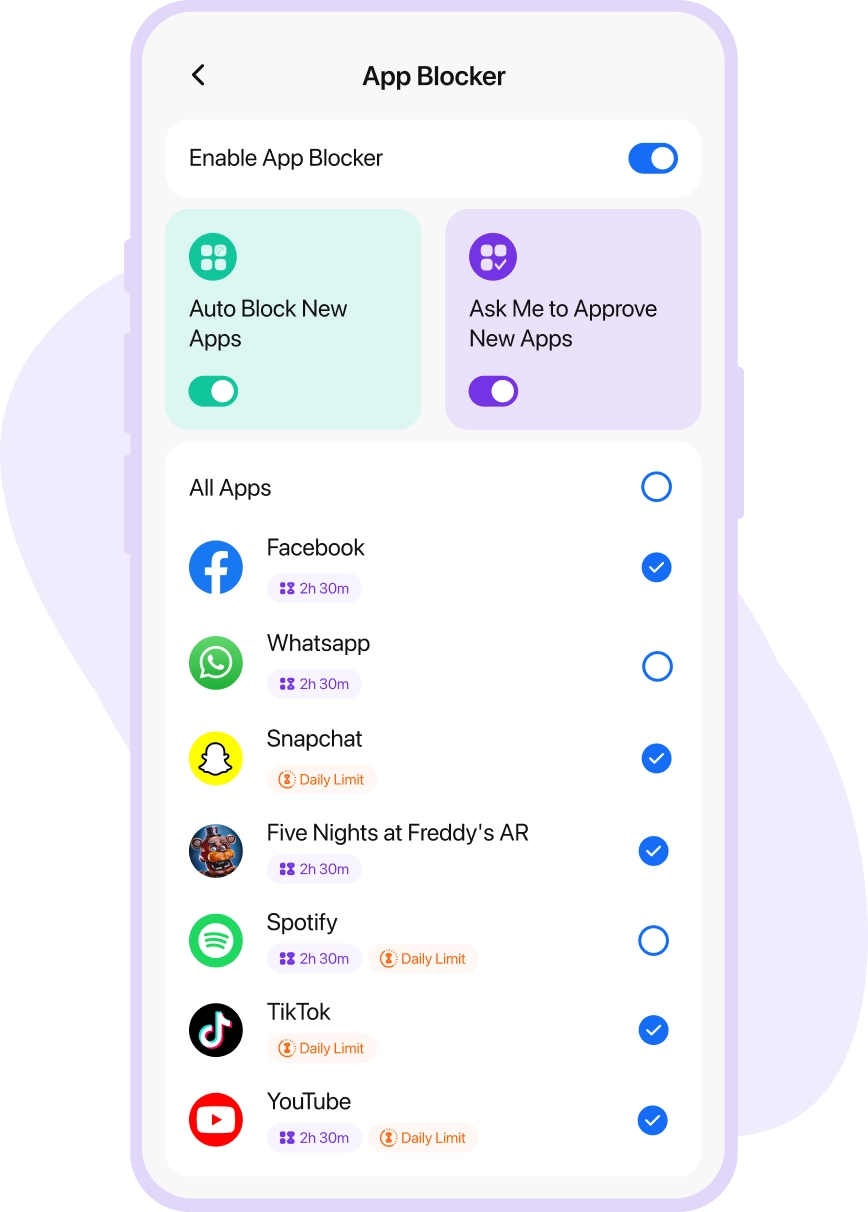
Apps & Games Blocker
Block inappropriate or unverified apps & games.


Web Filters & SafeSearch
Enable search filters to restrict inappropriate search results.
A Closer Watch on Activities
iOS monitoring software helps you to keep a closer look at what your child's doing and stay informed about their digital activities.

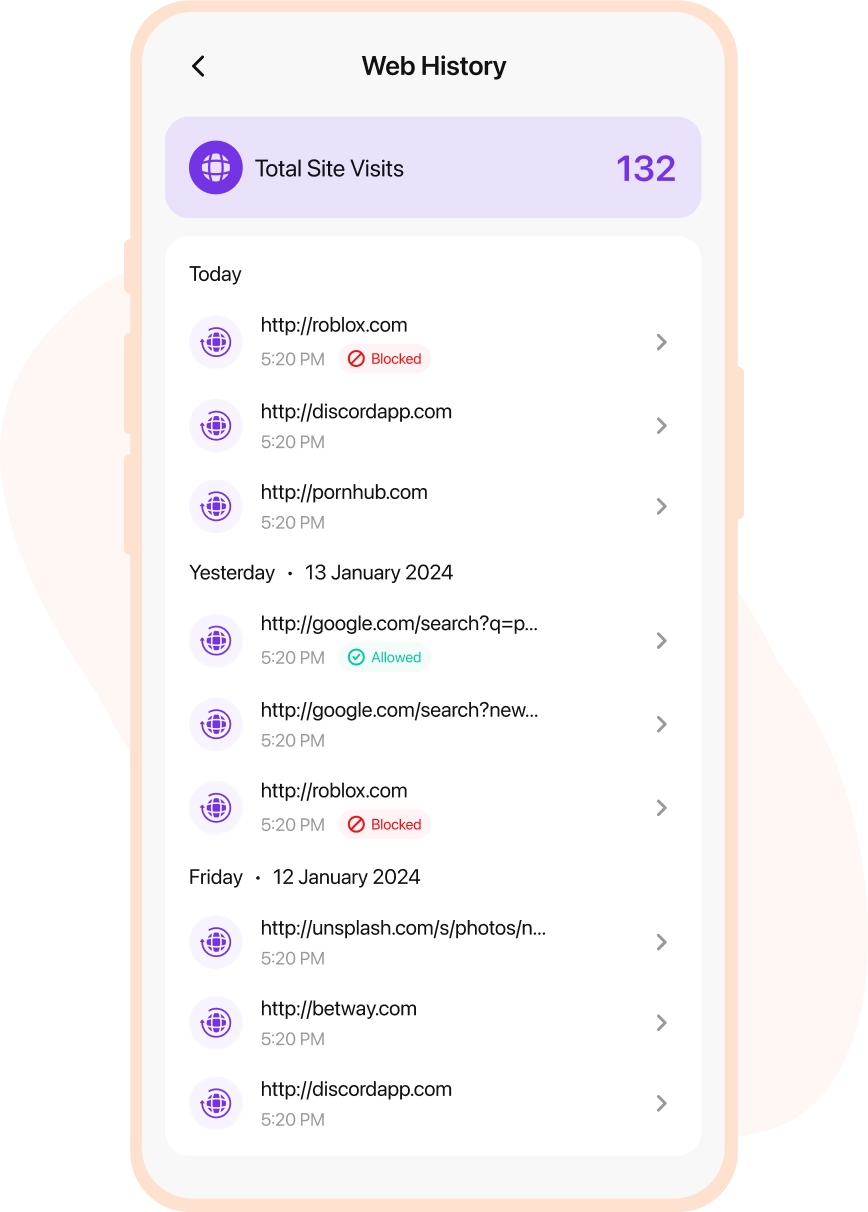
Web History
Find out what your child has been searching to learn.

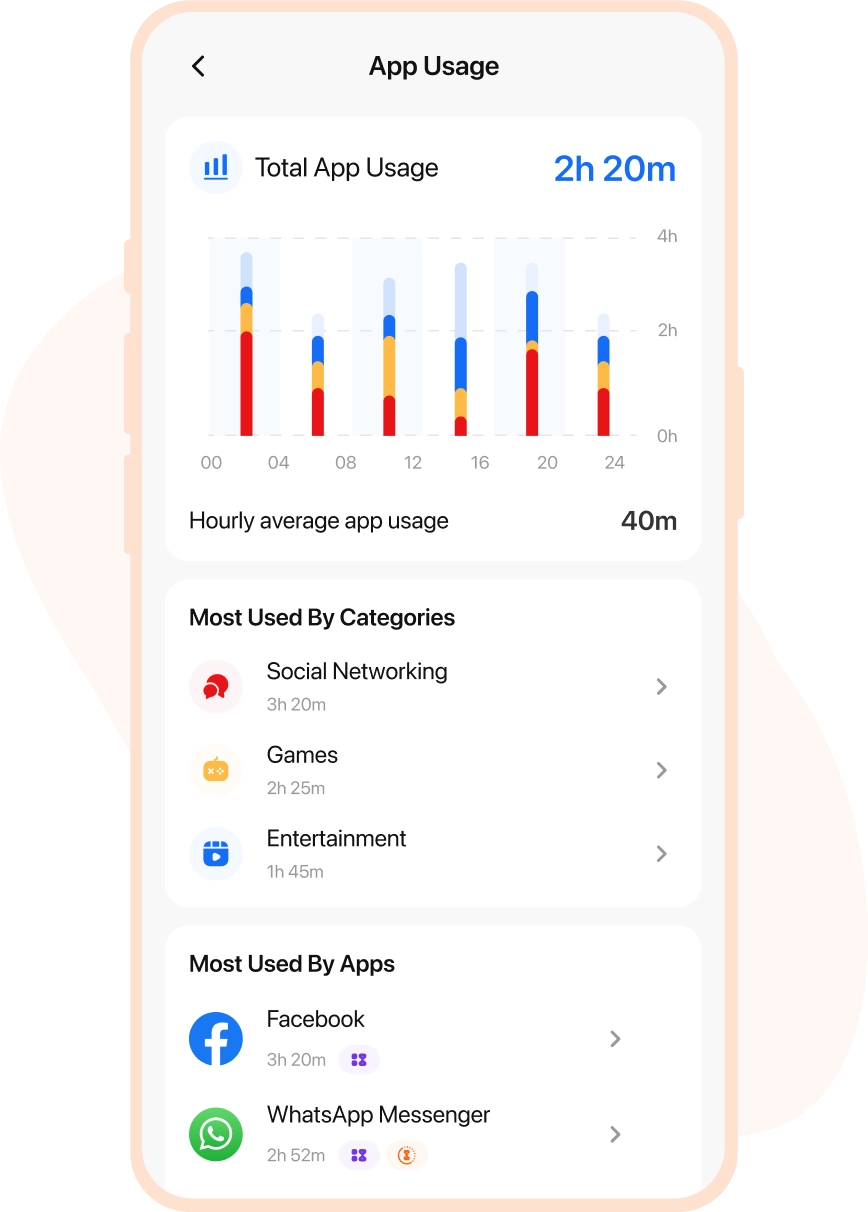
App Usage
View their chats on popular social media platforms.

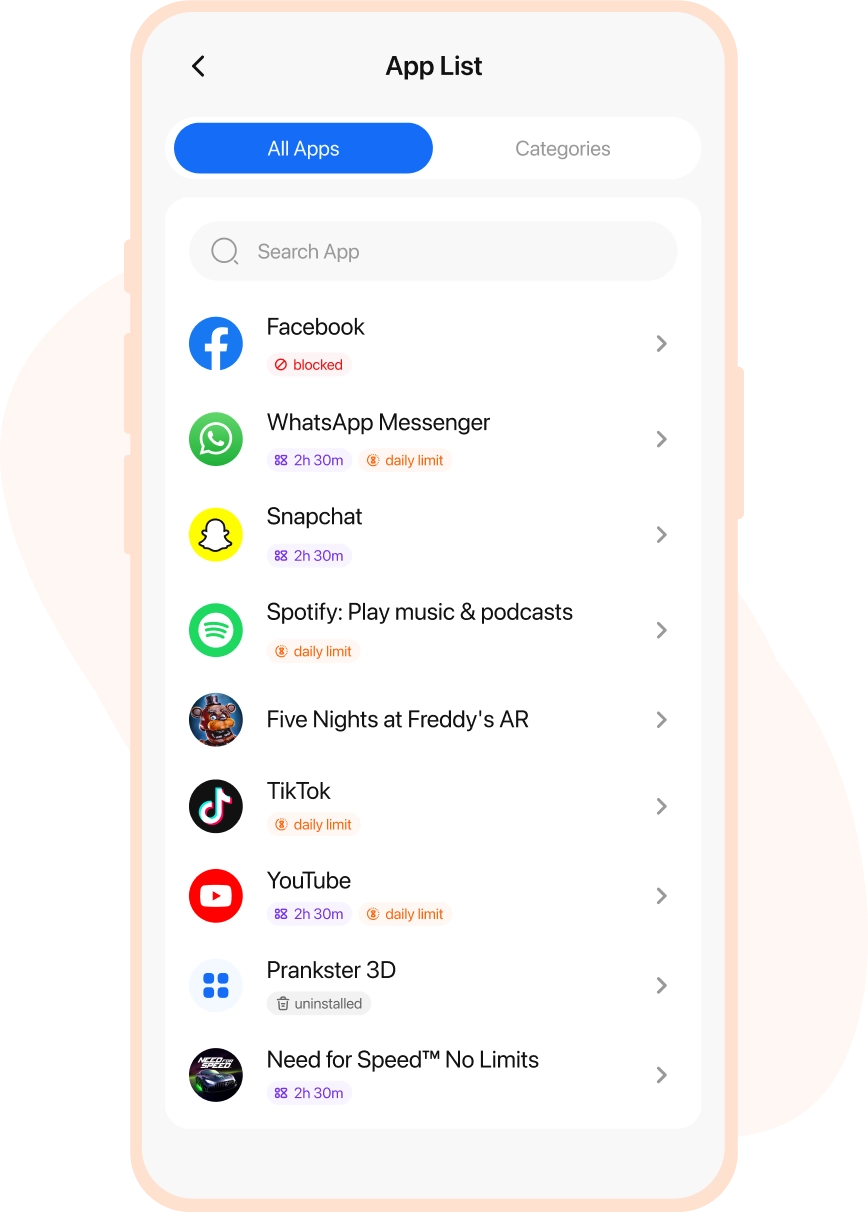
Installed App
Access the list of all installed apps to modify their choices.
Monitor Movements & Locations
Know your kid’s whereabouts when they are out, moving to places, or driving. The best geofencing app for iOS keeps you informed & up-to-date.


Family Locator
Track your family’s live location anytime, anywhere.


Location Tracking
Get precise and real-time location tracking for iOS.


Places (Geofence)
Set up geofence boundaries for kids’ regular movements.

Teen Safe Drive
Monitor how your teen is driving around town.
Always Informed & Connected
iOS monitoring app lets you protect kids offline by staying informed and connected through live alerts and reminders.

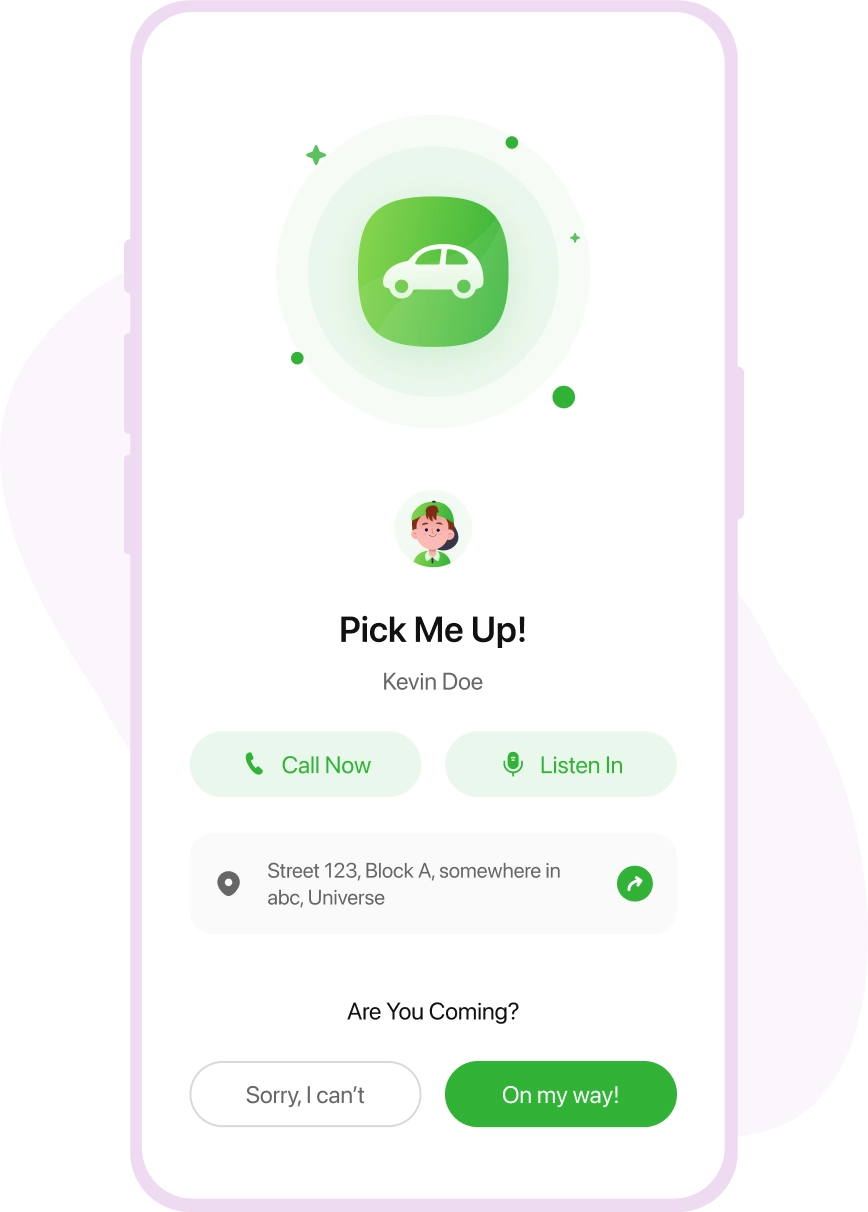
PickMeUp Alert
Kids can send reminders about their pick-up schedules.


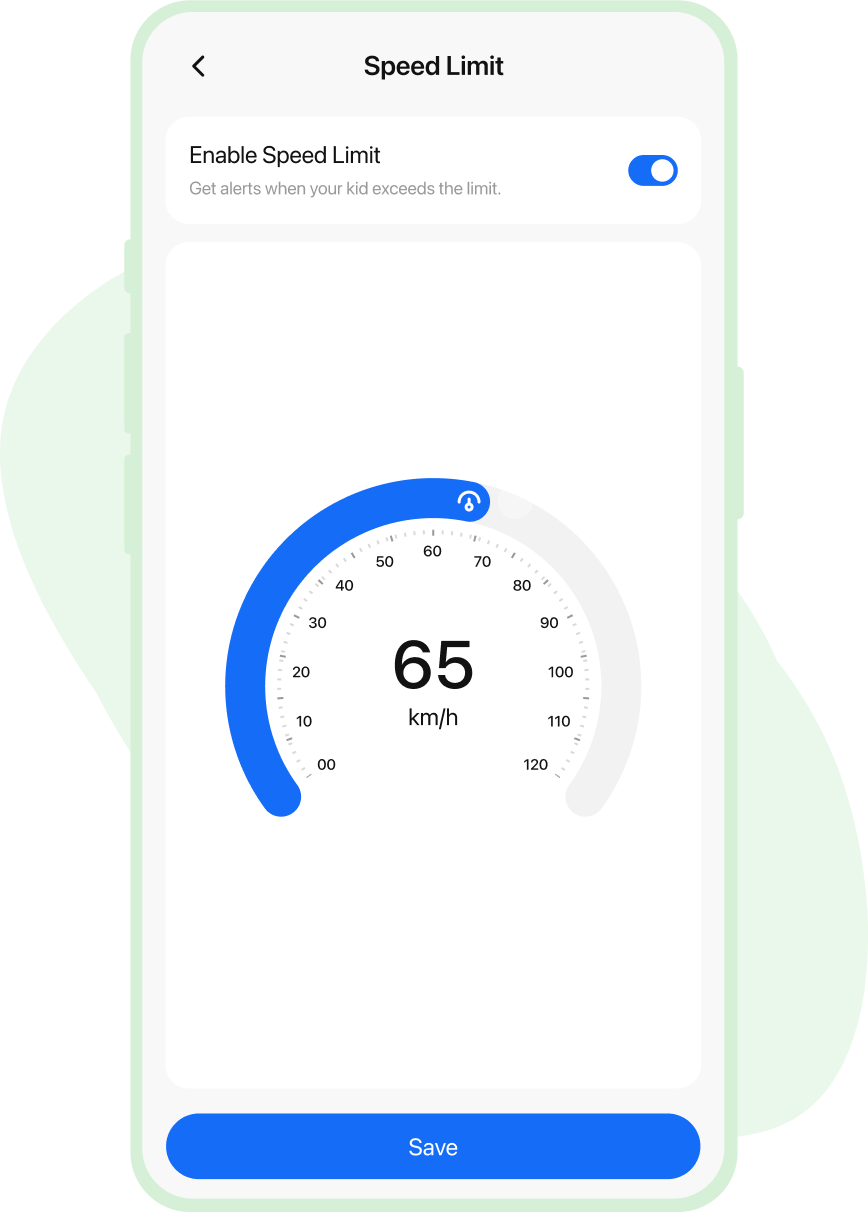
Speed Limit Alert
Get alerts when your teen surpasses the speed limit.


SOS Alert
Rescue alert from kids with live location & message.


Geofence Alert
Receive alerts about movements within or outside geofence.
Simplify Digital Parenting with iOS Parental Controls
FamilyTime iPhone parental control app, enables you to proceed toward your child’s digital well-being and safety.

Healthy Screen Time Routine
Stop your children from spending too much time on their digital devices, leading them to screen addiction, anxiety, distraction, and other cyber threats. Set daily screen time for iOS devices for better control.

Safer Content Selection
The majority of kids are exposed to explicit content and inappropriate search results when surfing online. Robust iPhone content filters block searches and results related to porn, drugs, adult, weapons, and more.

Quick SOS Response
Working parents are always worried about whether their kids are safe out there. With the iPhone monitoring app children can send you an instant SOS alert with live location, whenever they are in danger.

Create Digital Balance with Ease
Excessive use of digital devices distracts kids from their academic activities. Scheduling device usage for the day and restricting study, dinner, and bedtime helps balance their online and offline activities.

Encourage Safer Driving Patterns
Adults getting their licenses are more likely to over-speed, which leads to the risk of severe accidents. Review their driving patterns and get alerts about speeding through TeenSafe Drive.

Keep Offline Track of Activities
Track your child’s real-time location, visited places, and location history online with FamilyTime iPhone tracking app. Also, set geofence limits to get alerts when they move in or out of the limits.
Real-life Stories by Real Parents

Lisa Jenson
via Google Play Store

Buying an iPhone for my kid was a careful decision, but I felt that my young one was too engrossed in using the device all the time. So, the FamilyTime iOS parental control app turned out to be my savior. Using daily screen time limits is such a blessing, helping to control my child’s screen addiction.

Edward Flynn
via Google Play Store
I am in love with the FamilyTime parental control app for iOS devices. It’s the best choice to make my child’s digital world safer. Using device usage schedules and content filters, I am at peace that my kid is not accessing anything inappropriate or explicit at all. I recommend other parents use the app.

Christian Brown
via Google Play Store
Observing my children aggressively using their iOS devices triggered me to look for iOS monitoring software, and I found FamilyTime. It has all the iOS parental controls I wanted, from screen time limits to content filters, web blockers, and even app blockers.

Stacy Watson
via Google Play Store
I was hell irritated with my kids playing games all the time and not paying attention to their study, dinner, and sleep routine. So, I got the FamilyTime iOS Parental control app. With a single tap, I can enable device downtime and block all third-party apps on their iOS devices.
Setup FamilyTime App and be Sure Your Kid’s Are Safe
Follow three simple steps to download, connect and manage apps on parent and kid’s devices.

1
Download the FamilyTime Dashboard app on parent’s device.


2
Download the “FamilyTime Jr” app on your child’s device.

3
Scan your QR Code to connect both your device and your child's device within the app to access.
Media Covered Us


Why FamilyTime is the Best Parental Control App
Take Back Control of Your Family Time with Effortless and Effective Digital Parenting

30-Day Reporting History

FREE Access to New Features

Uninstall Protection

Easy to Use Interface

Co-Parenting Made Easy

GDPR Compliance

One Account Multiple Devices
