

It Takes Just Few Minutes to Get Started.
FamilyTime is easy install on your child's device. Parents need to install Dashboard App to manage all family devices.

1
Download the FamilyTime Dashboard app on parent’s device.


2
Download the “FamilyTime Jr” app on your child’s device.

3
Scan your QR Code to connect both your device and your child's device within the app to access.

FamilyTime Parent App
One dashboard app for parents to manage, control, and monitor all their children's mobile devices with one touch. Access all super controls.


Screen Time Management
Limit daily screen time app usage & create schedules

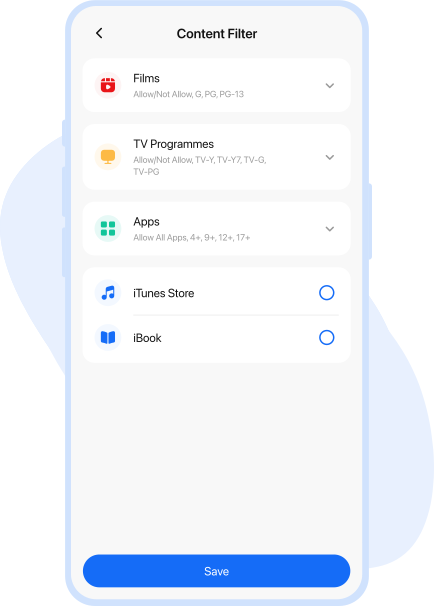
Content Filters
Filter and block explicit & adult content with one-touch


Family Locator
Get 24/7 location, setup geofence, and get alerts of movements

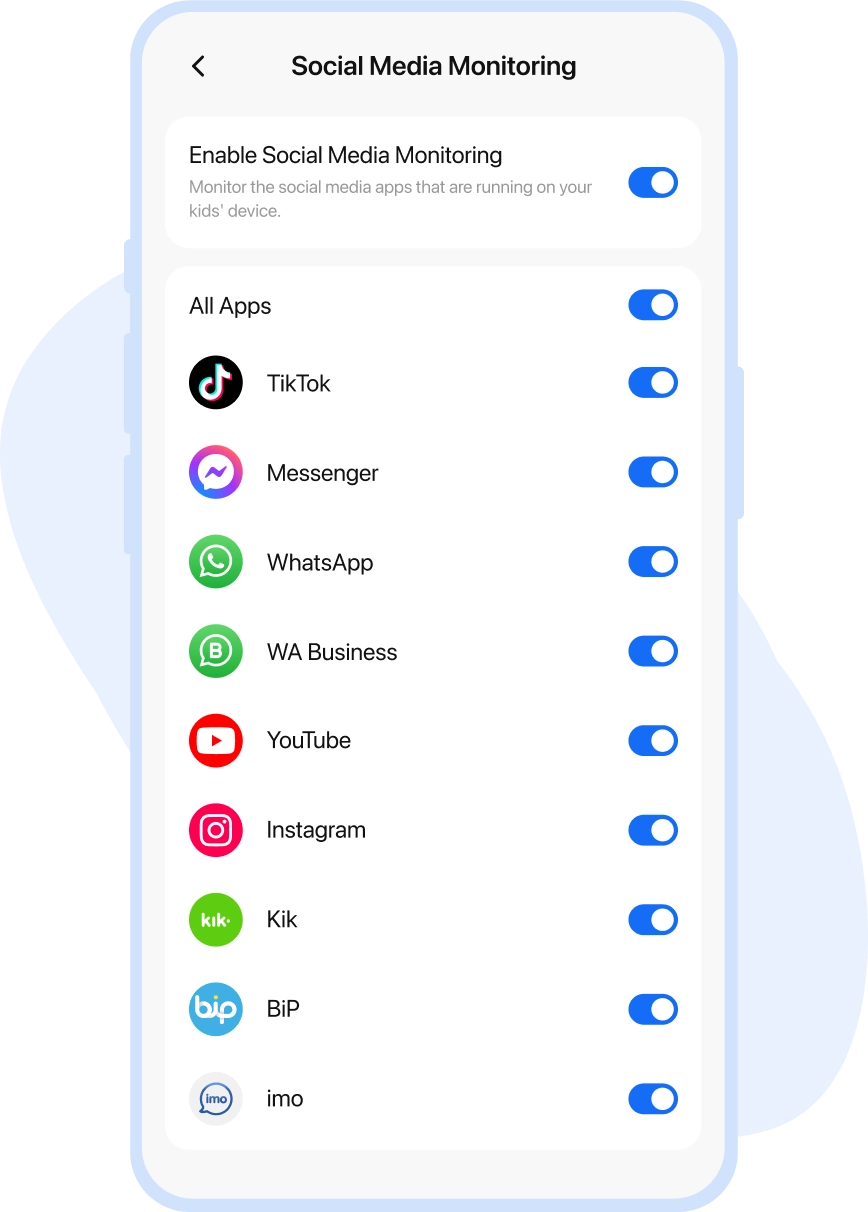
Social Media Monitoring
Monitor social media chats to secure child's social connections

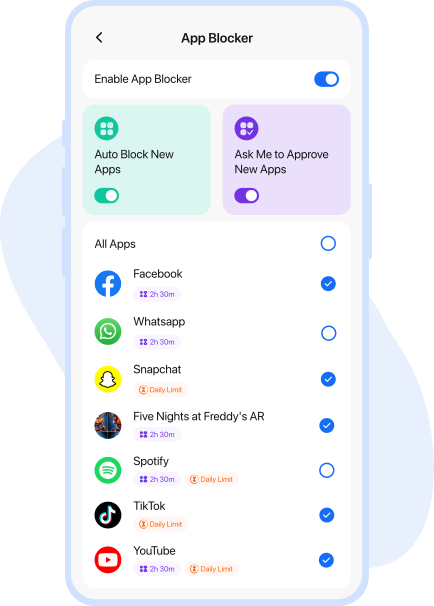
App & Web Blocker
Block inappropriate apps and websites on child's device


Reports & Stats
View child’s digital usage at a glance for better control



FamilyTime Jr. App
Dashboard app for kids to review parental rules, send emergency alerts, and check screen time limits, schedules, and perks provided by parents.


Limited Apps
Check the app’s daily usage limits for balanced use


FunTime
Locate and monitor the additional screen time allowance


SOS
Send instant one-tap SOS alerts to parents/guardians

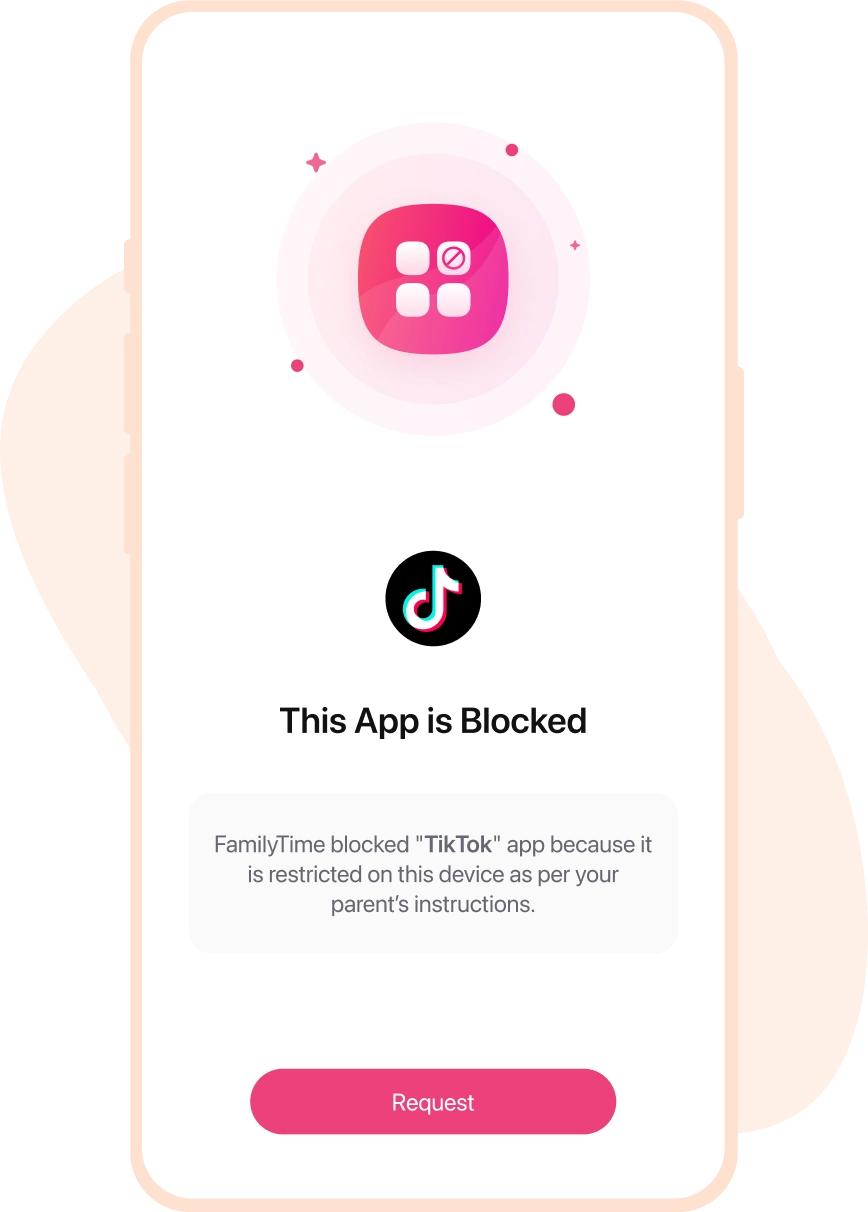
Blocked Apps
Review the list of blocked apps by parents


Time Bank
Keep track of reserved screen time in the bank

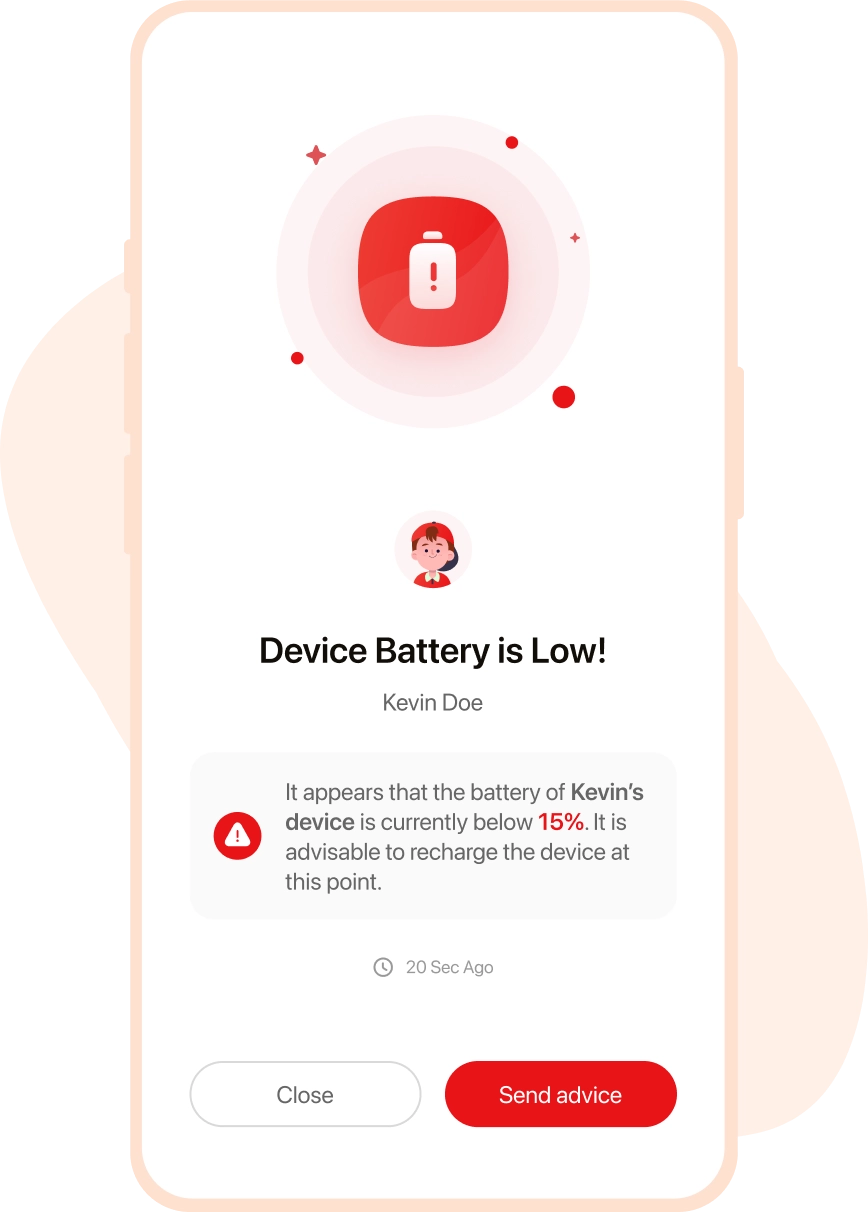
Low Battery Alerts
Get alerts when the device’s battery is low
Media Covered Us


FamilyTime Cross-Platform Apps
One app that works for all operating systems and is compatible with all mobile devices. You can even enjoy the best parental controls on cross-platform devices.

FamilyTime for Android
Best Android parental control app compatible with smartphones & tabs

FamilyTime for iOS
Best parental control for iOS devices e.g., iPhone, iPad & more

FamilyTime Works with All
An all-in-one parental control app that works on all the devices & networks all around the world

























Why FamilyTime is the Best Parental Control App
Take Back Control of Your Family Time with Effortless and Effective Digital Parenting

30-Day Reporting History

FREE Access to New Features

Uninstall Protection

Easy to Use Interface

Co-Parenting Made Easy

GDPR Compliance

One Account Multiple Devices
