












How Parents Monitor Their Children Using FamilyTime Parental Control App?
More than 4 million parents have signed up with FamilyTime premium to control, monitor, and secure their child’s digital devices ensuring digital well-being.

49% of parents of review the call or text history on their children’s devices

28% of parents monitor their children's social media

33% of parents track their child’s whereabouts through GPS apps
Creating Digital Balance
Develop a balance in your child's digital life by controlling their time on devices. Help them prioritize their digital engagements and app usage.


Daily Usage Limits
Adjust daily device usage limits to control screen time


Schedule screen time
Set up screen downtime for dinner, study, bedtime, or more


FamilyPause
Pause your child's device to make them listen to you immediately


Individual app limit
Restrict excessive usage of specific apps with limits


Schedule internet
Schedule internet downtime to limit internet access on devices

Assuring Digital Safety
Create a safer digital space for your child by using all essential filters and tools that help keep inappropriate content & bullies away.

Apps & Games Blocker
Block all inappropriate apps & games smartly


Safe Search
Filter explicit websites, images, videos, and more

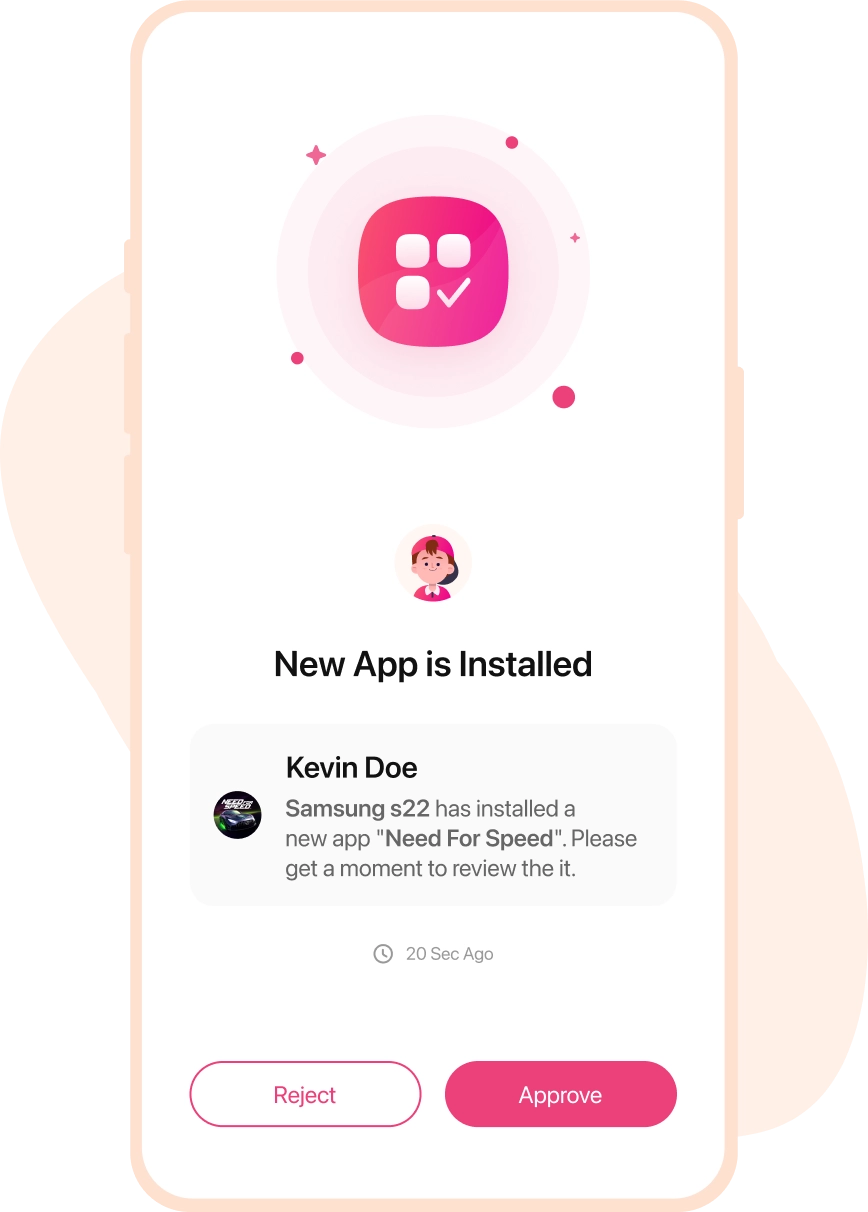
Approve Apps & Games
Approve only child-safe apps & games for installation

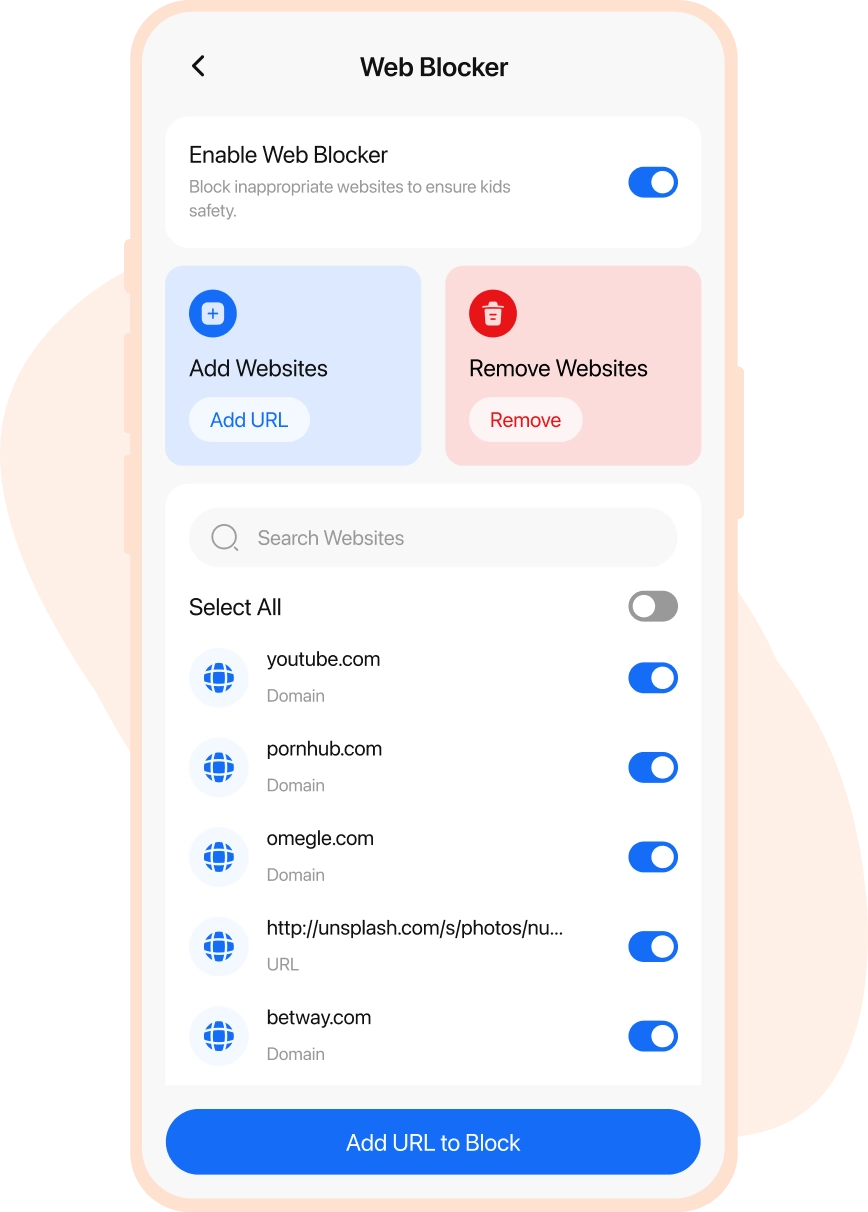
Web Blocker
Blacklist the sites containing age-sensitive content

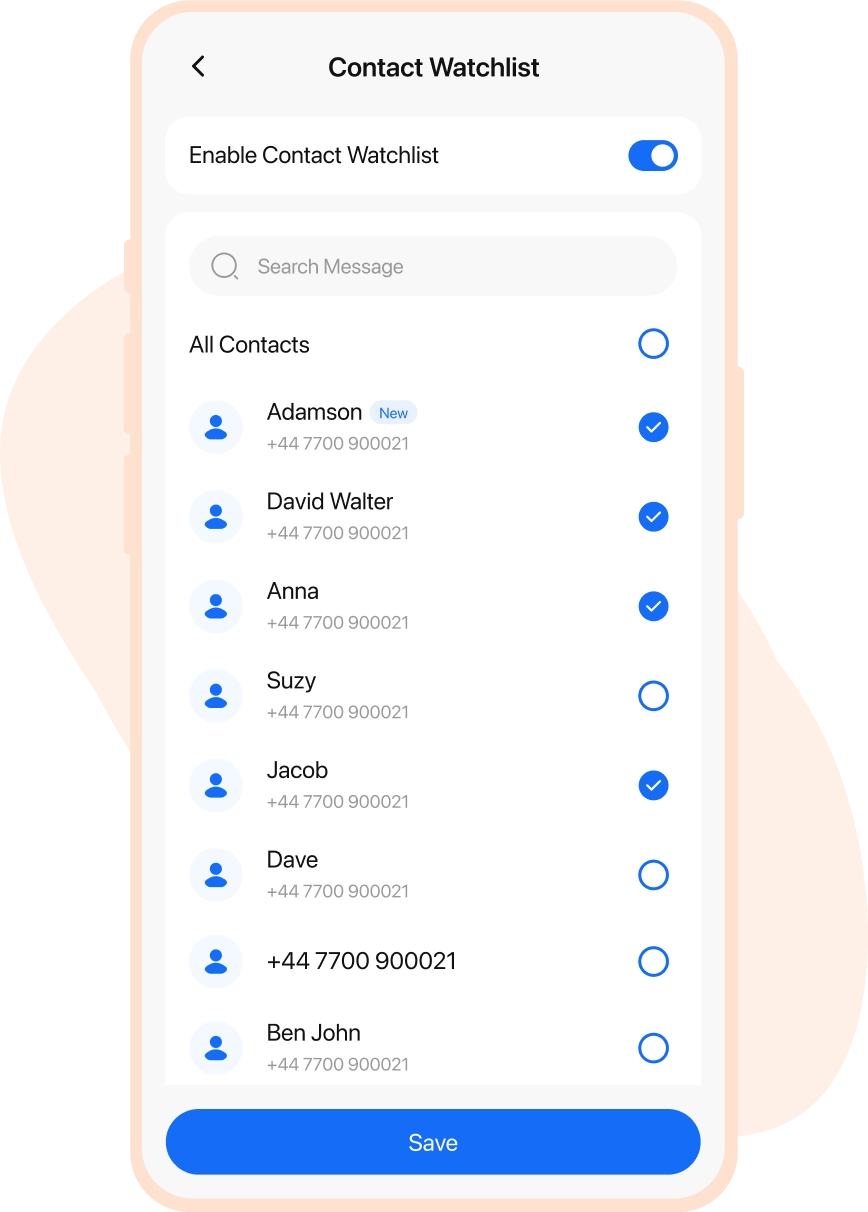
Watchlist Contacts
Put shady contacts on the watch to get alerts & updates


Social Media Monitoring
Monitor your child’s chats on WhatsApp, Instagram, TikTok, & more
Real-Time Watch Over!
View and Review your child's real-time activities and movements. Keep a closer look at what they are doing with devices & in the world outside.

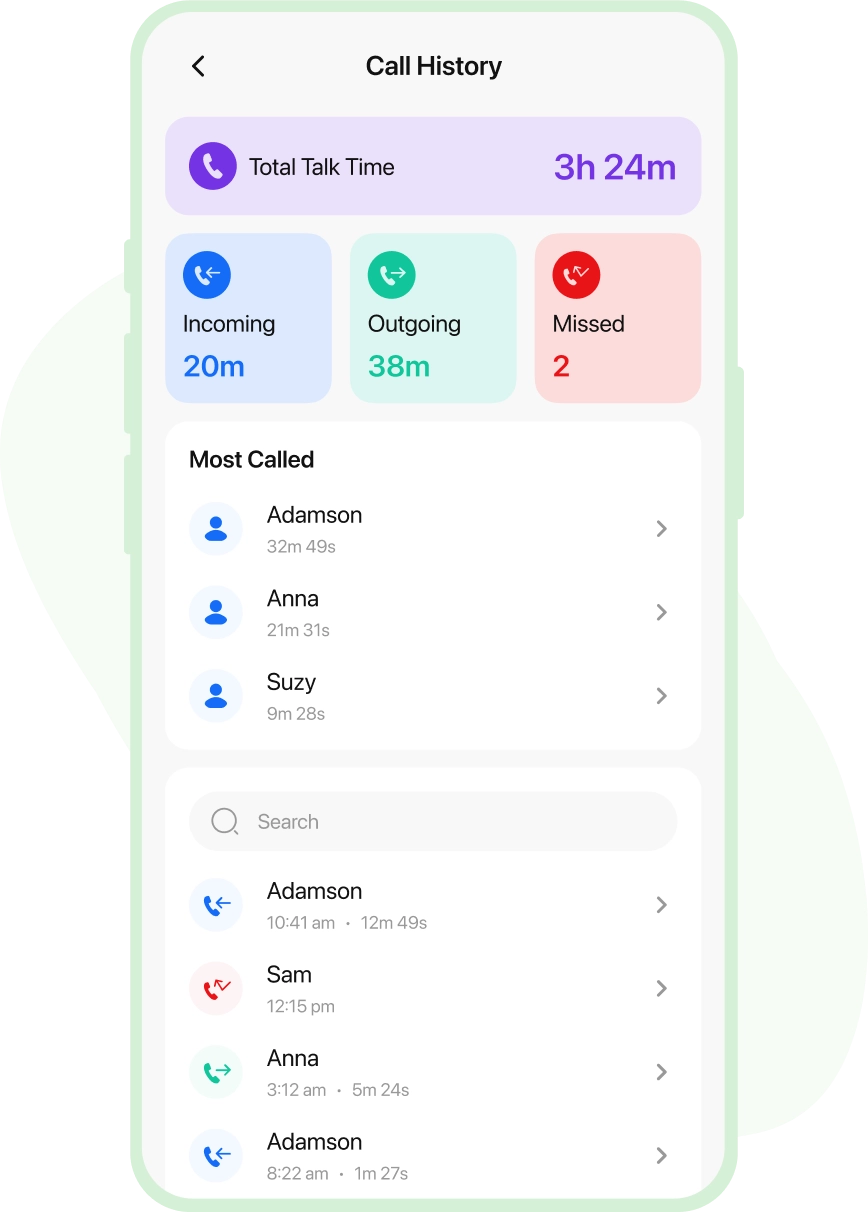
Monitor Calls & SMS
Review call logs and read SMS on the child's device


Location Tracking
Track your child’s location 24/7 when you are away


App Usage
Review the apps and games your child using frequently

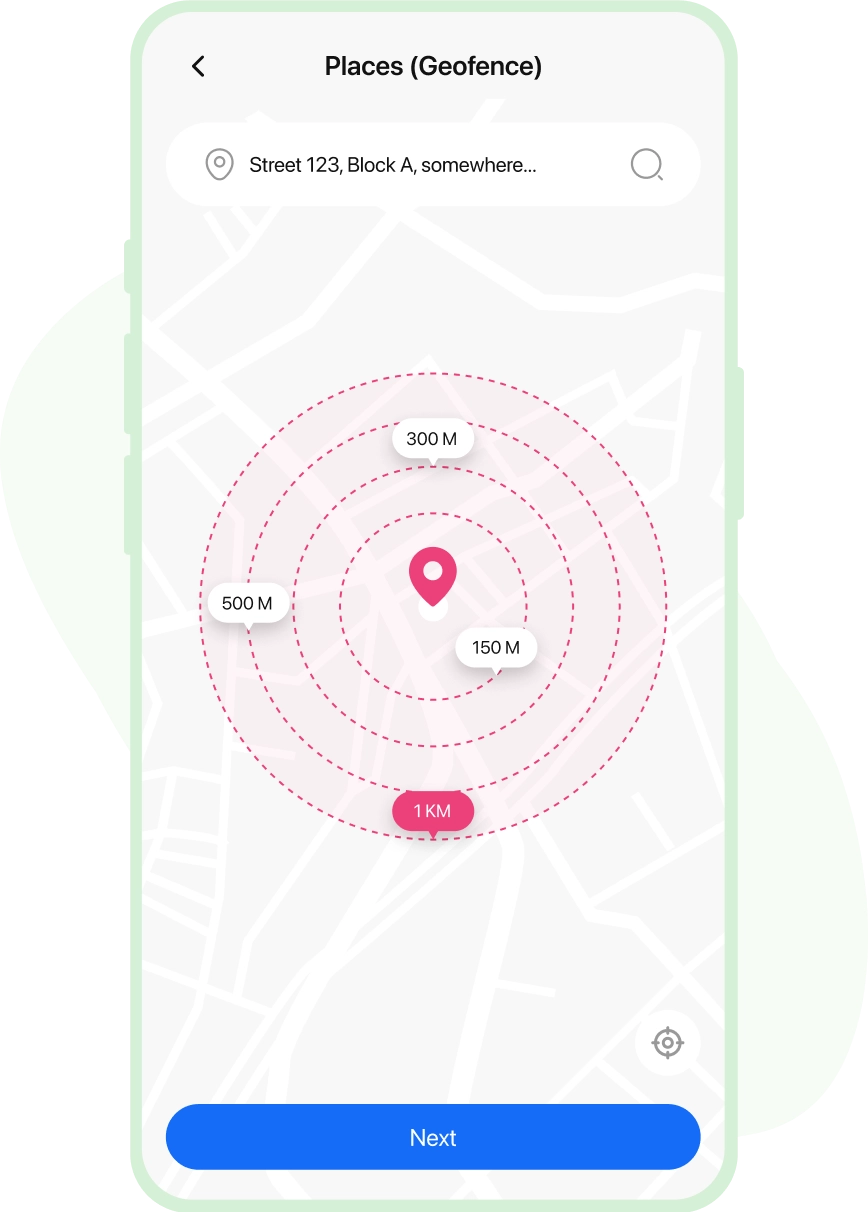
Places (Geofence)
Set geofence limits and get alerts about their check-in/check-out

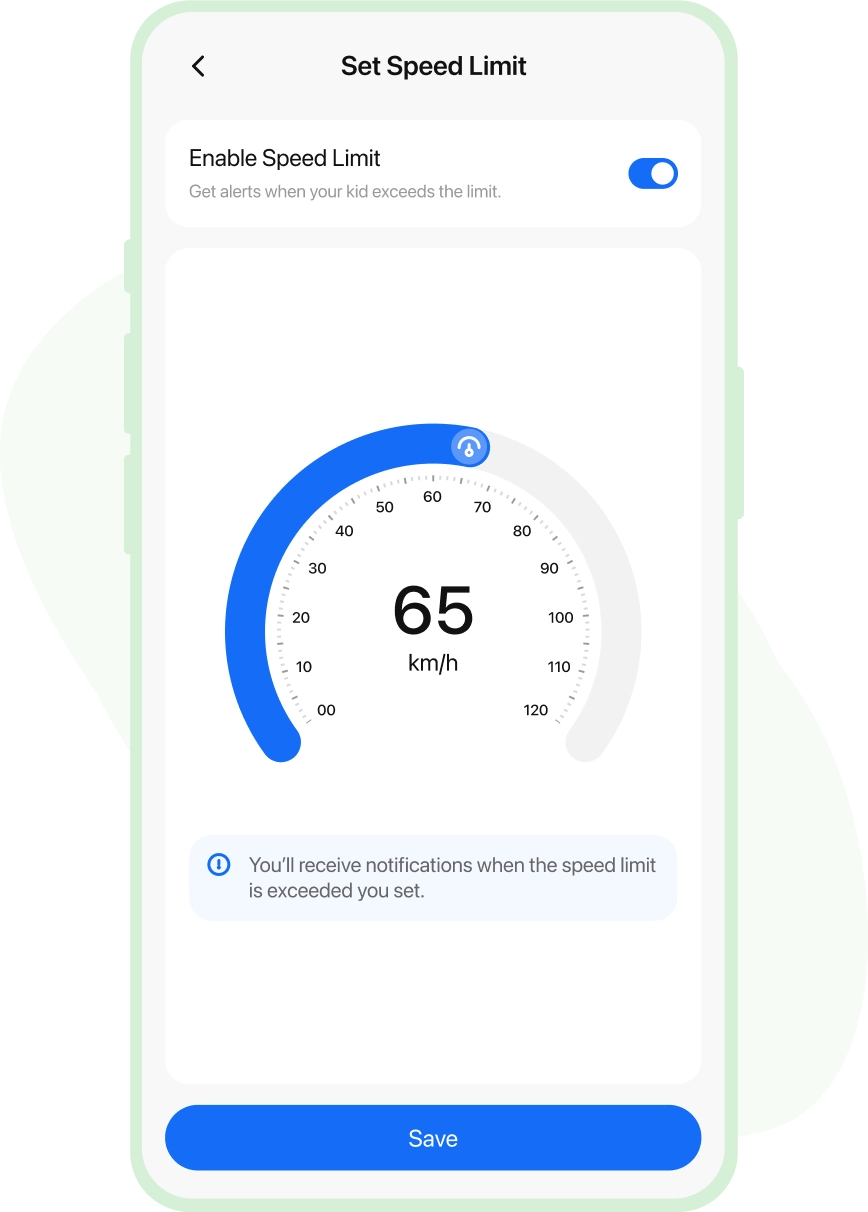
Teen Safe Drive
Set a speed limit for teens & get alerts when over-speeding


Web History
Watch over browser searches and watched videos on YouTube & TikTok

Connect with Alerts
Never be distant from your kids, and connect with alerts. Let kids reach out when they need you and get alerts when they act irrationally.

SOS (Panic Button)
When in need, kids can send SOS emergency signals


Speed Limit Alerts
Get alerts when your teen drives above the speed limit

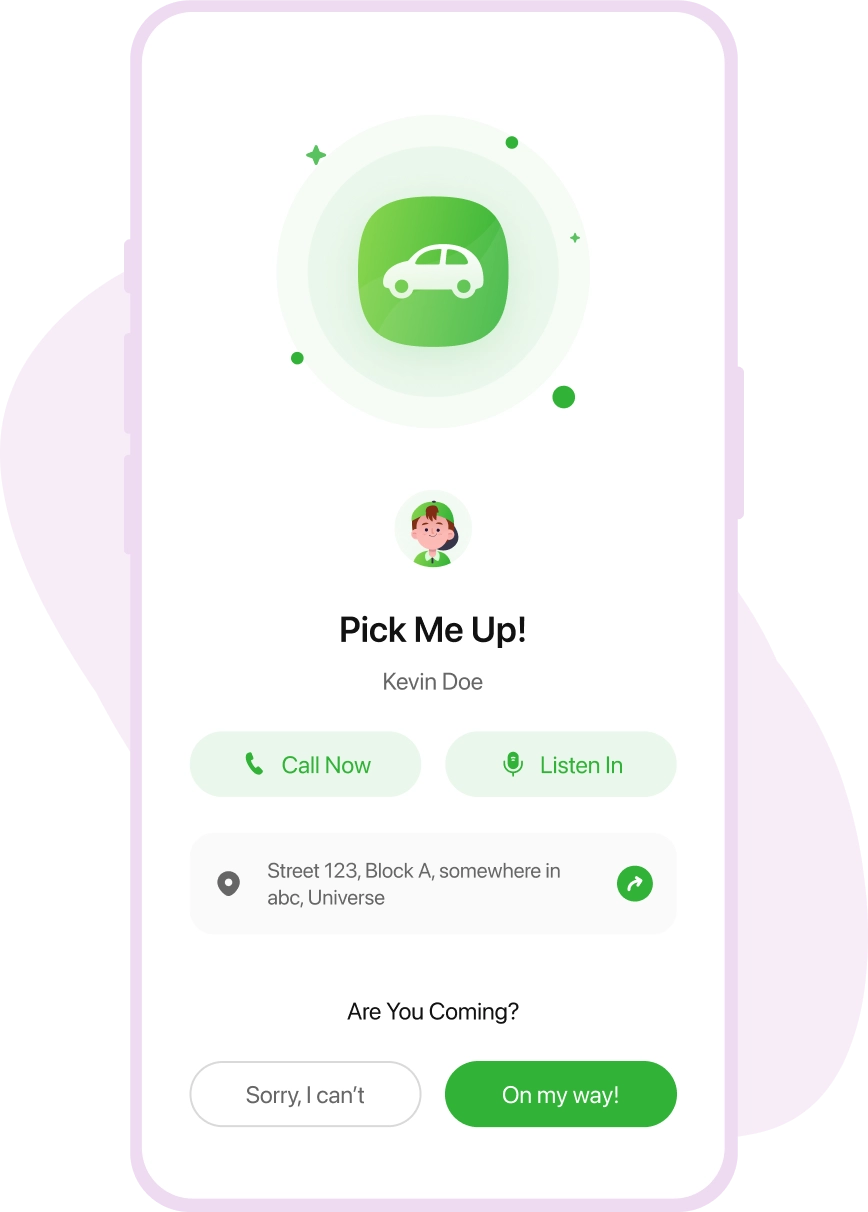
PickMeUp Requests
Kids can send you reminder alerts for planned pickups

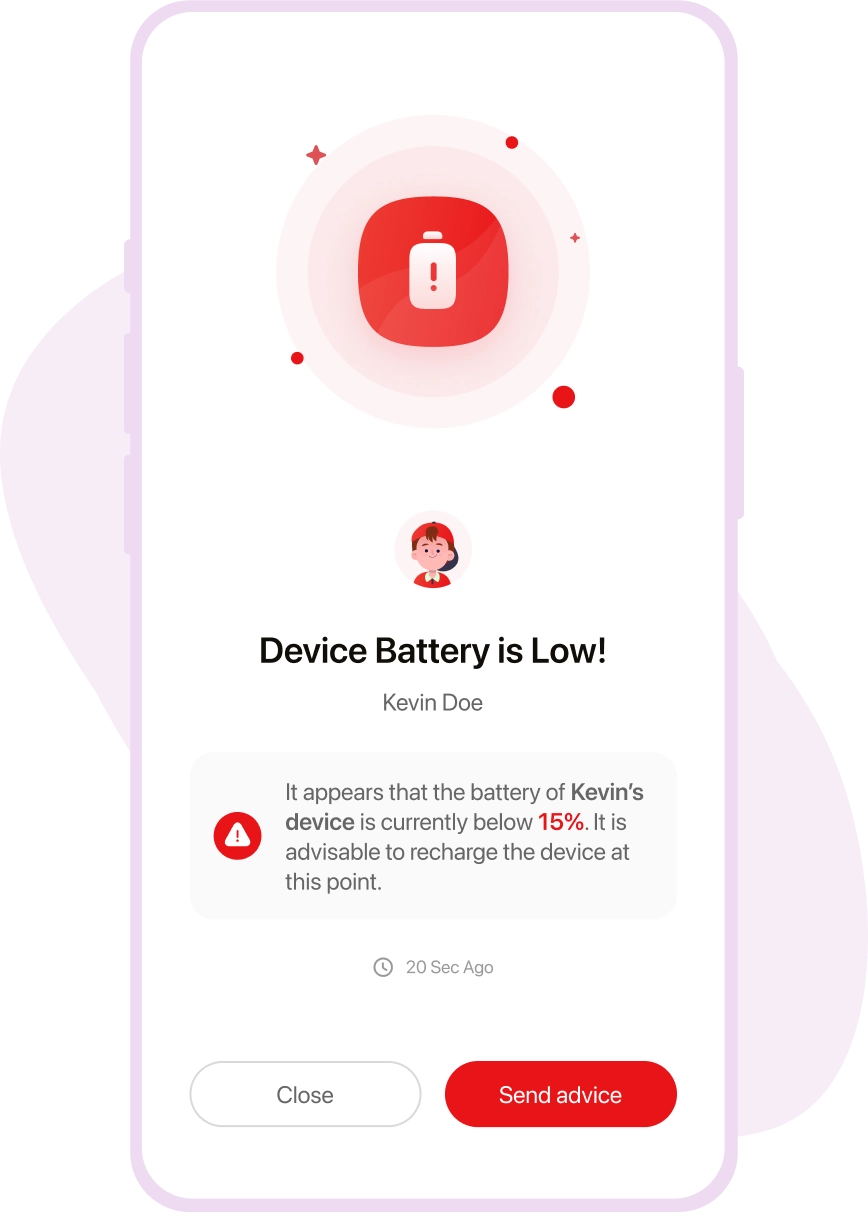
Low Battery Alerts
Send kids a gentle reminder to charge their device
Real-life Stories by Real Parents

Lisa Jenson
via Google Play Store

Buying an iPhone for my kid was a careful decision, but I felt that my young one was too engrossed in using the device all the time. So, the FamilyTime iOS parental control app turned out to be my savior. Using daily screen time limits is such a blessing, helping to control my child’s screen addiction.

Edward Flynn
via Google Play Store
I am in love with the FamilyTime parental control app for iOS devices. It’s the best choice to make my child’s digital world safer. Using device usage schedules and content filters, I am at peace that my kid is not accessing anything inappropriate or explicit at all. I recommend other parents use the app.

Christian Brown
via Google Play Store
Observing my children aggressively using their iOS devices triggered me to look for iOS monitoring software, and I found FamilyTime. It has all the iOS parental controls I wanted, from screen time limits to content filters, web blockers, and even app blockers.

Stacy Watson
via Google Play Store
I was hell irritated with my kids playing games all the time and not paying attention to their study, dinner, and sleep routine. So, I got the FamilyTime iOS Parental control app. With a single tap, I can enable device downtime and block all third-party apps on their iOS devices.
Media Covered Us


Why FamilyTime is the Best Parental Control App
Take Back Control of Your Family Time with Effortless and Effective Digital Parenting

30-Day Reporting History

FREE Access to New Features

Uninstall Protection

Easy to Use Interface

Co-Parenting Made Easy

GDPR Compliance

One Account Multiple Devices
