












Students on Smartphones in the Classroom
Discover smart tools and features to help you create a digitally safe environment for your students

77% Bring their smartphone to class

23% Find smartphones distract from learning

56% Would enjoy using their smartphone as a learn tool in class
How FamilyTime Helps You protect Your Students
Discover smart tools and features to help you create a digitally safe environment for your students

Teaching Digital Safety
FamilyTime helps you to teach digital safety to students. With FamilyTime, help them use technology the right way and avoid online threats like identity theft, phishing and cyberbullying

Filter Out Unsafe Content
With our powerful Internet Filters, filter out all pornographic and violent content so your students can enjoy technology without any downside.

Fight Cyberbullying
Make your school a bully-free one by closely monitoring how your students use their devices and tackle the cyberbullying issue the smart way.

Block Porn and Sexting Apps
FamilyTime empowers you to block and restrict all porn and sexting apps on your students' smart devices and minimize the potential risks and lack of concentration during classes.

Digital Detox
Let your students get some digital detox with our smart ScreenTime Locks. Our carefully designed screen time controls will help you regulate how much time your students spend on their devices.

Know where they are
FamilyTime location tracking lets you monitor and pinpoint the exact location of your students at any time. You can set up location-based fencing to be notified if a student is skipping on school or is somewhere they shouldn't be.
FamilyTime Already in Schools
ELIZABETH COLLEGE is working with parents and pupils to help menage content and the time students spend on smart phones and other devices through the parental control app FamilyTime. The initiative is designed to augment the efforts of parents in helping students to develop heathy relationship with the internet and social media, in particular with regard to their phones.

Ensure Safe Device Usage
Let your students have the safer and proper usage of their digital devices by controlling what they can access and what they cannot.

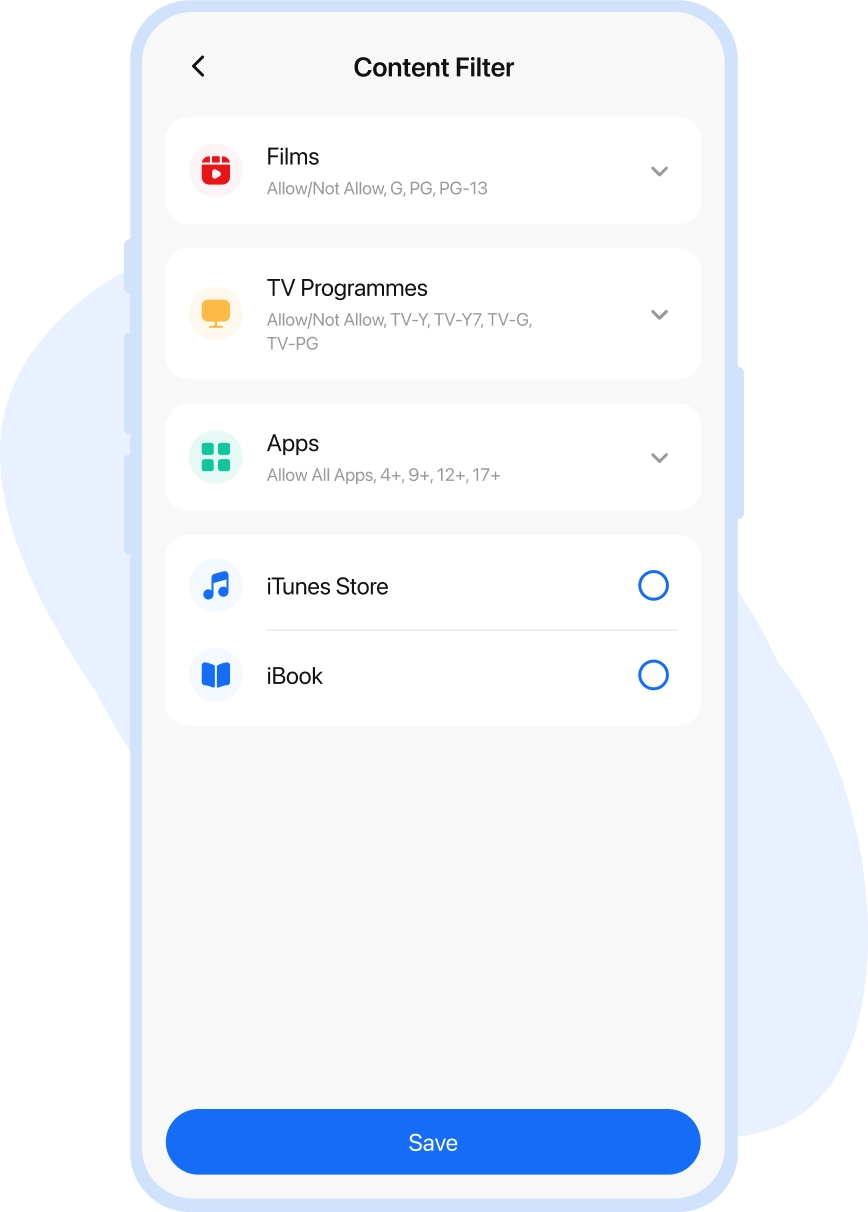
Content Filters
Filter abusive & age-inappropriate content with one touch

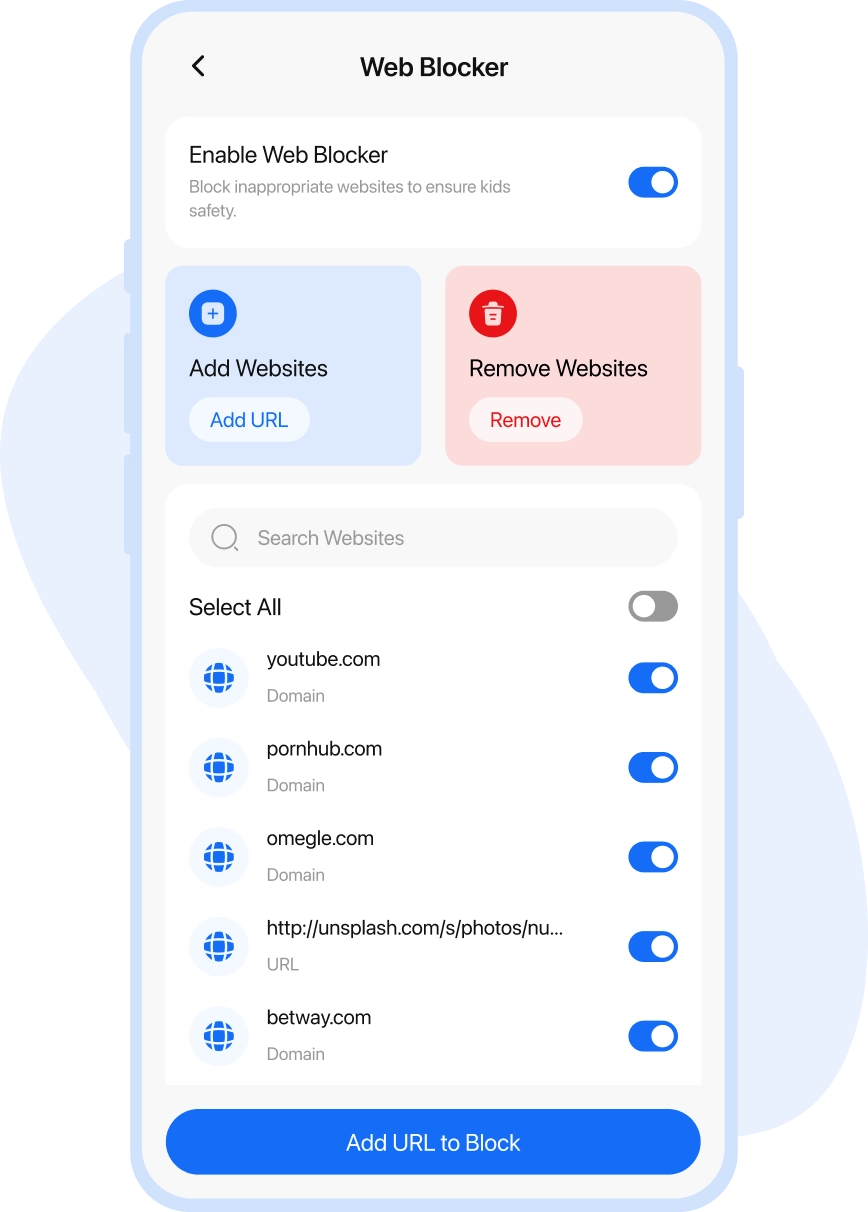
Web Blocker
Restrict the websites with no educational benefits

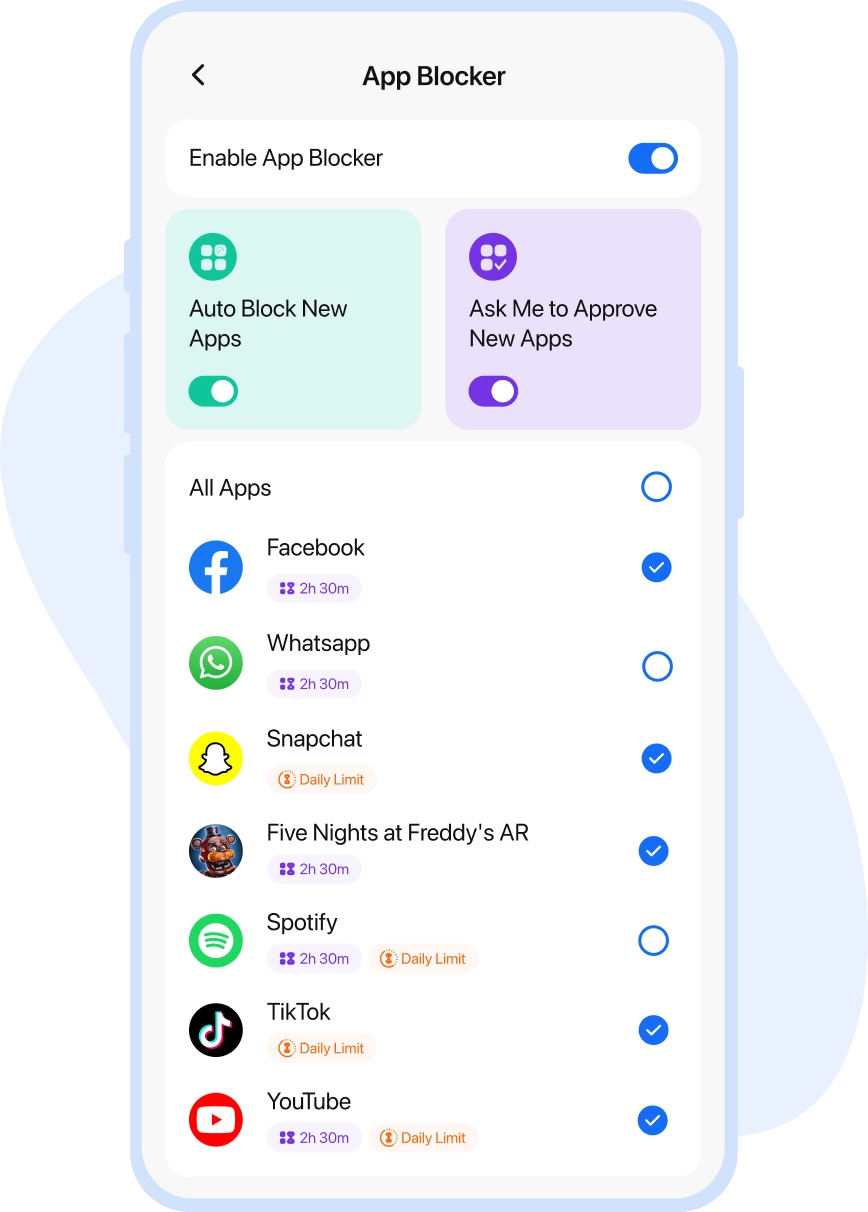
App Blocker
Block all social apps and distracting games during school time
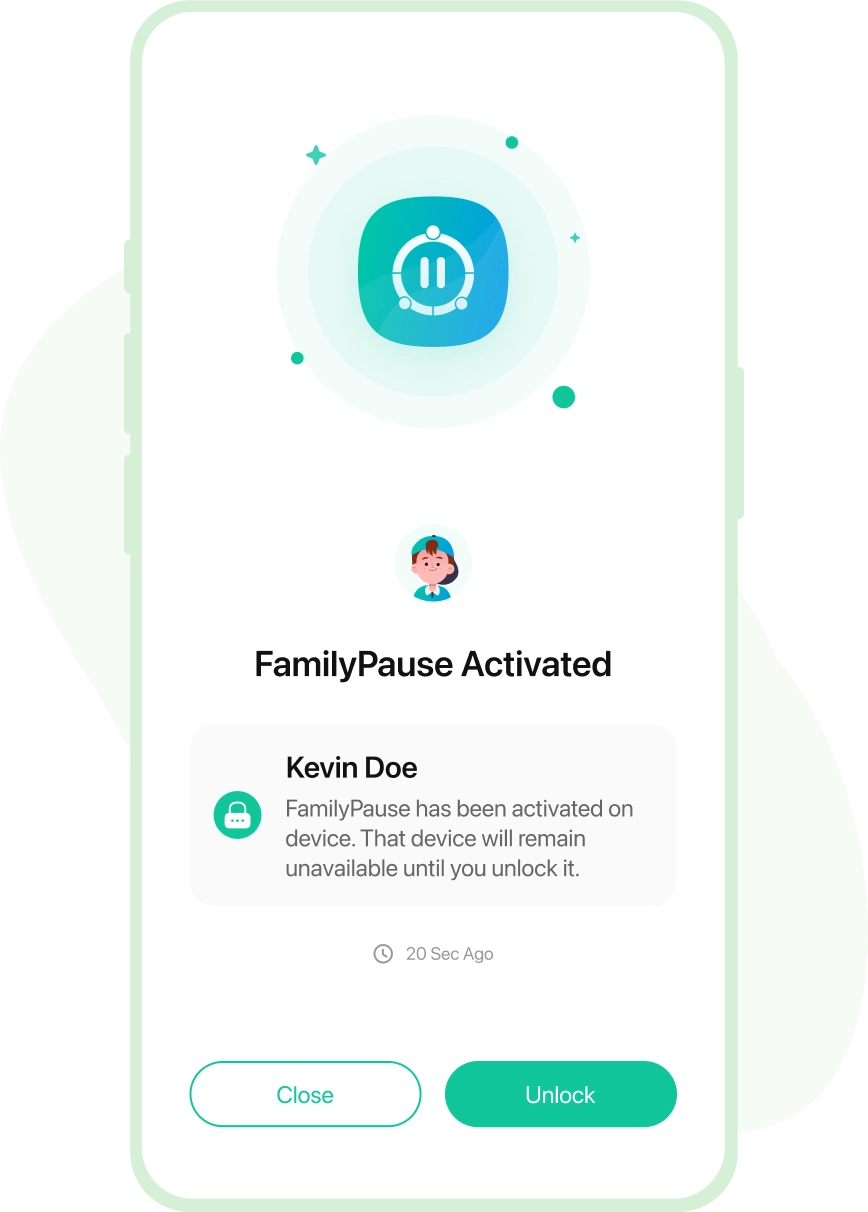
Complete Control on Devices
Be in the control of your student’s devices. Stop them from excessively using the devices with one touch and schedule the usage in school time.

Phone Lock
Using FamilyPause instantly lock your student’s devices


Device Schedules
Setup device downtime to help students focus on studies

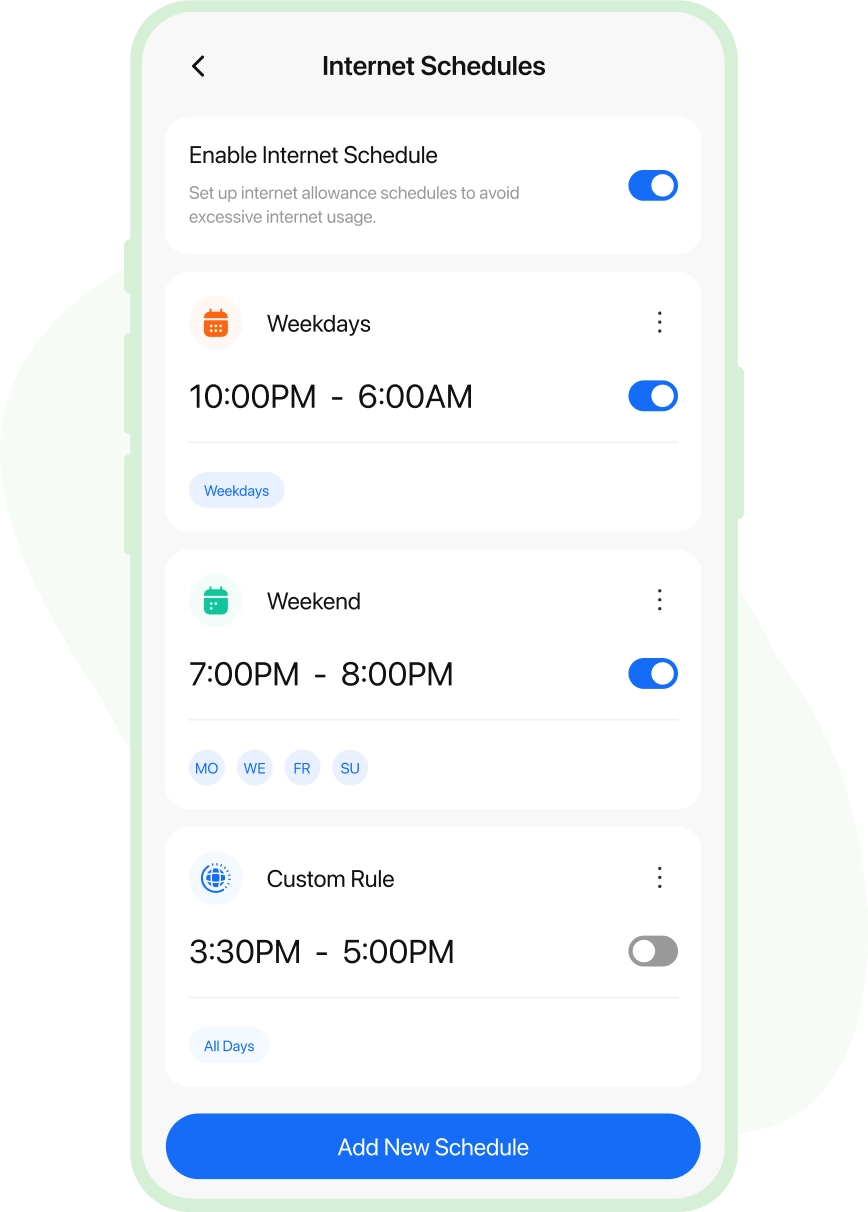
Internet Schedules
Schedule students' access to the Internet for academic searches
Insights on the Go
Review what your students have been doing on their devices, from searches to app usage, and even get real-time alerts for invasions.

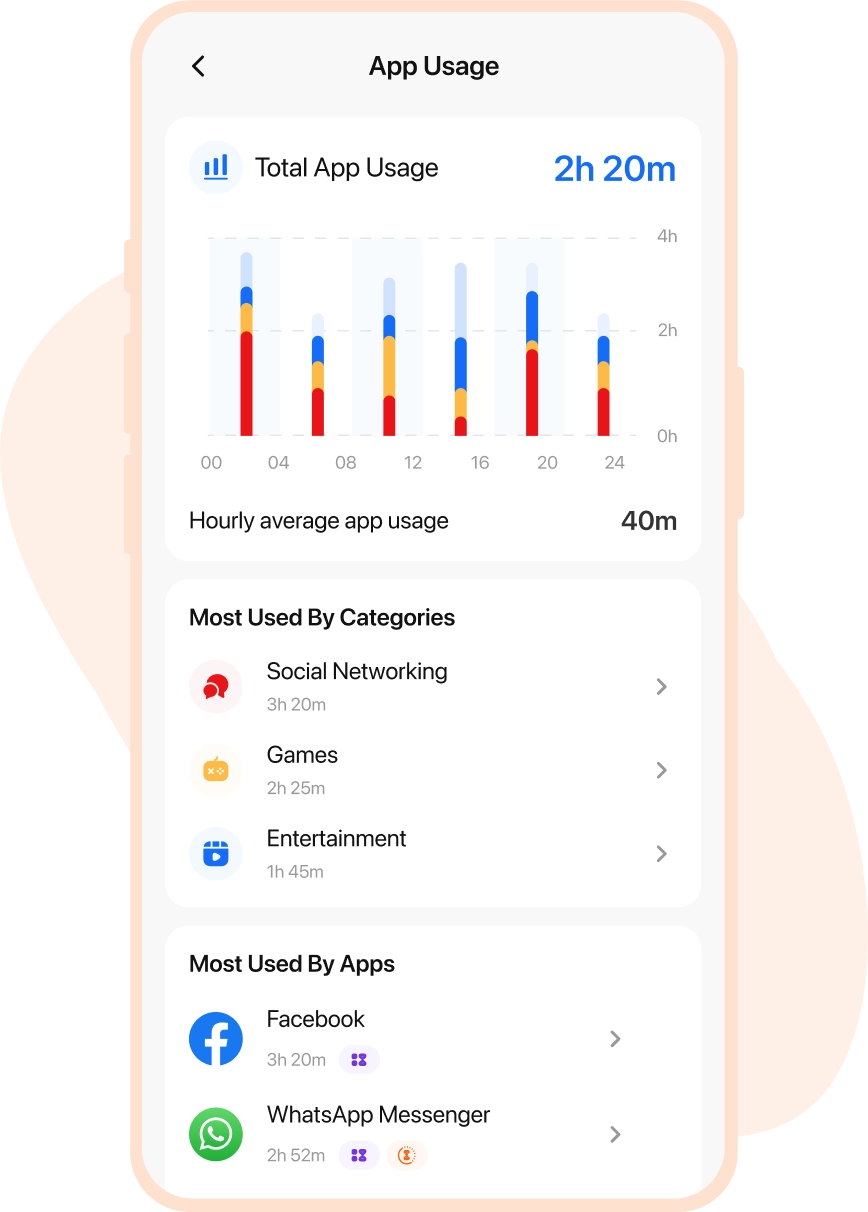
Detailed Reports
Detailed insights into student's digital activities

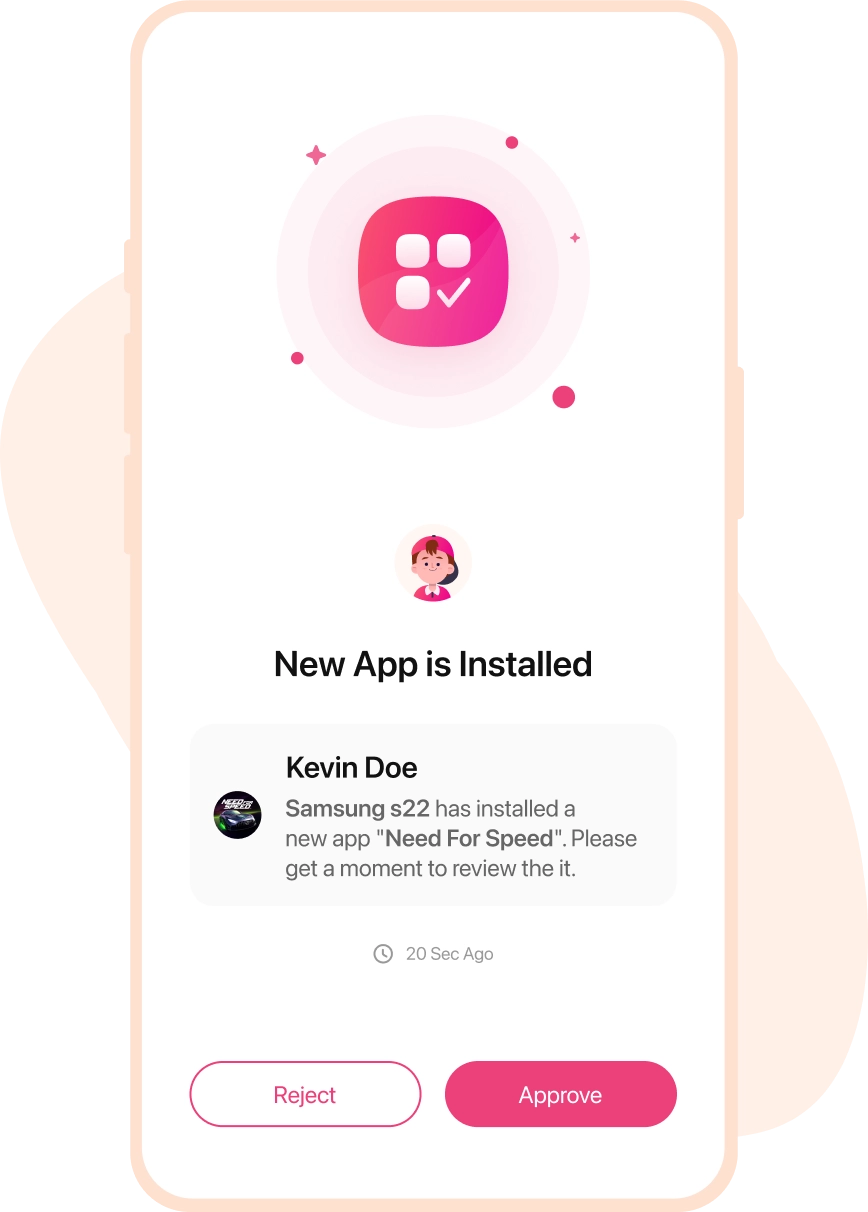
Instant Alerts
Get notifications when students attempt to access a blocked app

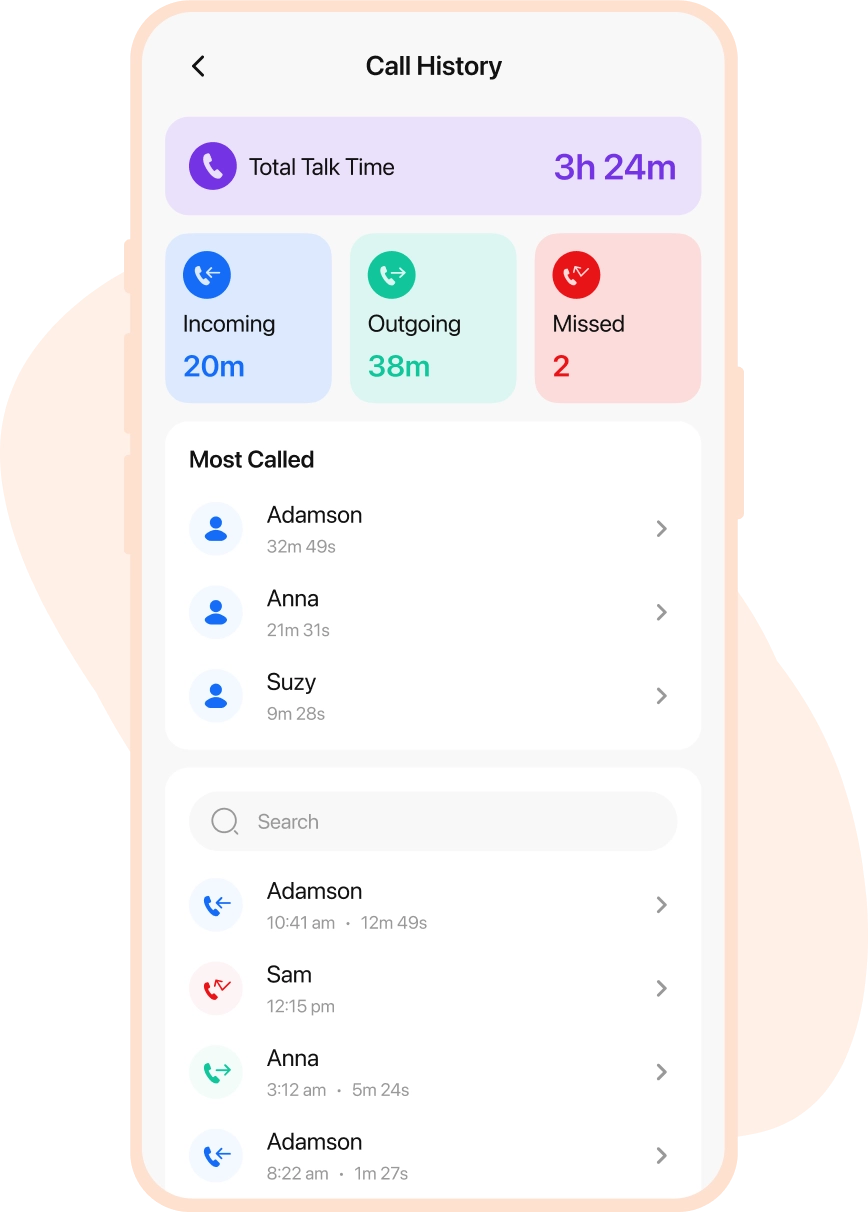
Activity Summaries
Check app usage, web searches, and more every day

Real-life Stories by Real Parents

Lisa Jenson
via Google Play Store

Buying an iPhone for my kid was a careful decision, but I felt that my young one was too engrossed in using the device all the time. So, the FamilyTime iOS parental control app turned out to be my savior. Using daily screen time limits is such a blessing, helping to control my child’s screen addiction.

Edward Flynn
via Google Play Store
I am in love with the FamilyTime parental control app for iOS devices. It’s the best choice to make my child’s digital world safer. Using device usage schedules and content filters, I am at peace that my kid is not accessing anything inappropriate or explicit at all. I recommend other parents use the app.

Christian Brown
via Google Play Store
Observing my children aggressively using their iOS devices triggered me to look for iOS monitoring software, and I found FamilyTime. It has all the iOS parental controls I wanted, from screen time limits to content filters, web blockers, and even app blockers.

Stacy Watson
via Google Play Store
I was hell irritated with my kids playing games all the time and not paying attention to their study, dinner, and sleep routine. So, I got the FamilyTime iOS Parental control app. With a single tap, I can enable device downtime and block all third-party apps on their iOS devices.

Why FamilyTime is the Best Parental Control App
Take Back Control of Your Family Time with Effortless and Effective Digital Parenting

30-Day Reporting History

FREE Access to New Features

Uninstall Protection

Easy to Use Interface

Co-Parenting Made Easy

GDPR Compliance

One Account Multiple Devices
