

FamilyTime - Exclusive Android Parental Control App.
FamilyTime the best Android parental control app empower parents to monitor & control their child’s digital activities and build safer digital spaces.






Why Do You Need a Parental Control App for Android Devices?
74% of smartphones used by kids globally run on the Android OS. Do you know? Android devices are highly exposed to safety risks, and so are your kids.

82% of Android devices have at least one OS safety issue.

80% of kids actively download apps on their Android devices.

25% of 2M apps on Google Play contain high security risks.

14% of kids using Android are making in-app purchases.
Comprehensive Android Parental Controls Maximizing Children’s Digital Safety
FamilyTime Android monitoring software provides unlimited digital safety tools to keep your little Android user safe and monitored.

Screen Time Management Kit
On average, kids spend 5-8 hours on screen daily watching content, chatting, or playing games, which requires controlling screen time for Android.

Schedule Screen Time
Decide when your child can or cannot use screen time in a day.

Individual app limit
Set limits on games & apps to control addiction.


Daily Usage Limits
Set screen limits to restrict your child’s daily screen usage.


Schedule internet
Schedule limited daily internet access for kids.
Limit Content & App Access
80% of kids above 12 yrs randomly download apps & games and interact with content online. Secure their access with an app blocker for Android and other tools.

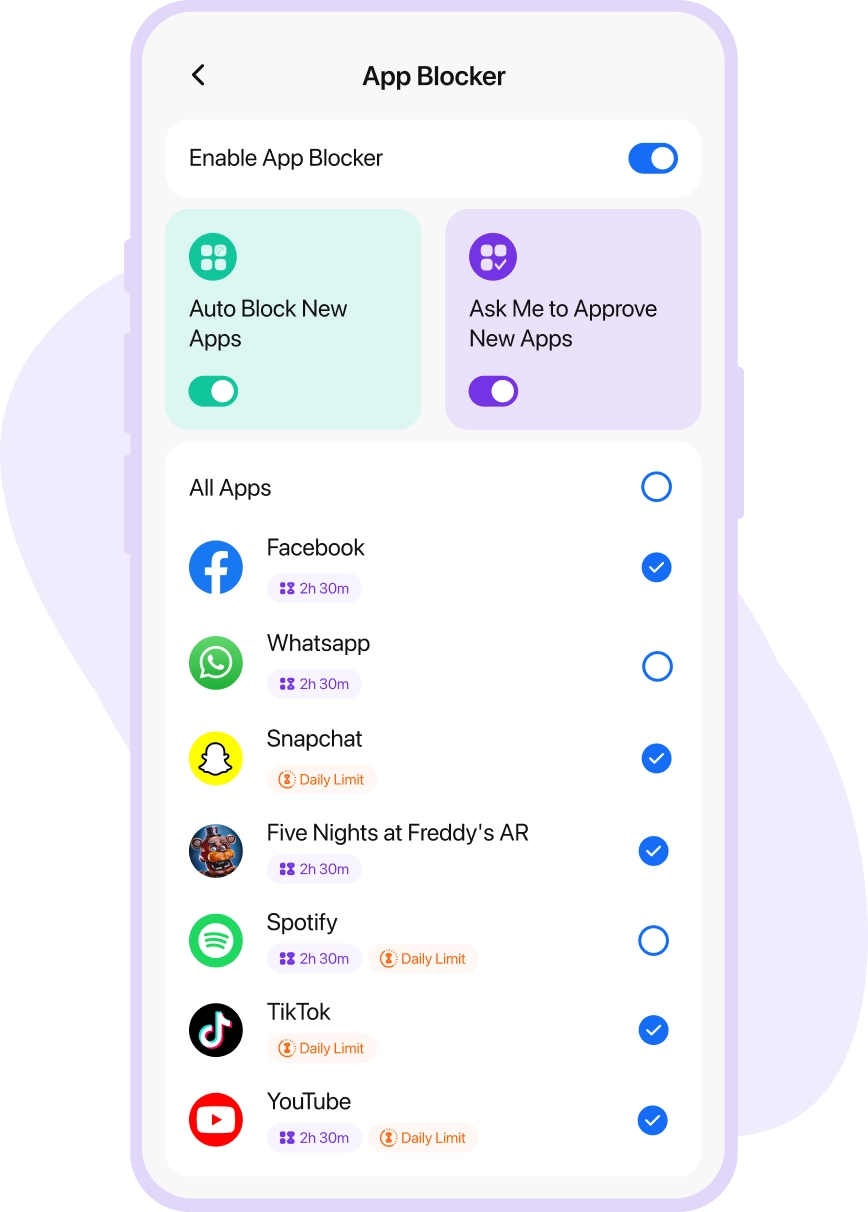
Apps & Games Blocker
Block inappropriate or unverified apps & games.

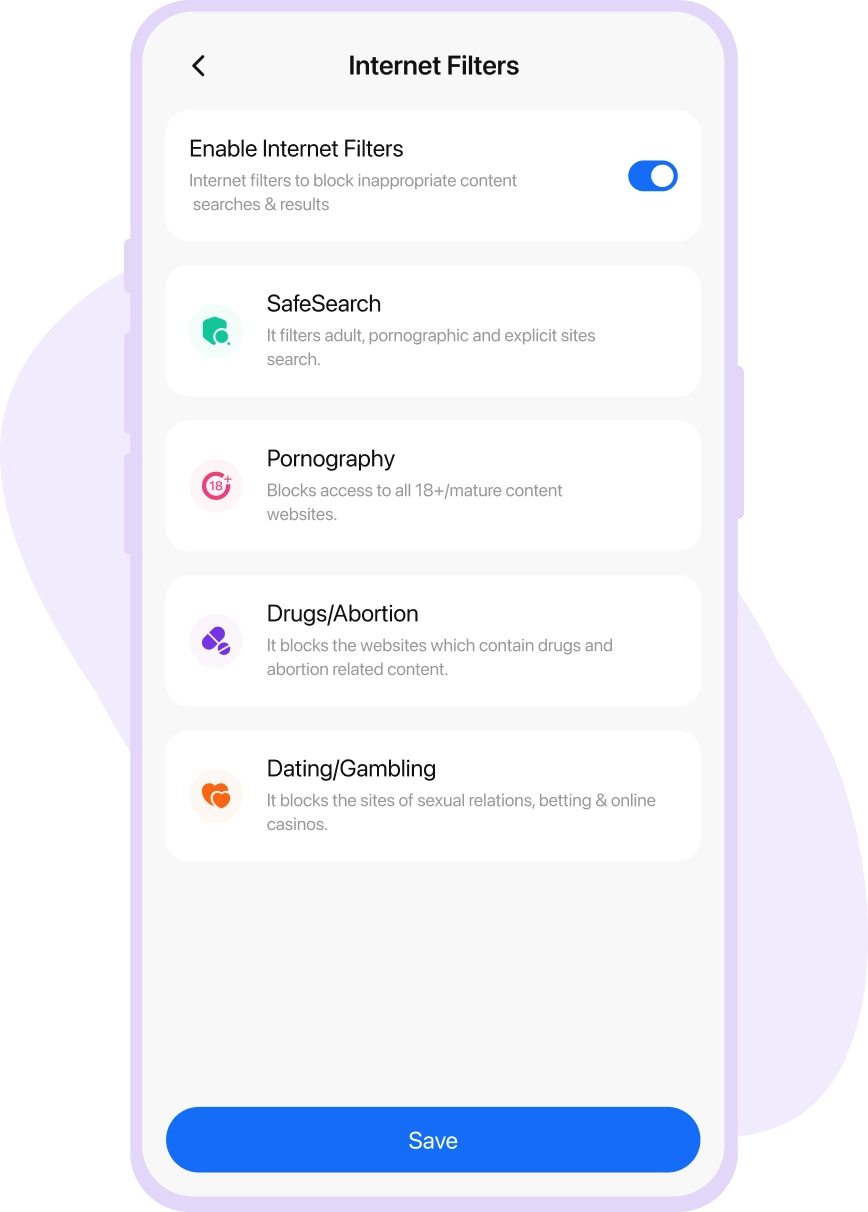
Web Filters & SafeSearch
Enable search filters to restrict inappropriate search results.

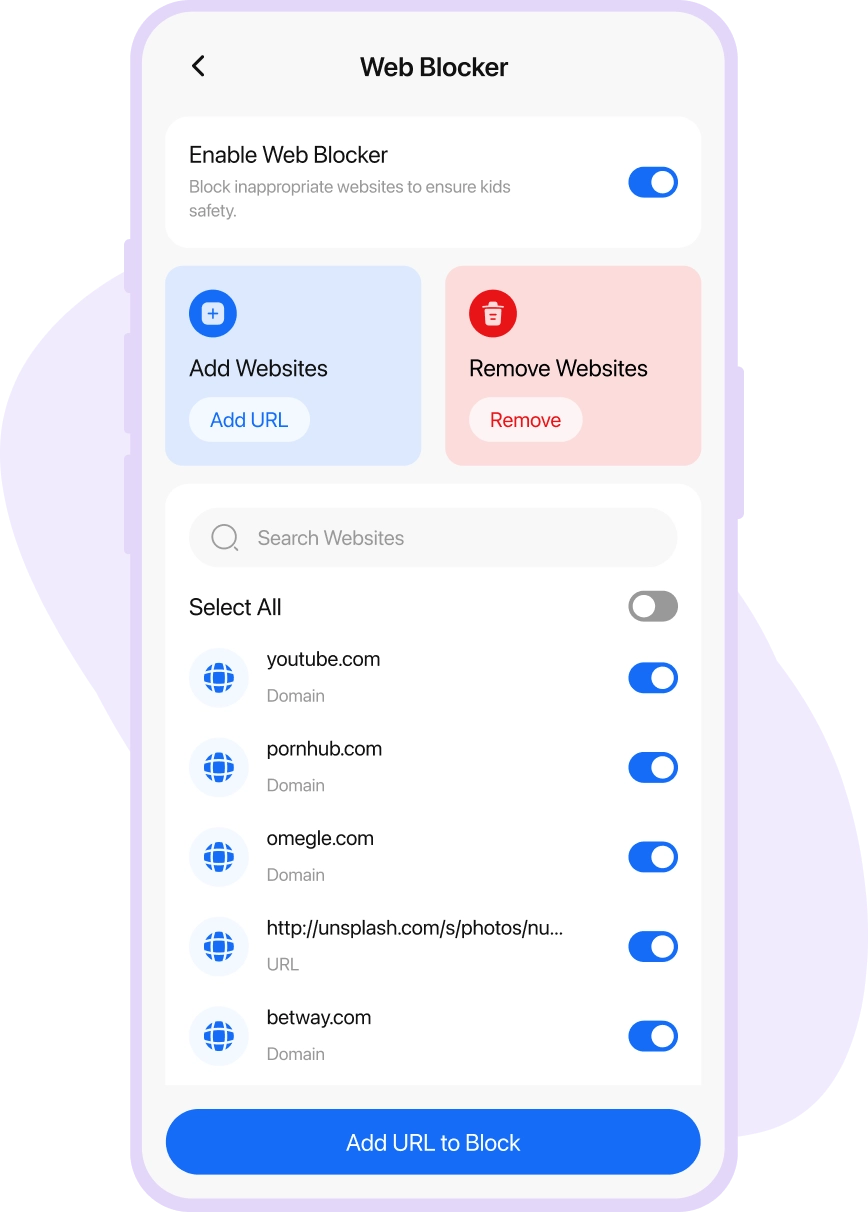
Websites Blocker
Block explicit and age-sensitive websites on the browser.

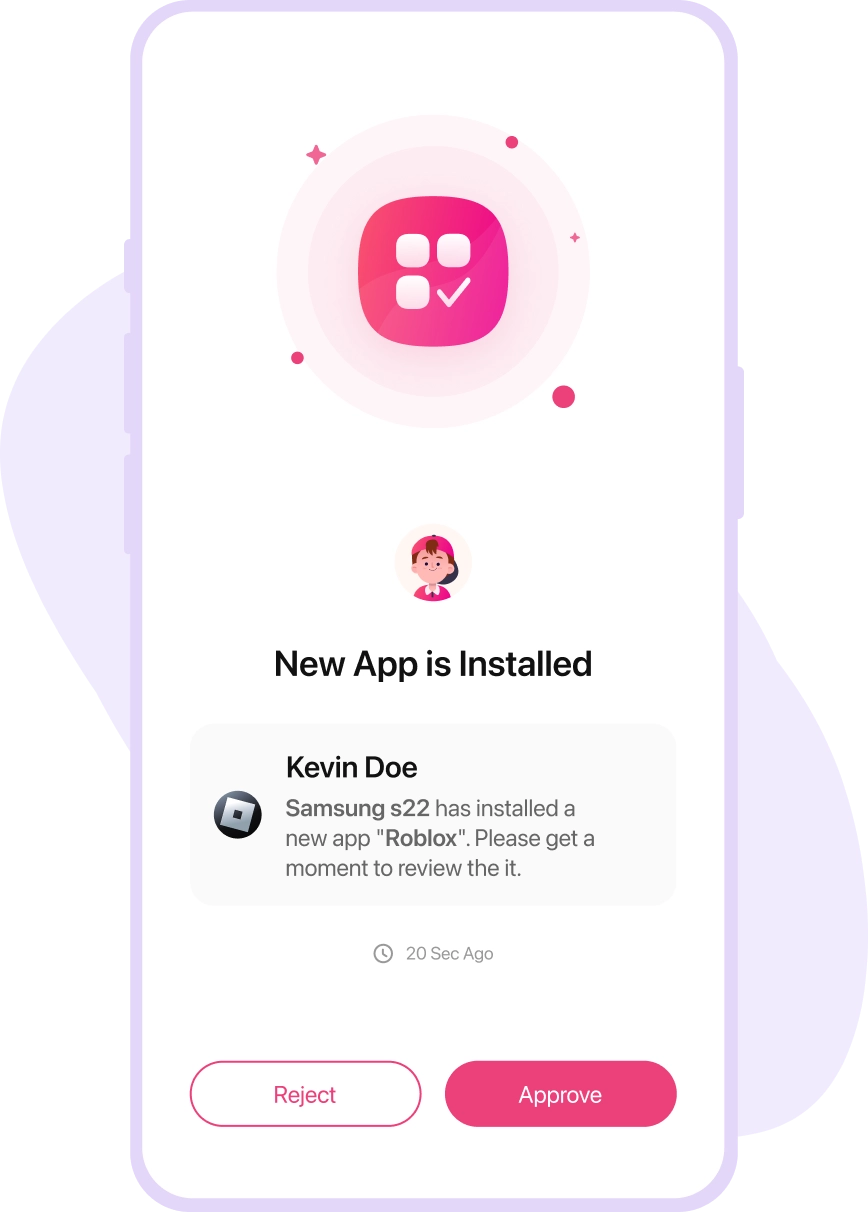
Approve Apps & Games
Decide the apps or games your child will use or interact with.

Monitor Activities to Enhance Safety
81% of kids having phones and the internet are active on social media sites. Android monitoring app helps in reviewing their activities and save them from cyber threats.

Social Media Monitoring
View their chats on popular social media platforms.

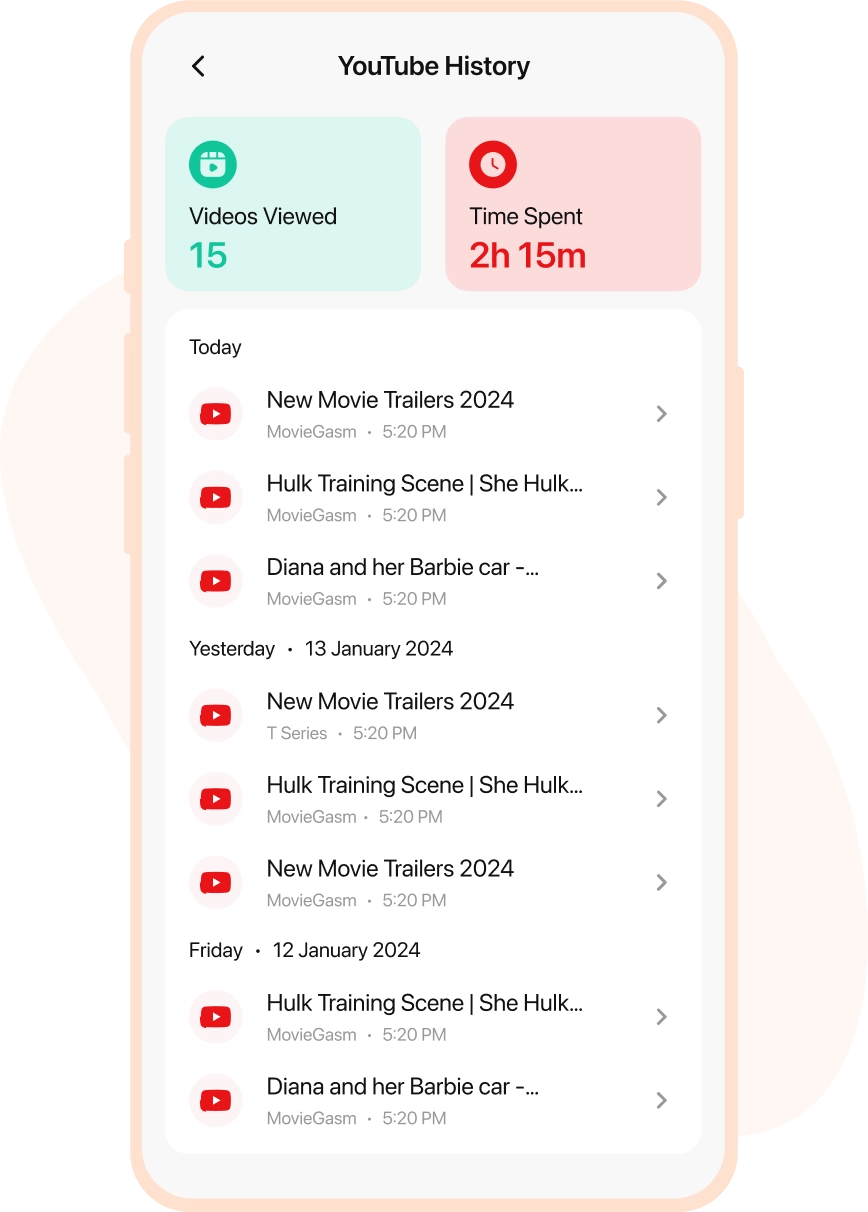
YouTube & TikTok History
Know what your child’s been watching online.


Calls & SMS
Review incoming and outgoing calls & SMSs at a glance.

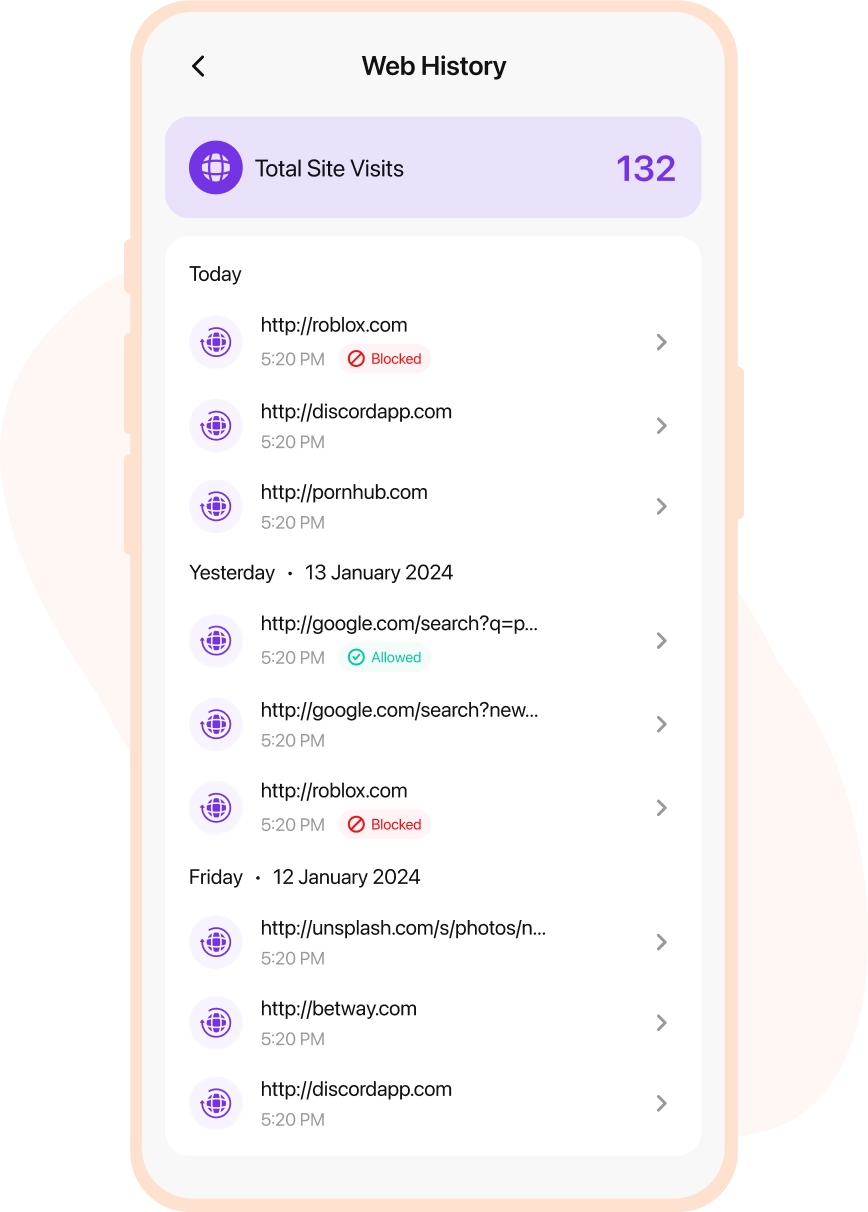
Web History
Find out what your child has been searching to learn.
Follow & Track Locations
85% of parents are worried about their kid’s whereabouts when they are away. Access the ultimate toolkit to stay informed about your child’s location 24/7.


Family Locator
Review your family’s location online anytime you want.


Location Tracking
Smart & accurate location tracking for Android.


Places (Geofence)
Set geofence limits to monitor your child’s movements.
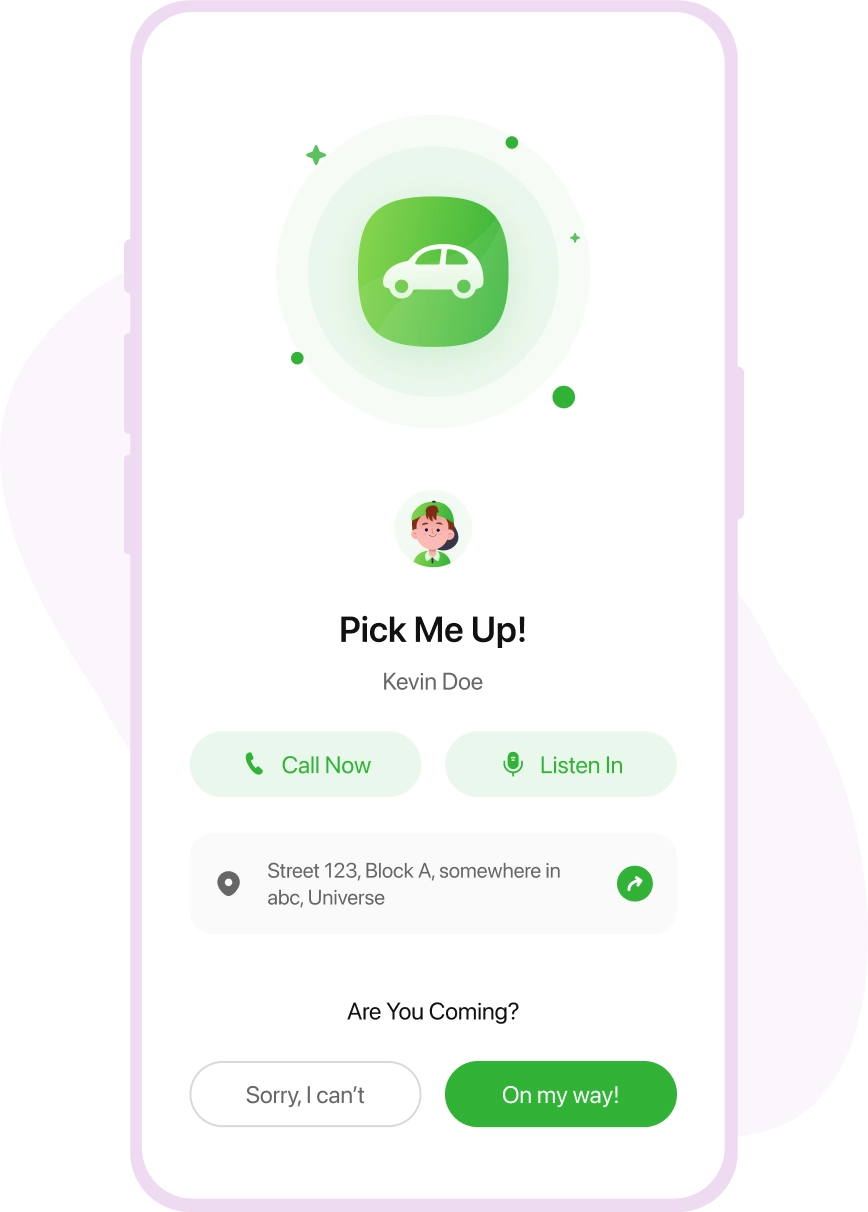
Stay Connected with Live Alerts
Connect with your kids with two-way alert options. They can reach out when in need or feel danger, and you can send them soft reminders to be safe.

PickMeUp Alert
Kids can send pick-up reminders so they won’t keep waiting.


Low Battery Alert
Know what your child’s been watching online


SOS Alert
Real-time SOS alerts for kids whenever they are in danger.


Geofence Alert
Set alerts about your child moving within geofence places.
Android Parental Controls Transform Your Child’s Digital Safety
Android monitoring with FamilyTime advances you towards a safer online digital environment for your children.

Managed Screen Time
Control screen time for Android devices to ensure your child is not overexposed to screens and content online. Help them balance their online & offline activities and fight screen addictions.

Fight Bullies
50% of teens experience bullying and harassment on social media. Keep your teen safe from bullies with android monitoring software by reviewing their WhatsApp, Facebook, Instagram, Twitch, Bip, and Signal chats.

Increase content Safety
Kids have a higher risk of exposing to explicit content and apps online. Use the app and web blockers to filter content, approve apps to allow using appropriate apps, and search filters to access safe content.

Watch Their Steps
Knowing where your kids and teens are going helps you keep them safe. Track their live location, view location history & set up a geofence, to get alerts about their movement with Android Location Tracking app FamilyTime.

Keep Cyber Predators Away
Cyber predators sliding into your child’s contacts are a real threat. Monitor contact lists, review calls & SMS logs to watchlist suspicious contacts using the best monitoring app for android.

Always a Tap Away
The best parental control app for Android offers you safety alerts, like SOS, PickMeUp, and Geofence movement, keeping you available for kids when they need. Plus, send them Low Battery alerts to charge devices in a timely manner.
Real-life Stories by Real Parents

David Bruce
via Google Play Store

Seeing my kids using new apps every other day without my notice was stressful. Thankfully, the FamilyTime's approved app feature enabled me to keep my kids from installing or using any app without my permission. Plus, the live chat support is super helpful with the issues and questions I have about using the controls or setting rules.

Stacy Davis
via Google Play Store
I strongly recommend the FamilyTime parental control app for Android devices. It's one app with all the features. I am using the app for my tweens and a teen. It's equally helpful in setting device limits, blocking the internet, and reviewing social media chats, SMS, and calls. I love the SafeTeenDrive feature to review my teen's driving.

Chris Black
via Google Play Store
FamilyTime has made Android monitoring simple for me. I was worried about what my child was doing online, but now I completely control their activities. I can limit app usage, block unwanted apps and websites, and much more. Plus, customer support is quite efficient for real-time troubleshooting.

Emma S
via Google Play Store
I was worried about monitoring my child's Android device on my iPhone. But the FamilyTime Android parental control app is amazing. It was quick to set up the app on both devices, and now my child's Android phone is as secure as I wanted it to be. I love the screen time controls, app, web blockers, and SOS alerts the most.
Setup FamilyTime App and be Sure Your Kid’s Are Safe
Follow three simple steps to download, connect and manage apps on parent and kid’s devices.

1
Download the FamilyTime Dashboard app on parent’s device.



2
Download the “FamilyTime Jr” app on your child’s device.

3
Scan your QR Code to connect both your device and your child's device within the app to access.
Media Covered Us


Why FamilyTime is the Best Parental Control App
Take Back Control of Your Family Time with Effortless and Effective Digital Parenting

30-Day Reporting History

FREE Access to New Features

Uninstall Protection

Easy to Use Interface

Co-Parenting Made Easy

GDPR Compliance

One Account Multiple Devices
