

Things Required Before You Proceed
make sure you have everything you need at hand! Here are the things you'll need:
- The child's iOS device must be running iOS 11 or above.
- The iOS device must be connected to the Internet throughout the installation.
- You need to have physical access to the child’s iPhone to install FamilyTime.
- You must have FamilyTime in good standing. Click here to sign up if you don’t have an account already.
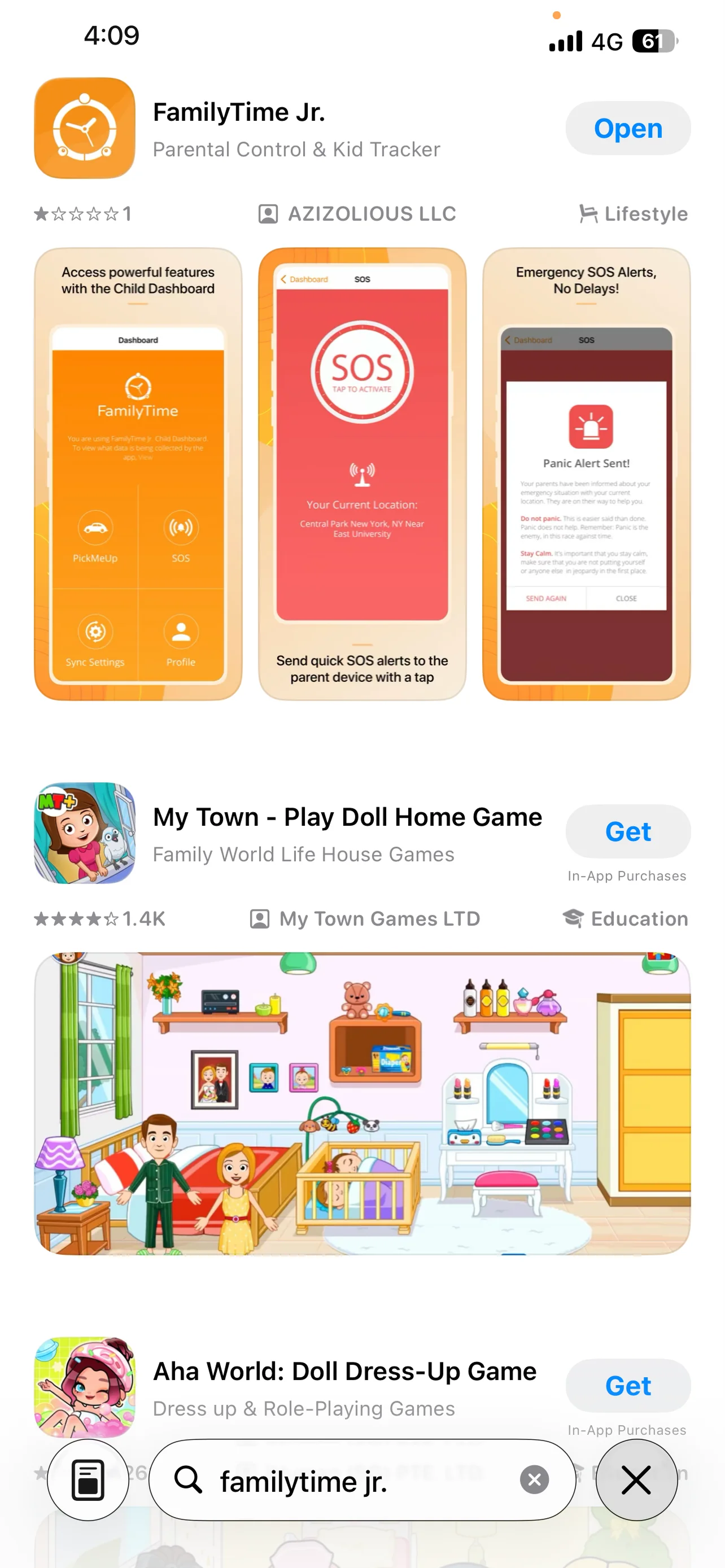
Open App Store and search FamilyTime jr.

Select FamilyTime Jr. and tap "GET".

As the app installation is completed, tap"OPEN".
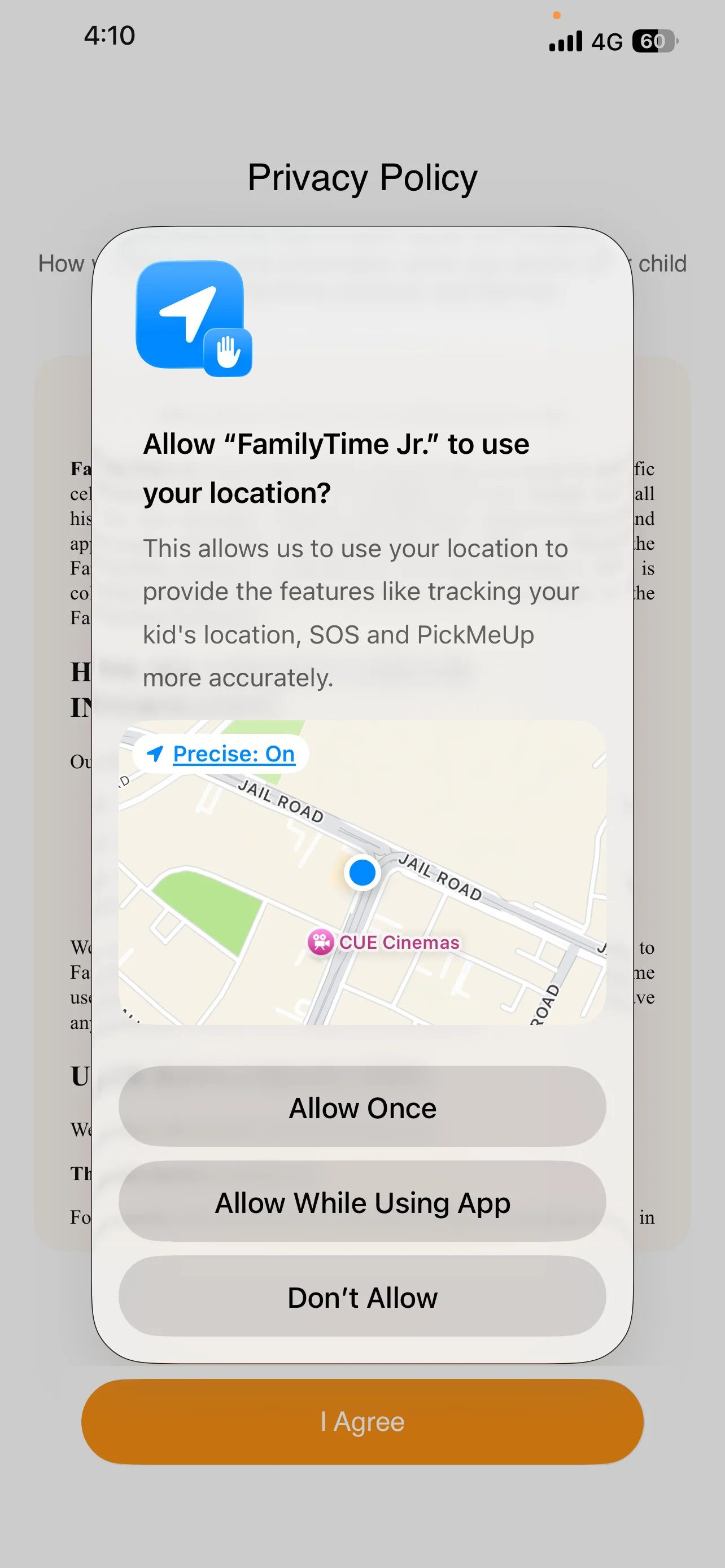
Tap "Allow While Using App" to Continue
The app will require sending notifications. Tap Allow and proceed.

The app will require you to agree to Terms and Conditions and Privacy Policy. Tap I AGREE.

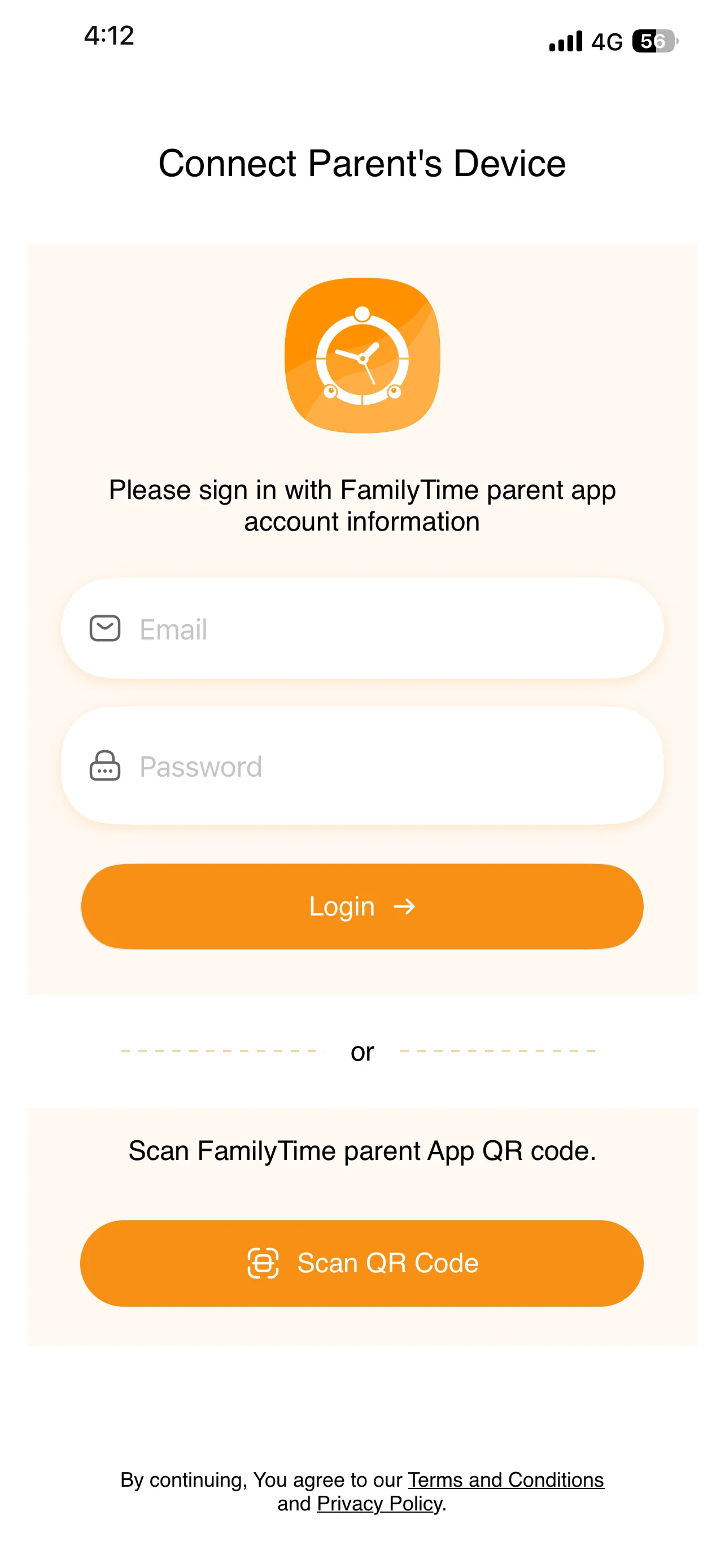
Enter parent email and password to pair child devices.
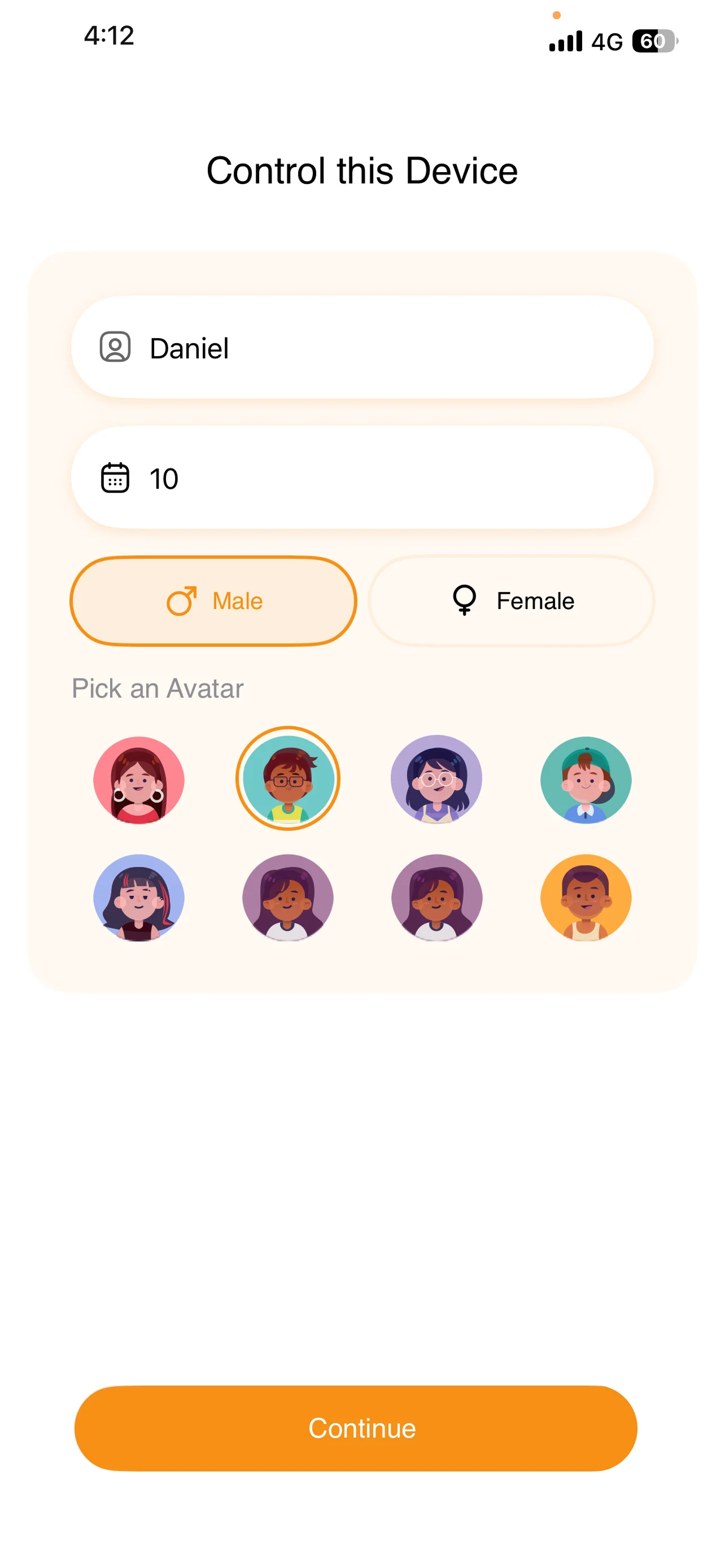
Add child’s name, age, gender, then tap “Continue.”
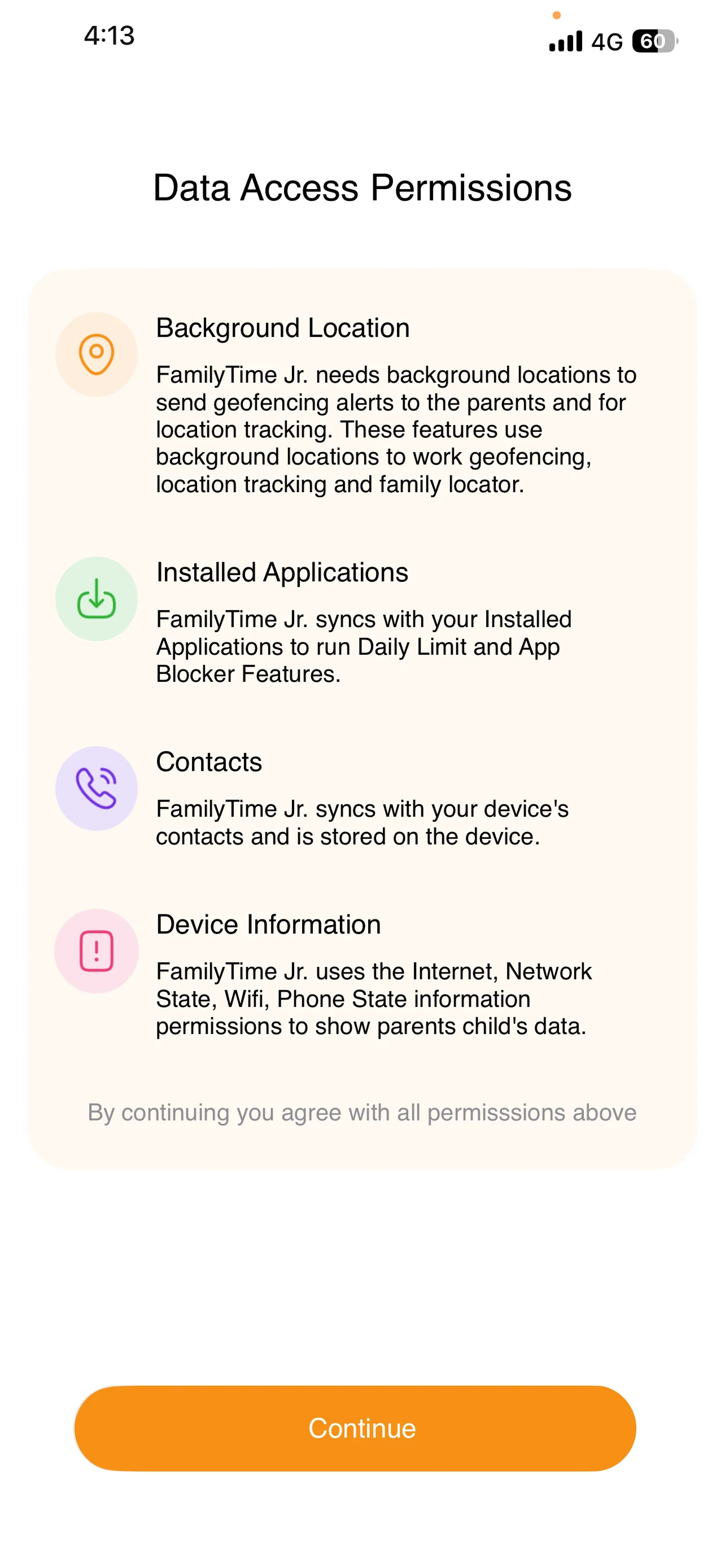
Read Data Access Permissions, then tap “Continue.”
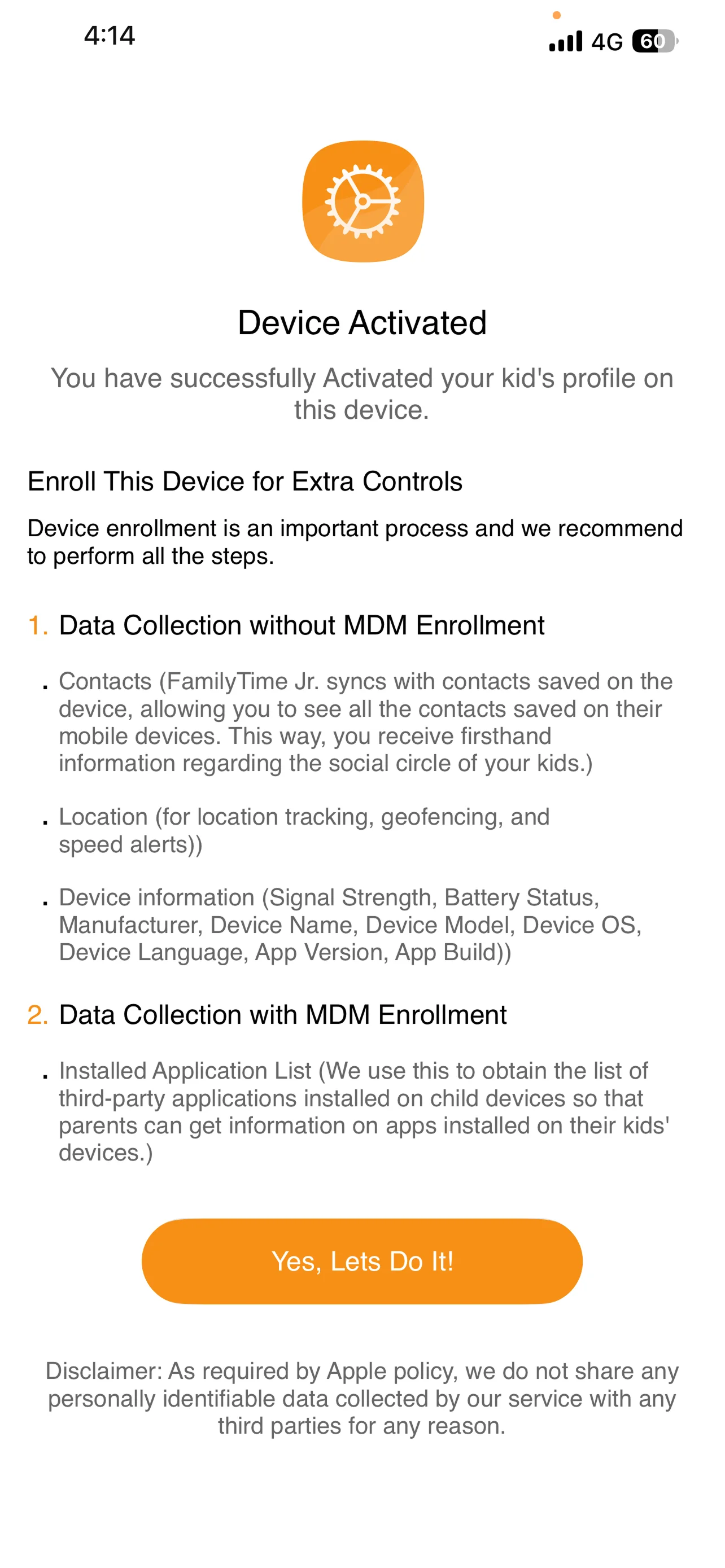
Tap on Yes, Lets Do it! to proceed installation of FamilyTime's Mobile Device Management (MDM).
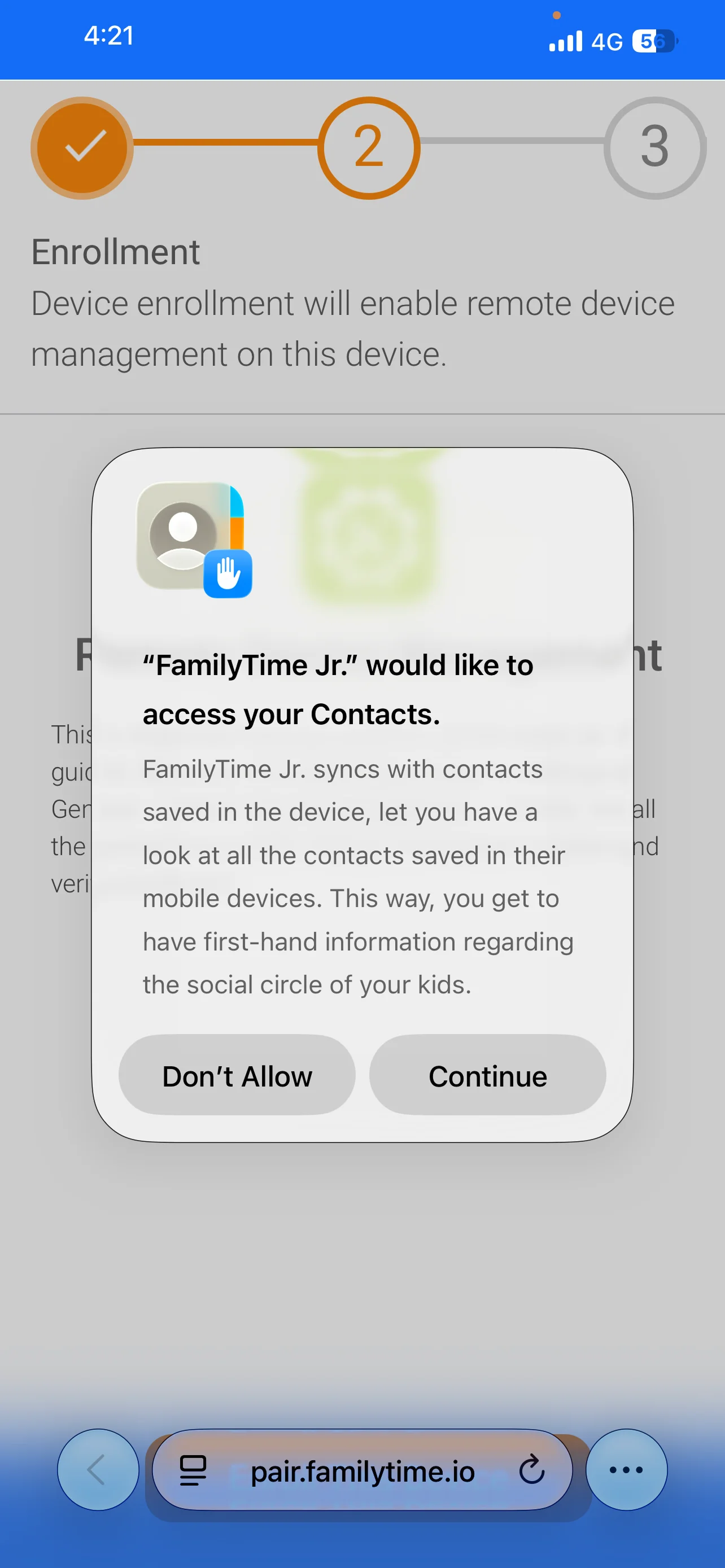
Tap on Continue to Proceed Further
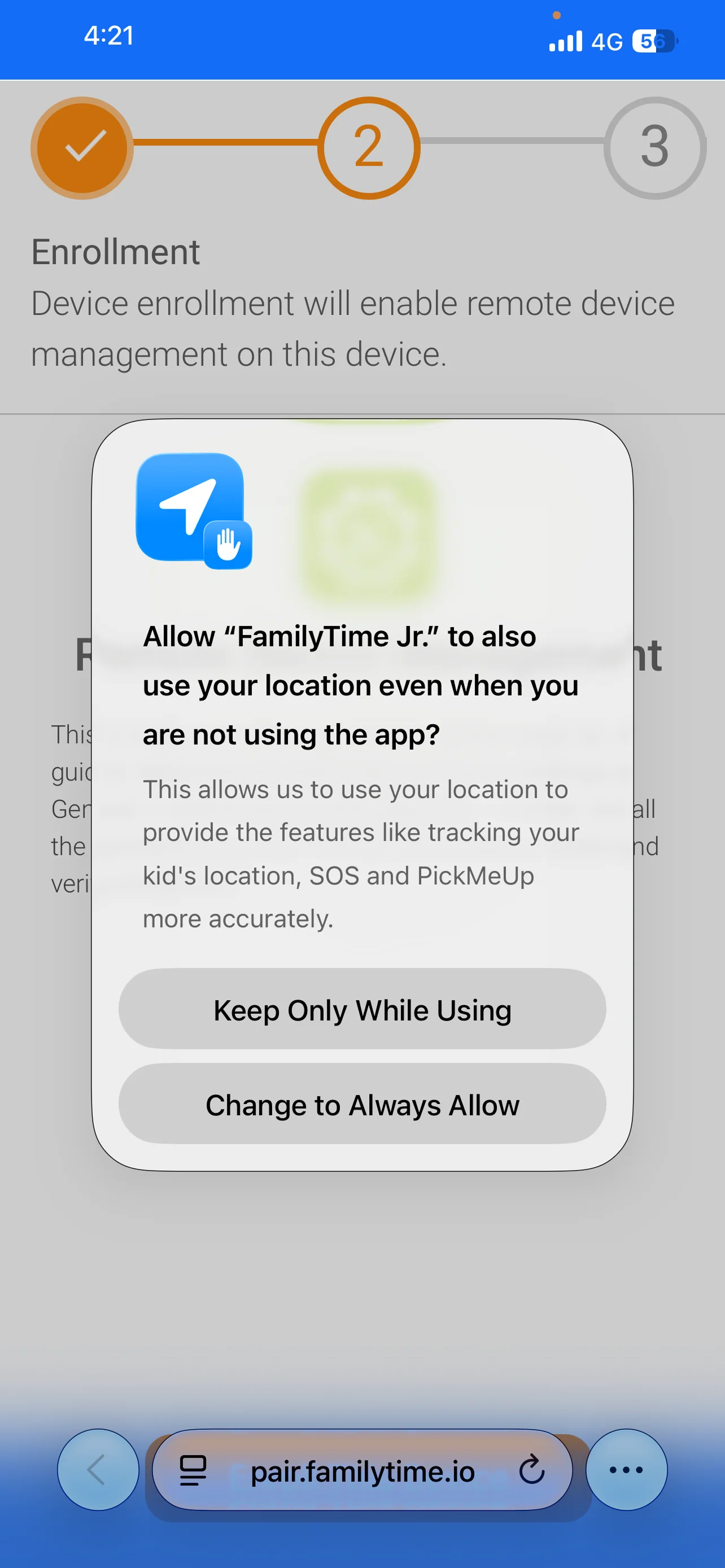
Tap on "Change to Always Allow" to Continue
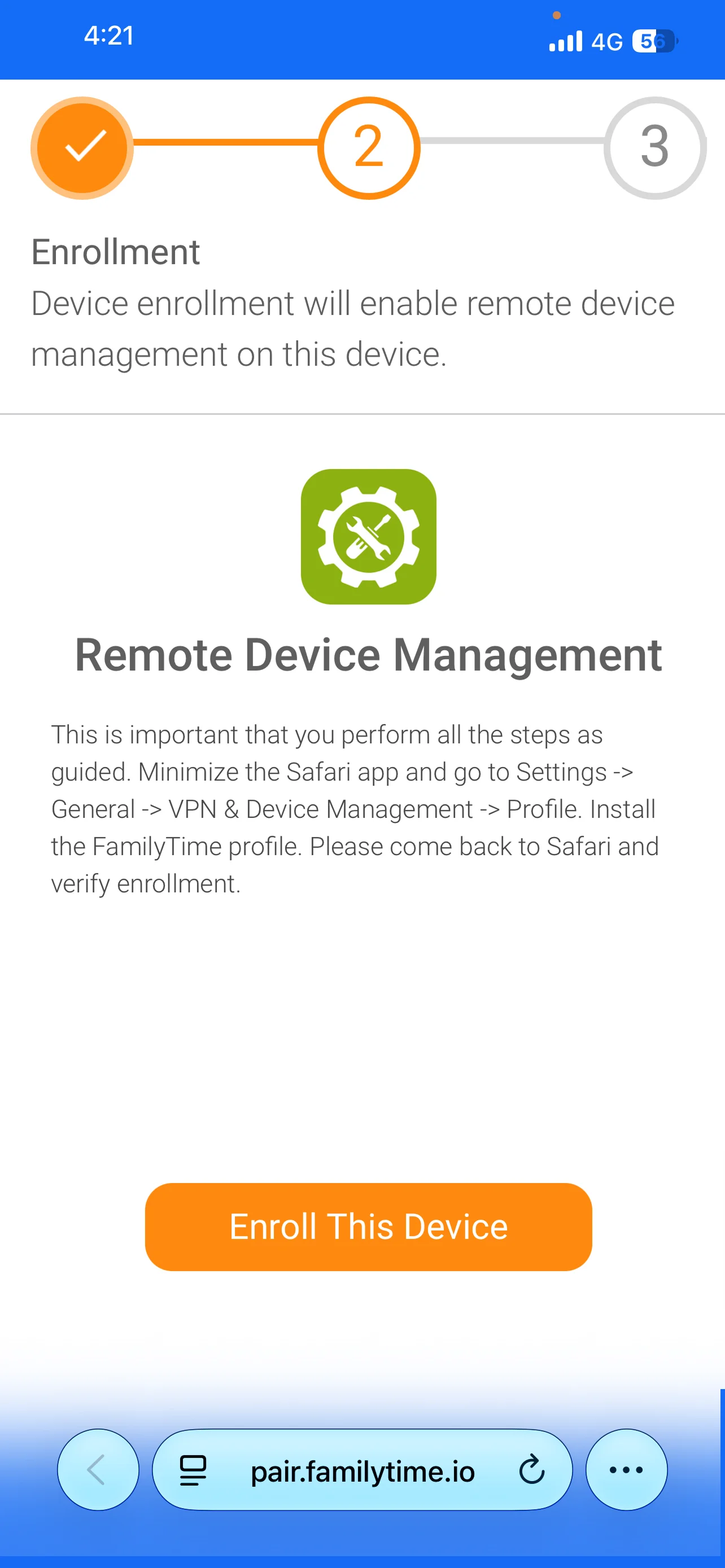
Tap on Enroll This Device to proceed further.
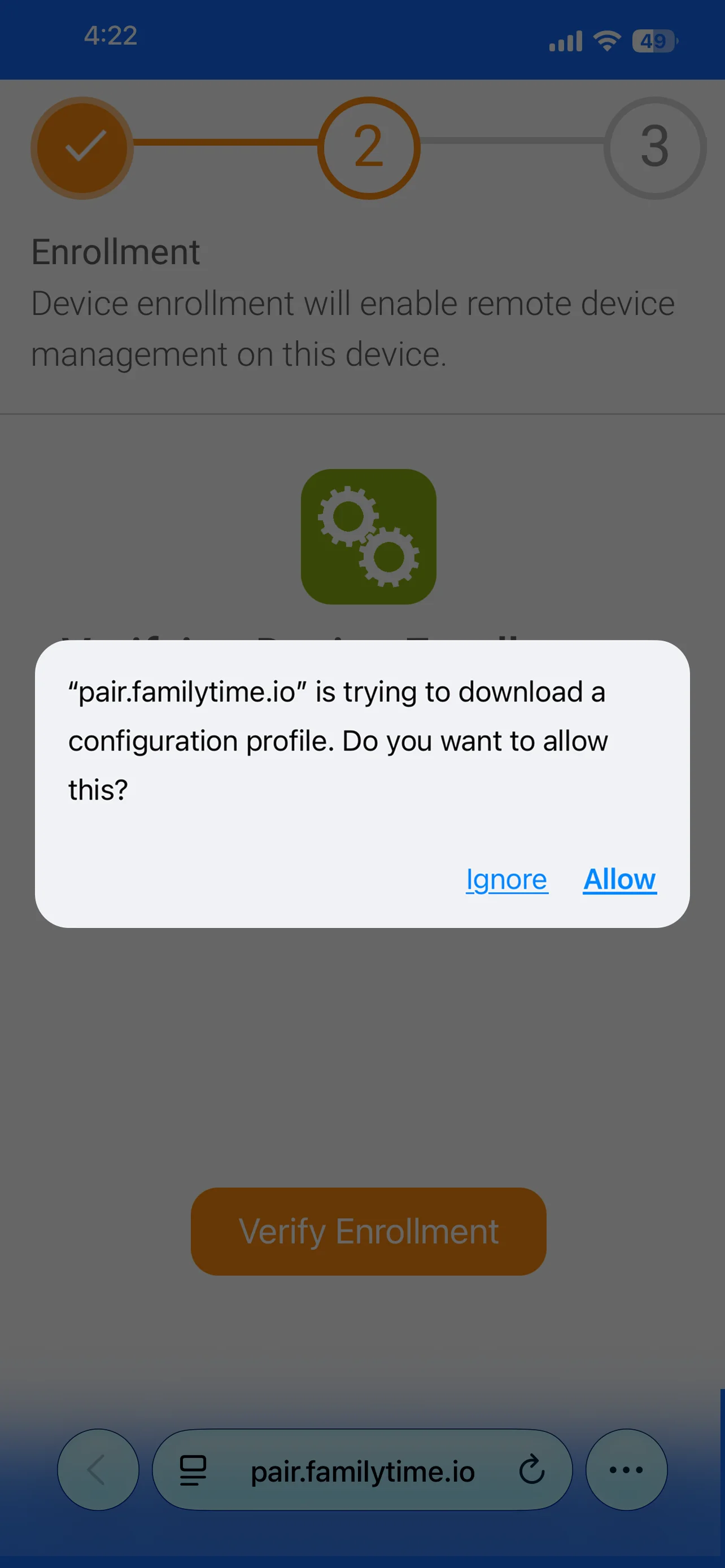
Tap on Allow to proceed further.
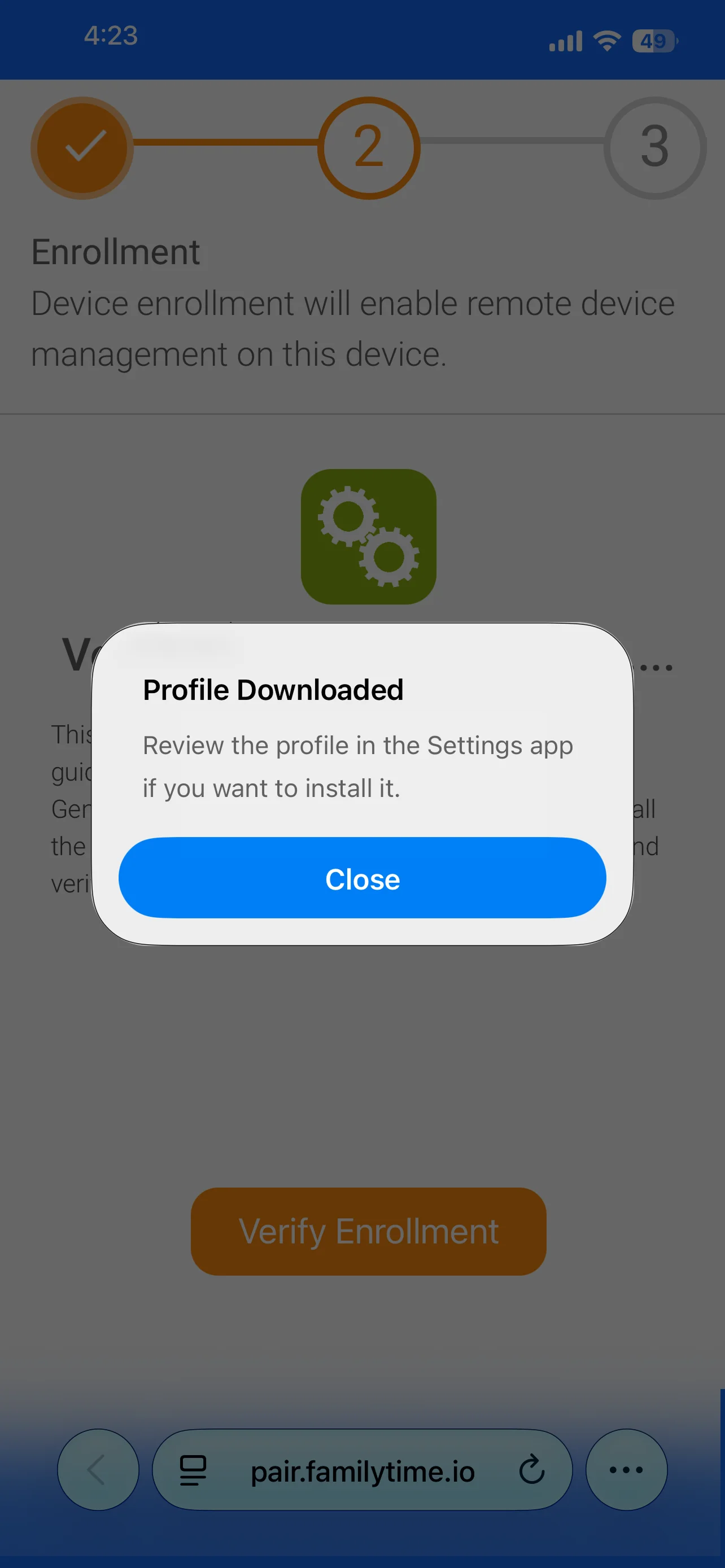
Tap on Close to close this pop-up.
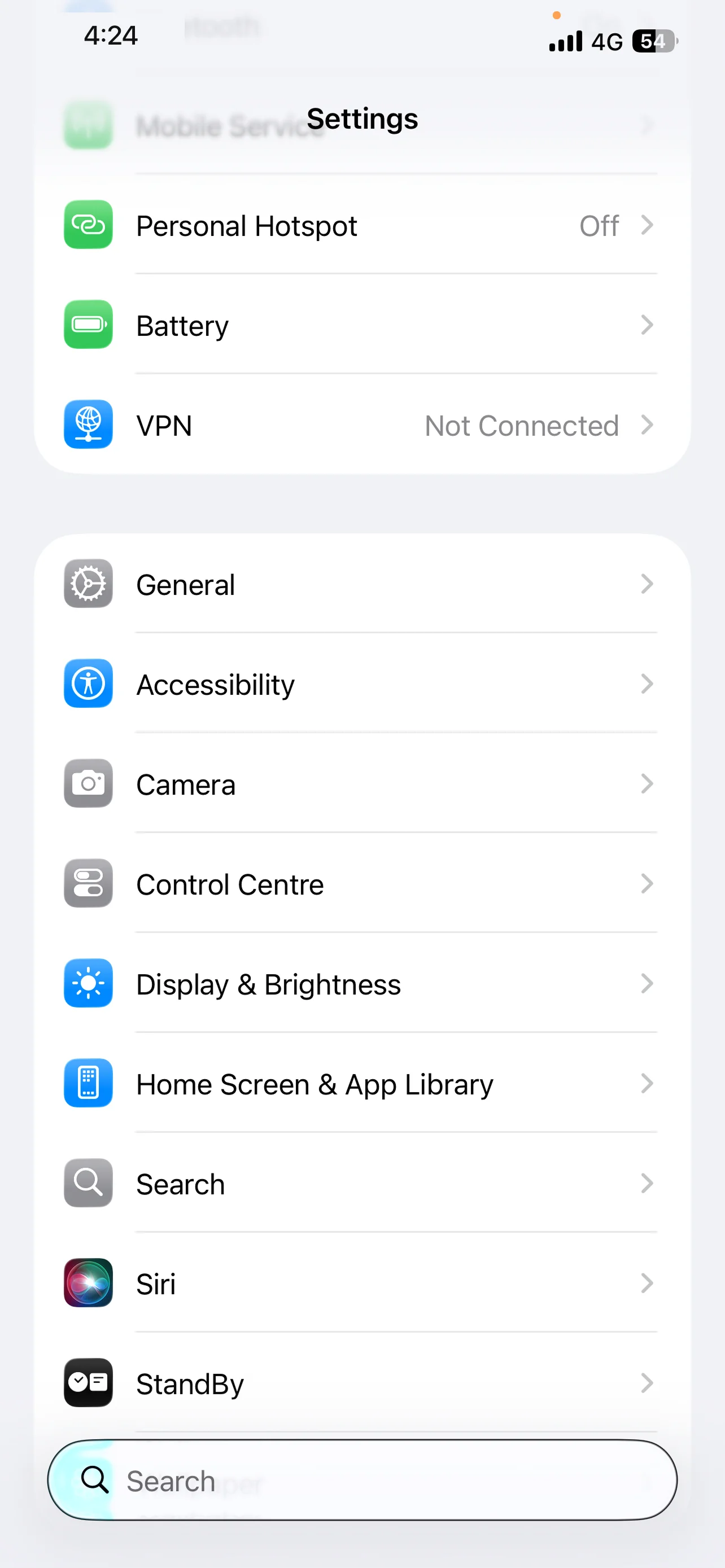
Now, minimize the Safari app and go to Settings Screen then tap on "General"
Open General Screen, Scroll down and Tap on "VPN & Device Management".
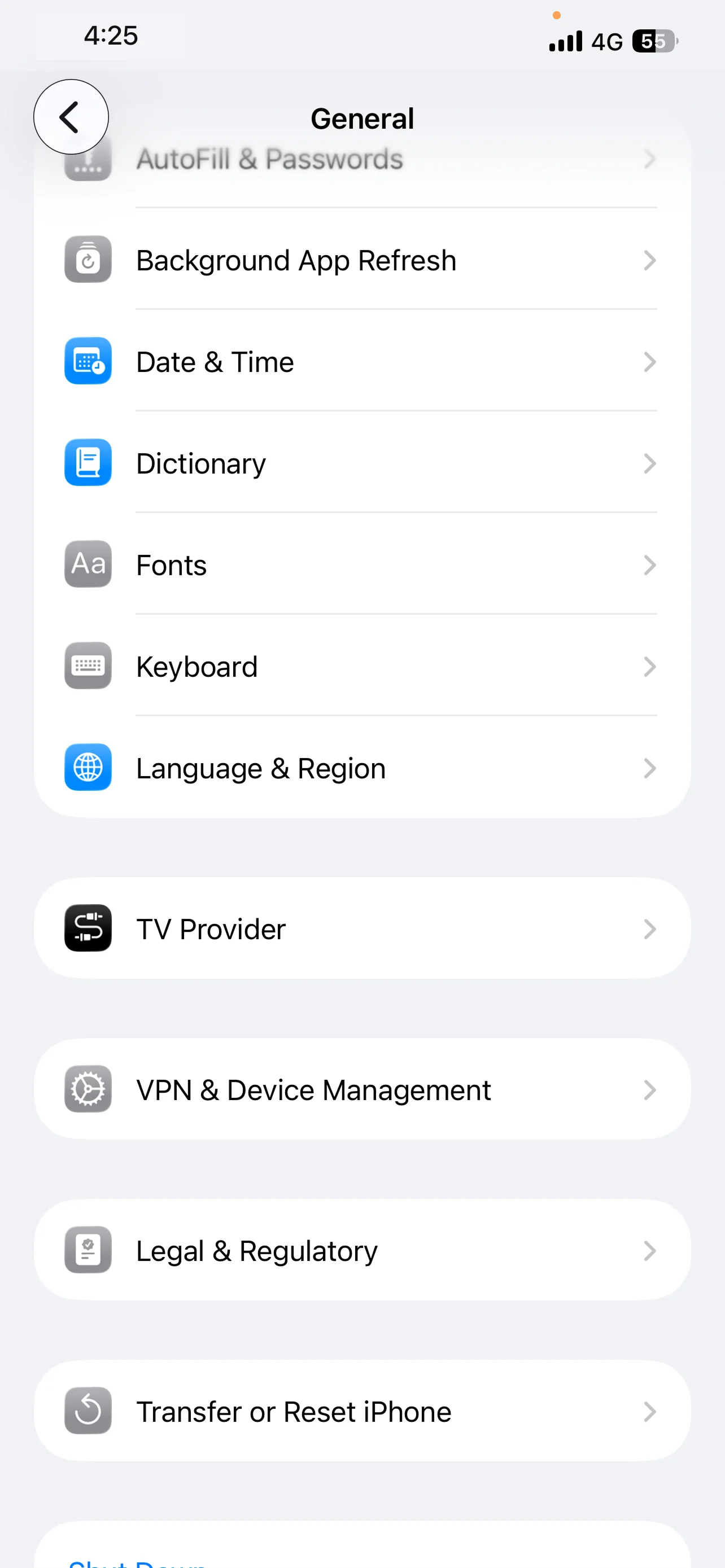
Please tap on the profile named "FamilyTime".
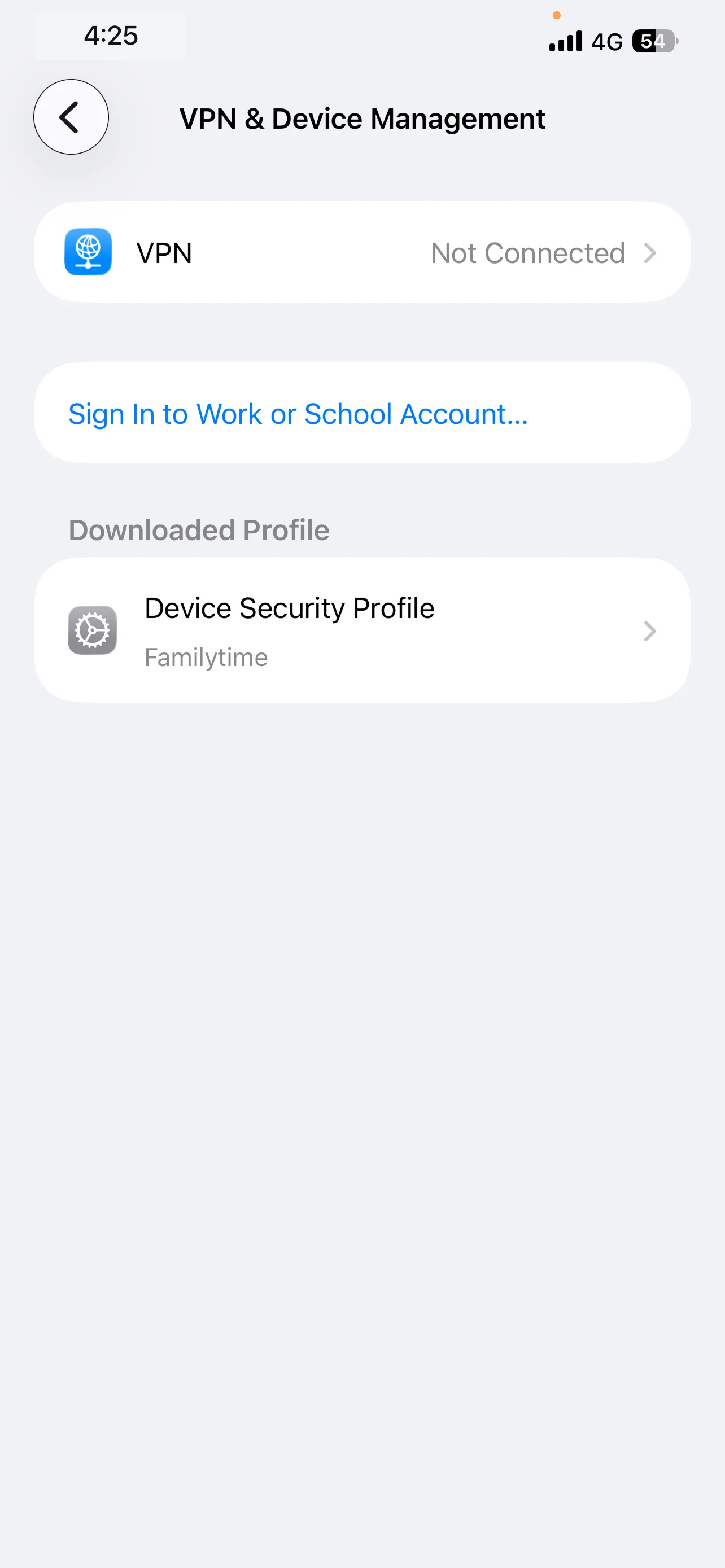
Please tap on "Install".
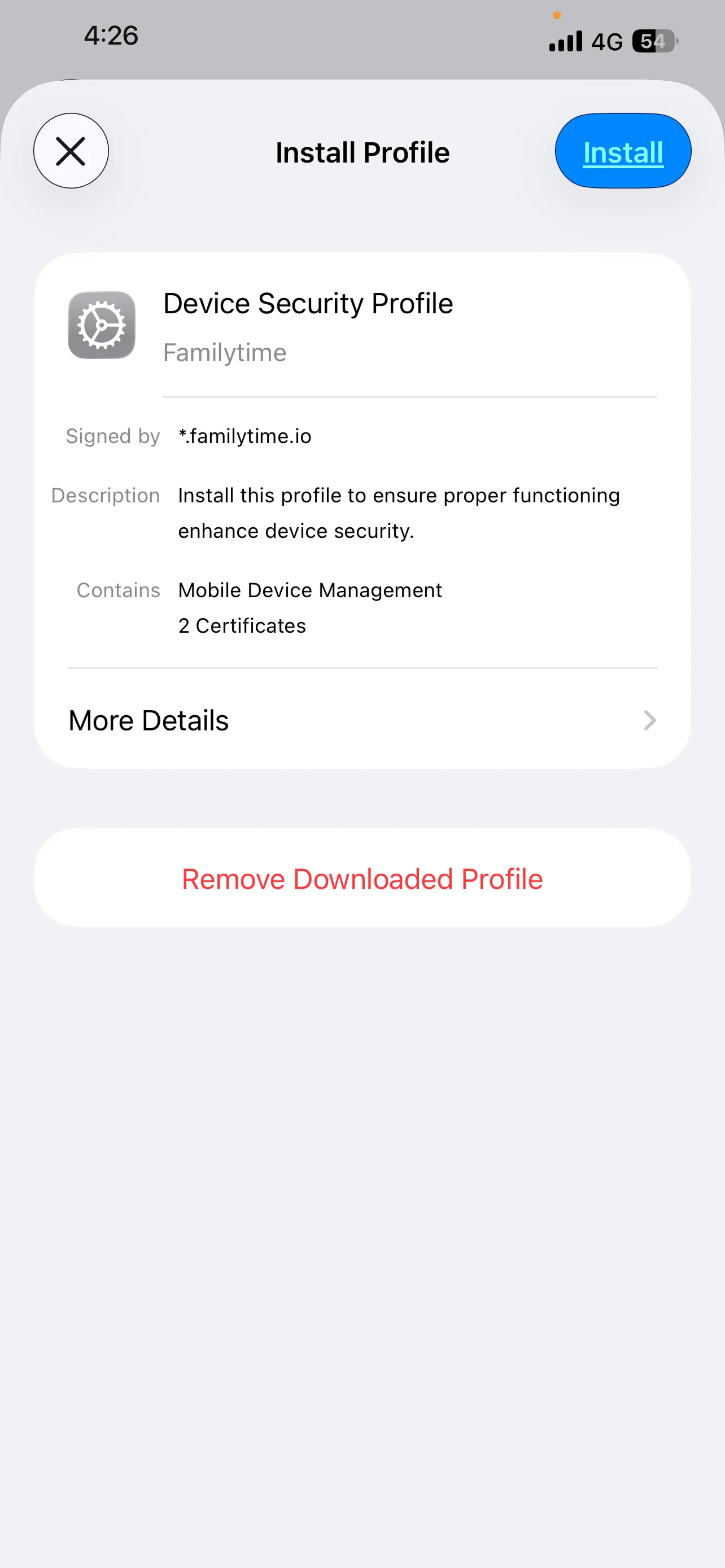
Tap on Install to proceed further.
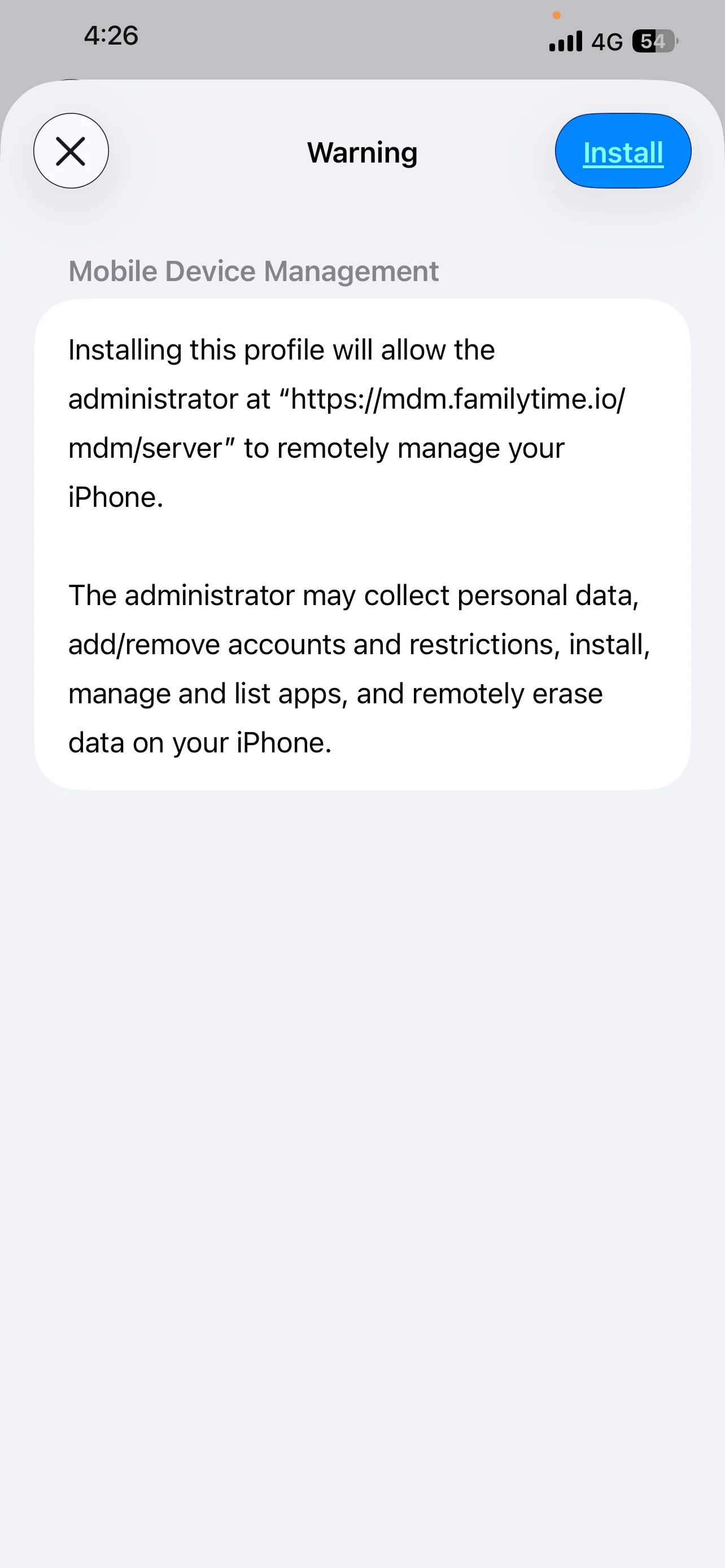
Tap on Trust to proceed further. After few moments Done will appear in place of Install. Wait for it after tapping on Trust.

Tap on Done to complete the installation process.
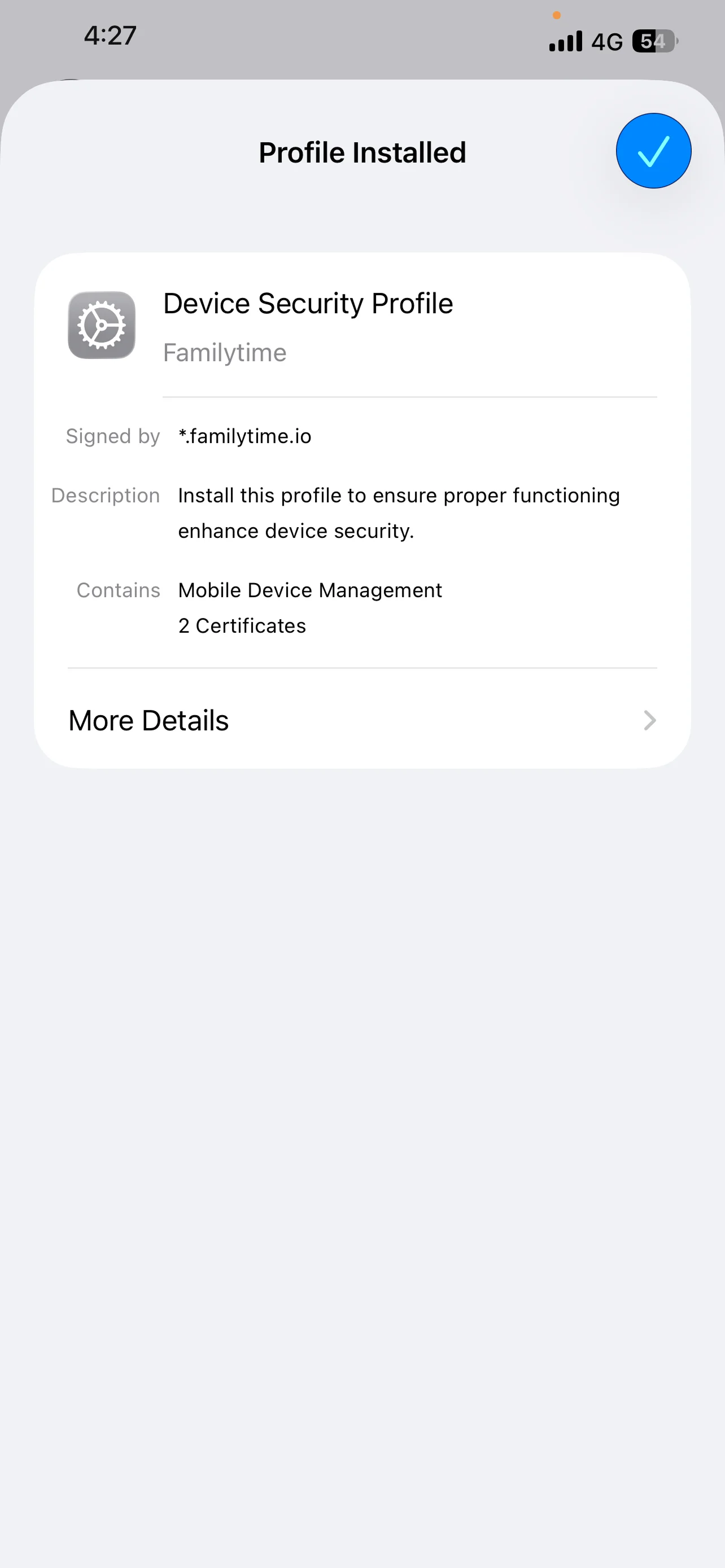
Go back to Safari from selecting it from the background.Once All is Done button appears. Tap on All is Done to proceed further.

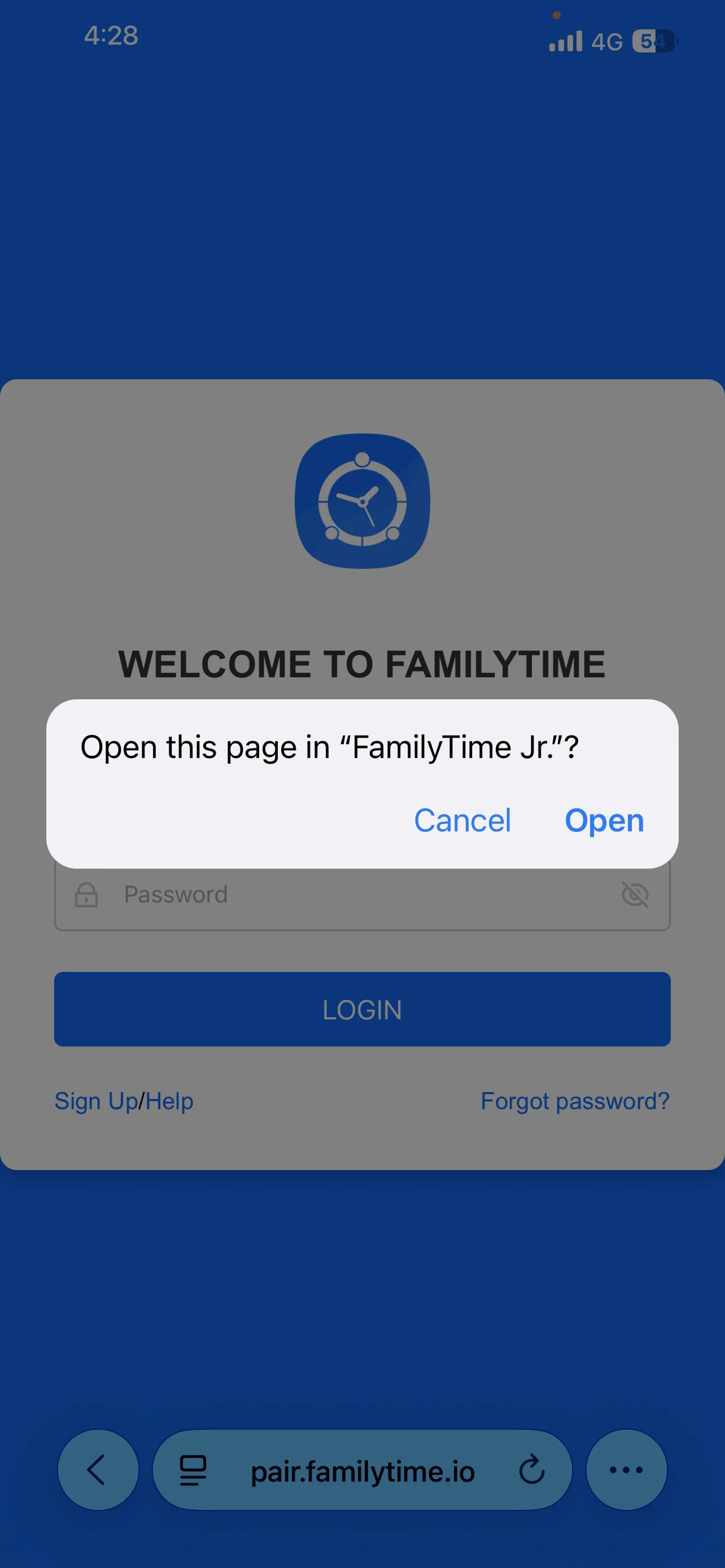
Tap on Open. This will take you back to the FamilyTime Jr. App and you will be good to go.
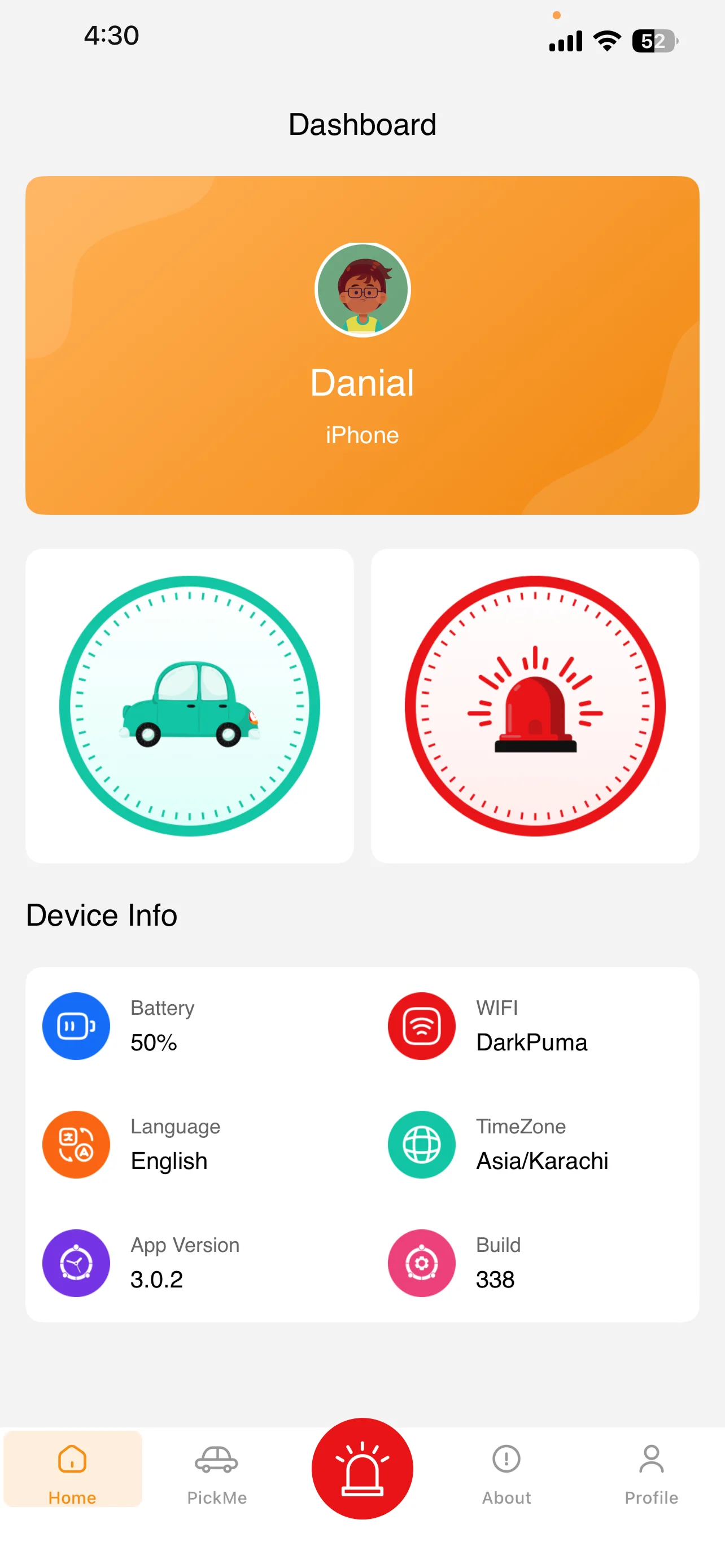
You are ready to use the FamilyTime Jr. App.

Need an Advice?
Not sure about something or want to have a quick word with one of our experts? No worries, our parenting experts are here for you 24/7! Click the button below and get to talk to our Expert right away!