

Download and Install the FamilyTime Parental Control App from Apple App Store or log into your FamilyTime Web Dashboard.
Detailed Guide
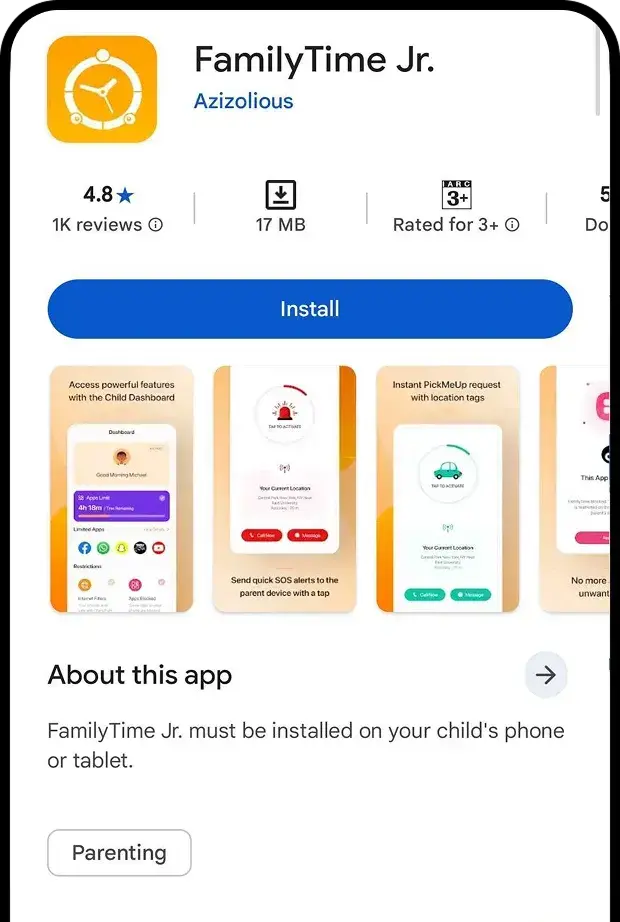
Install the FamilyTime Jr. App on your child’s device from the Play Store or https://store.familytime.io.
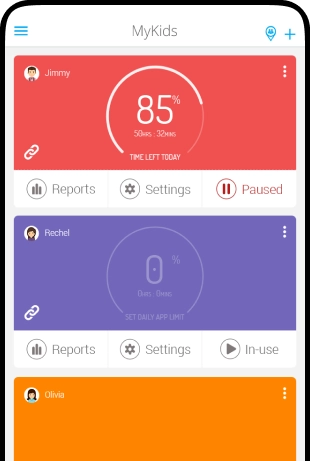
Detailed GuideAfter pairing the child device parent can see all the active kids after login FamilyTime parent app.

Need an Advice?
Not sure about something or want to have a quick word with one of our experts? No worries, our parenting experts are here for you 24/7! Click the button below and get to talk to our Expert right away!