

Things Required Before You Proceed
make sure you have everything you need at hand! Here are the things you'll need:
- The iOS device must be running iOS 7 and above.
- The iOS device must be connected to the Internet throughout installation.
Open App Store and search “familytime”. Please select “FamilyTime Parental Control” and tap Get.

After Open the FamilyTime parental control app it will require sending notifications. Tap Allow.

You can Signup with FamilyTime by using your Apple, Google account or by email. Choose your preferred method and proceed.
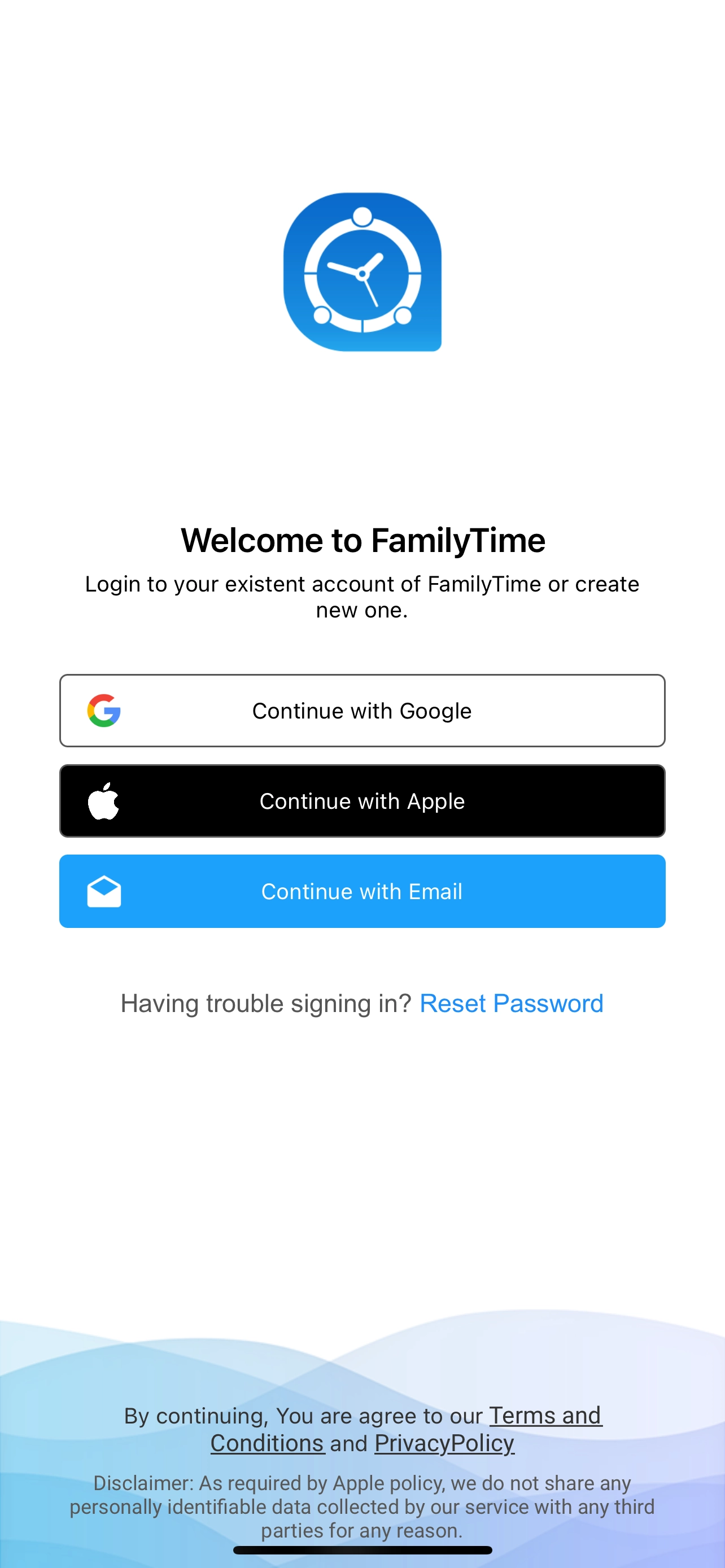
You can use your email to Sign up with the FamilyTime. If you already created the account please login.

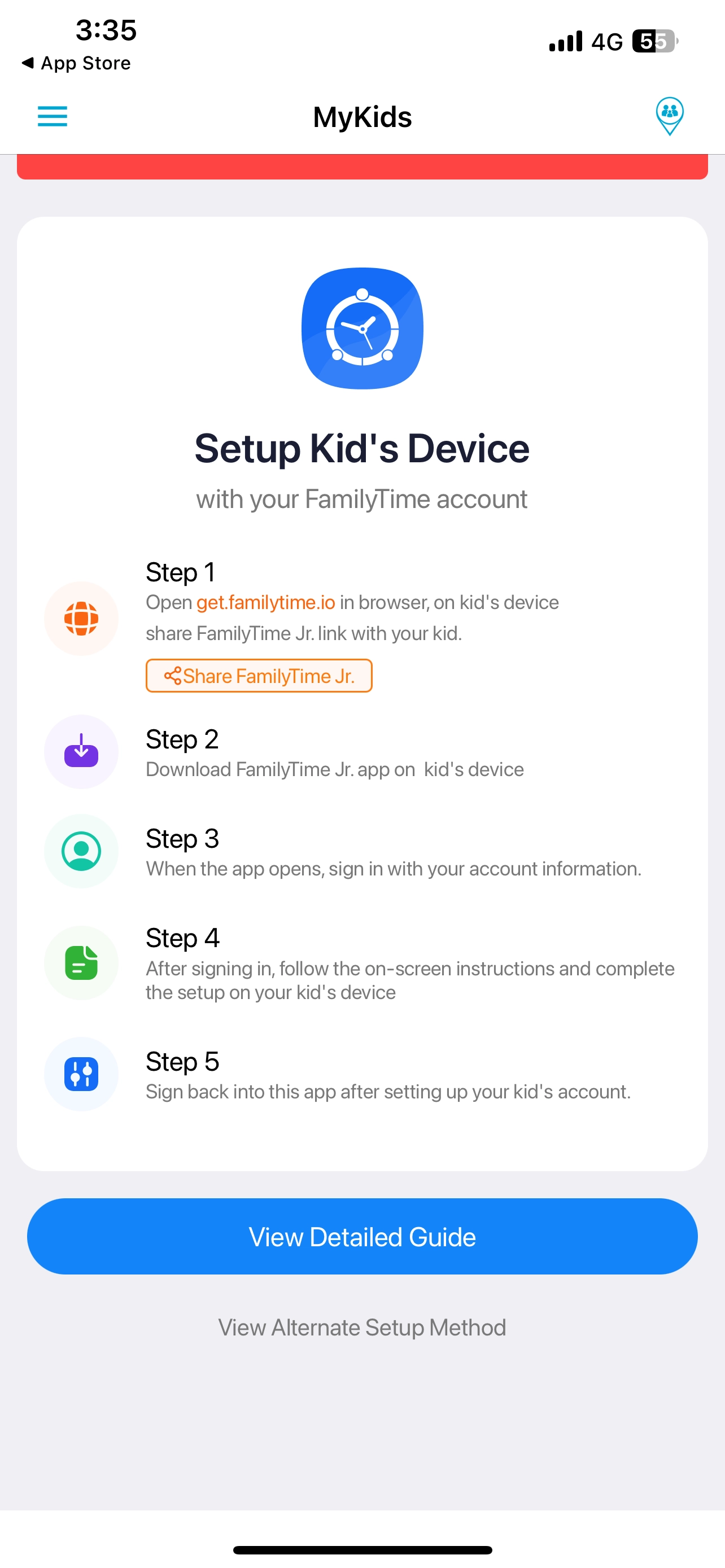
Please follow instructions to setup on kid’s device. You can also tap on “View Detailed Guide” to setup FamilyTime Jr.
You can also use Alternate Setup Method
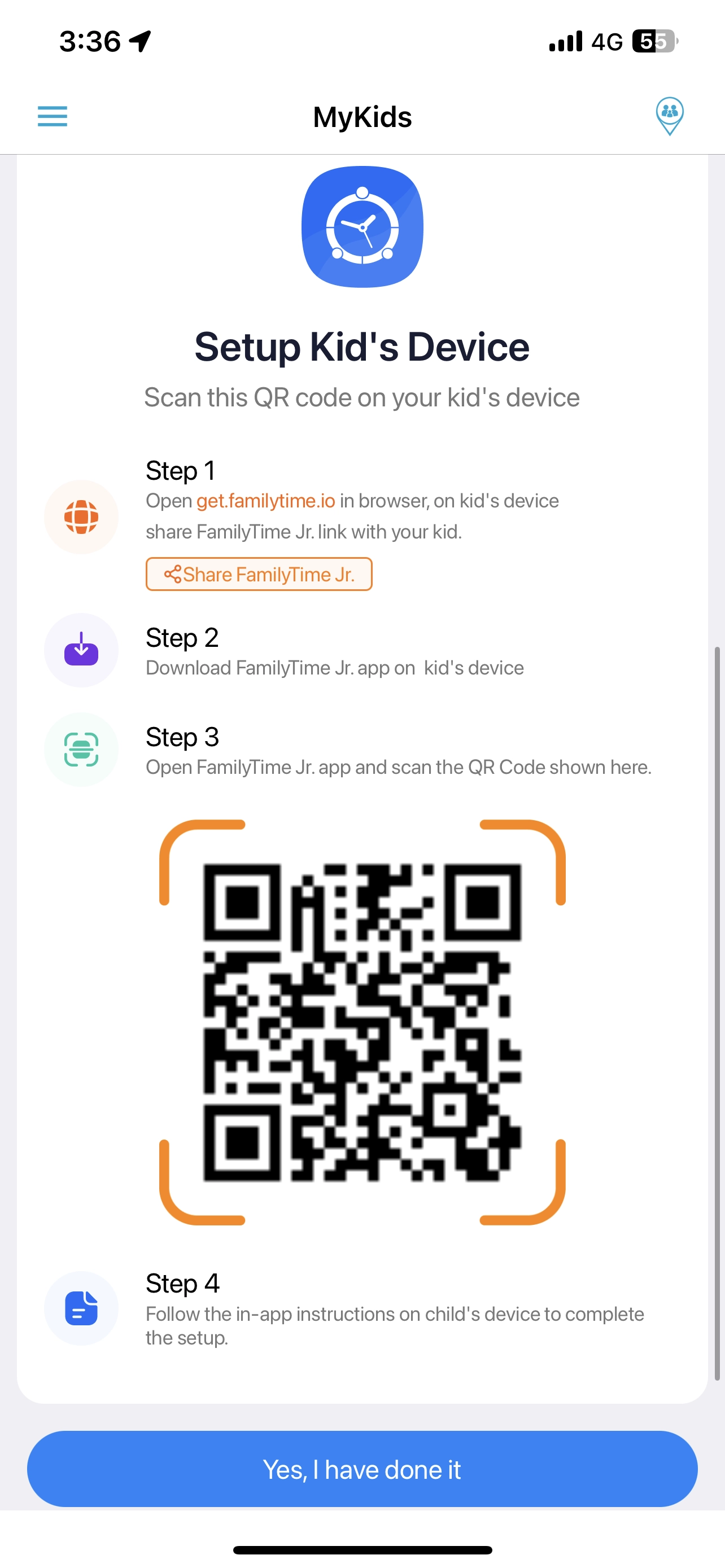
If you successfully setup the FamilyTime Jr. App on your kid’s device please Tap on Yes, I have done it.
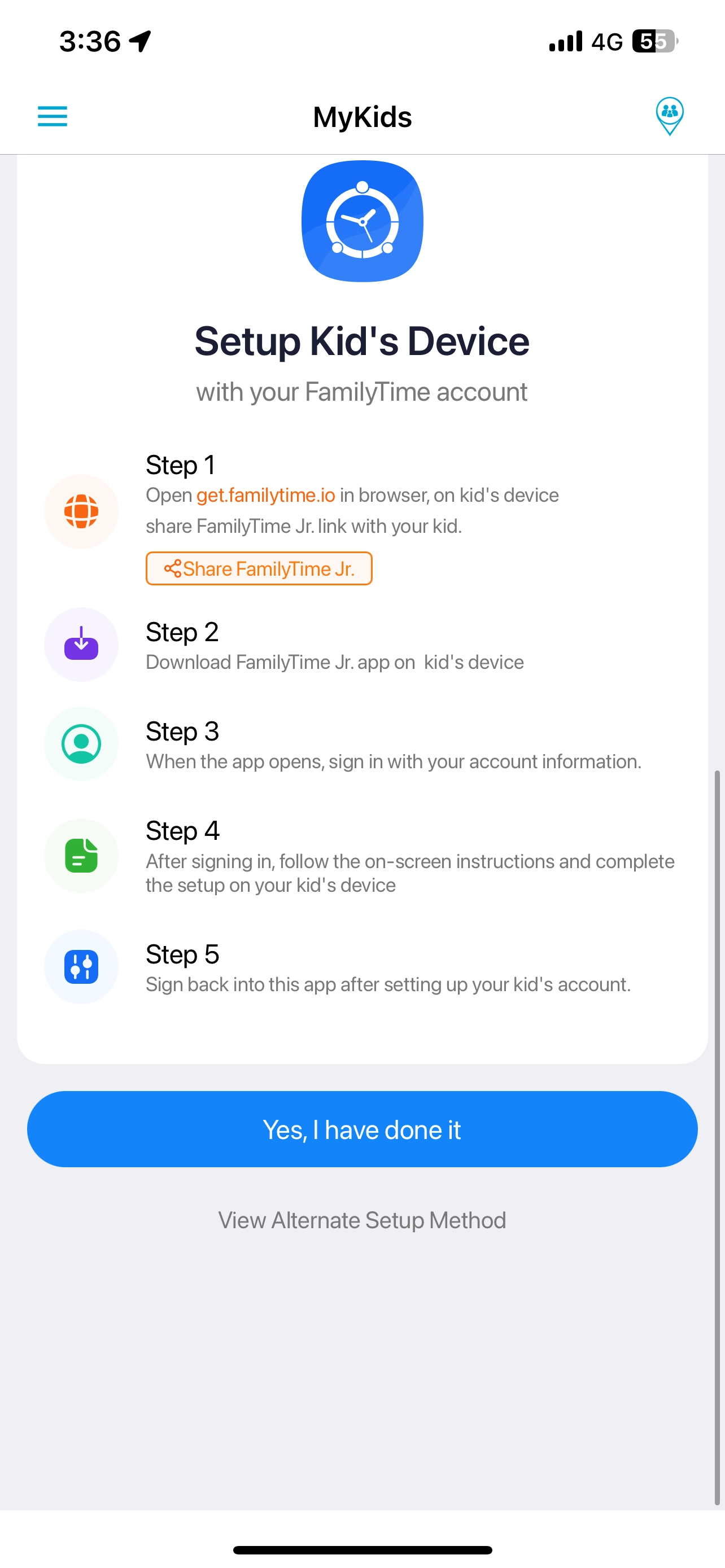
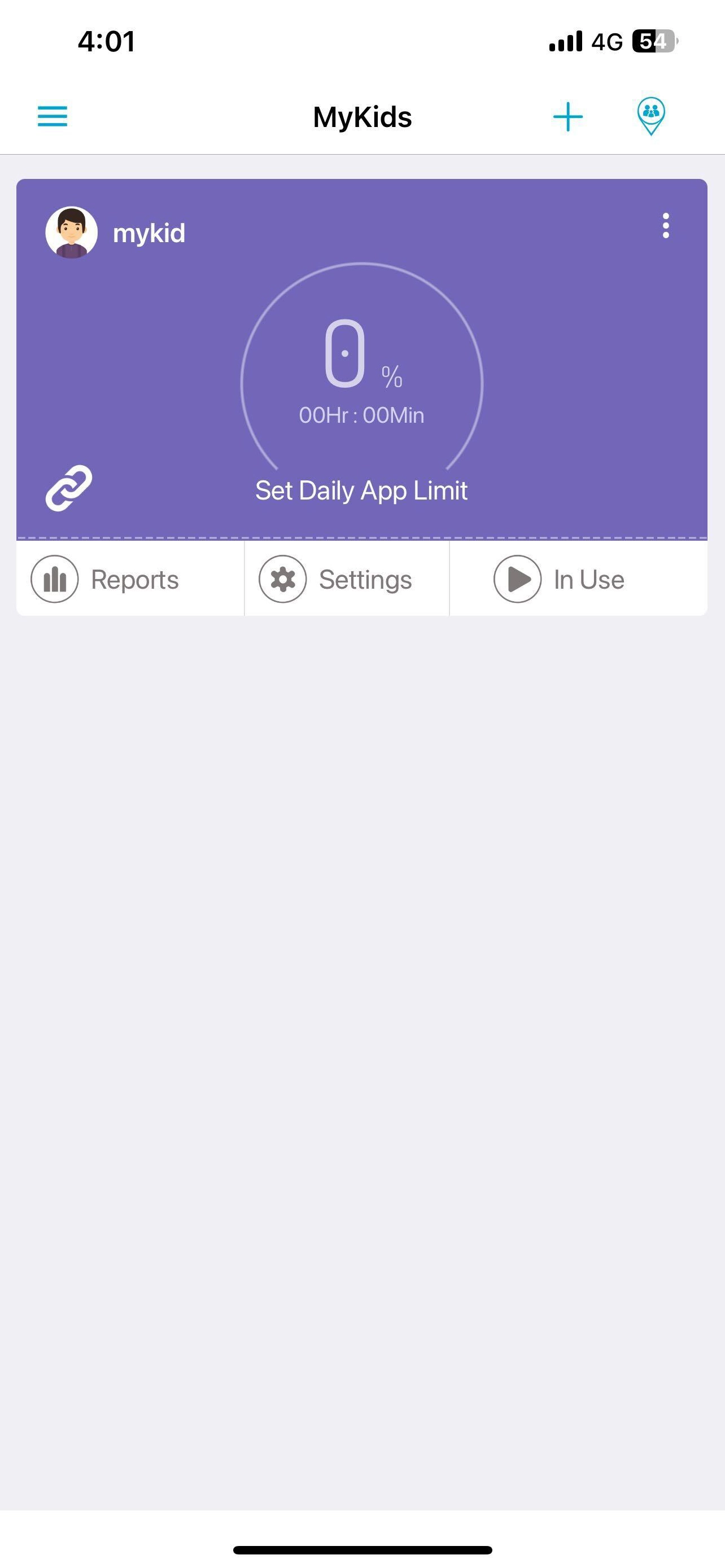
Congratulations, you have successfully activated the App.

Need an Advice?
Not sure about something or want to have a quick word with one of our experts? No worries, our parenting experts are here for you 24/7! Click the button below and get to talk to our Expert right away!