

What are iOS Permissions, and why does FamilyTime – Child App need them?
These permissions generally relate to accessing device info, location, apps, and other settings. These permissions enable you to monitor your child's device usage, location, installed apps, and other information. For an informed decision, you must know the permissions the FamilyTime Jr. app will require on your child's iOS device.
Terms & Conditions
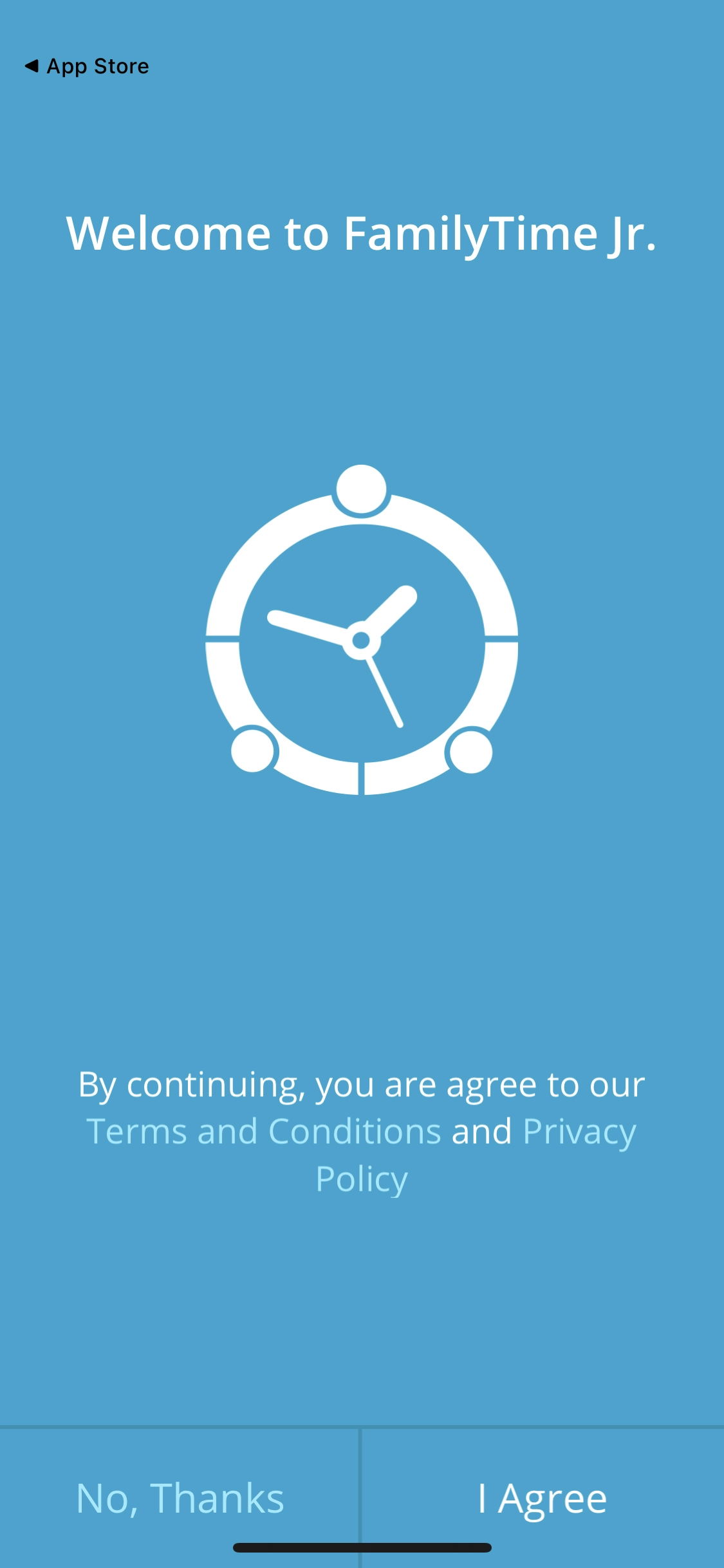
When installing the FamilyTime Jr. app, you agree to the terms & conditions, including data collection, safety, usage, & privacy clauses. You can read the terms & conditions in detail as well.
Notification Permission
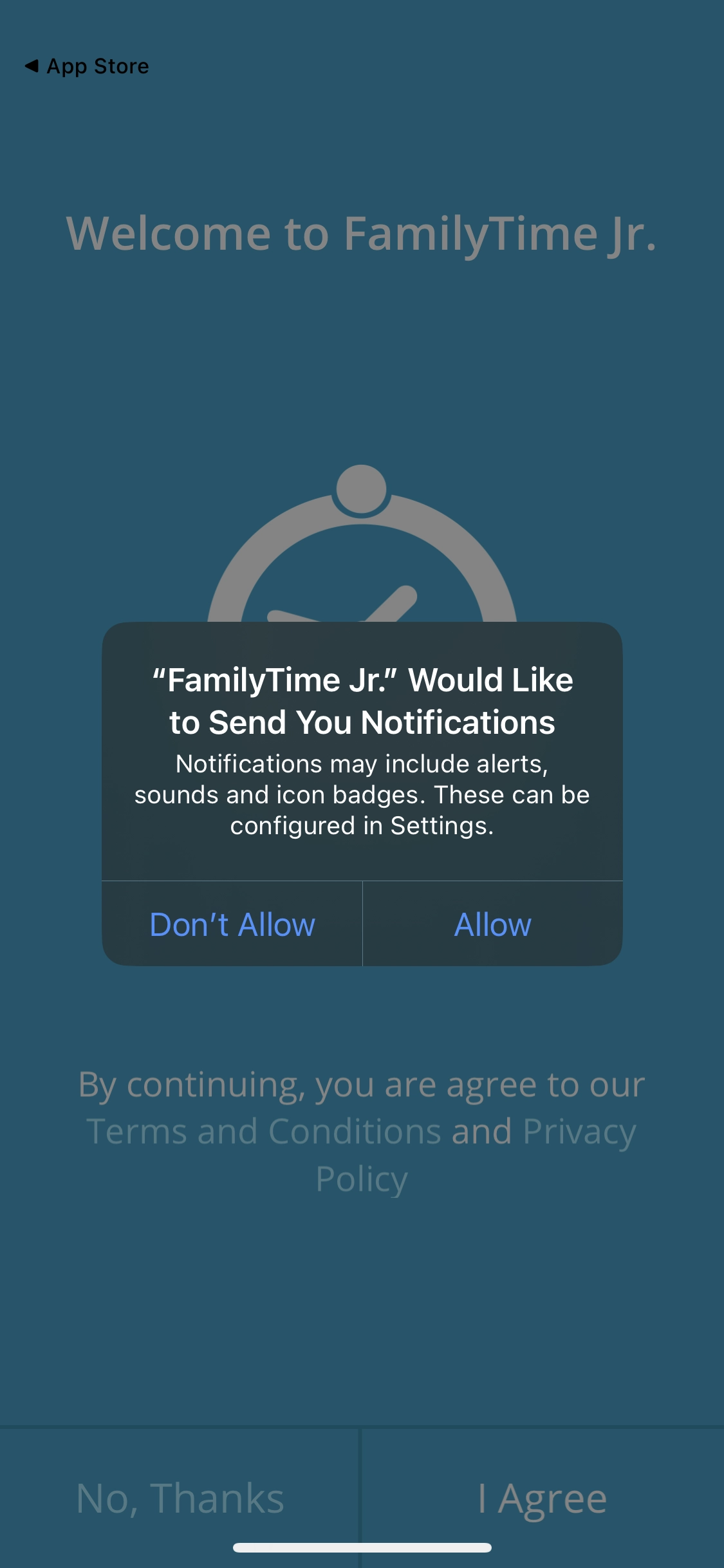
The FamilyTime Jr. app requires permission to send notifications to a child's iOS device. These can be alerts, badges, and notifications like SOS and more.
Data Access Permission
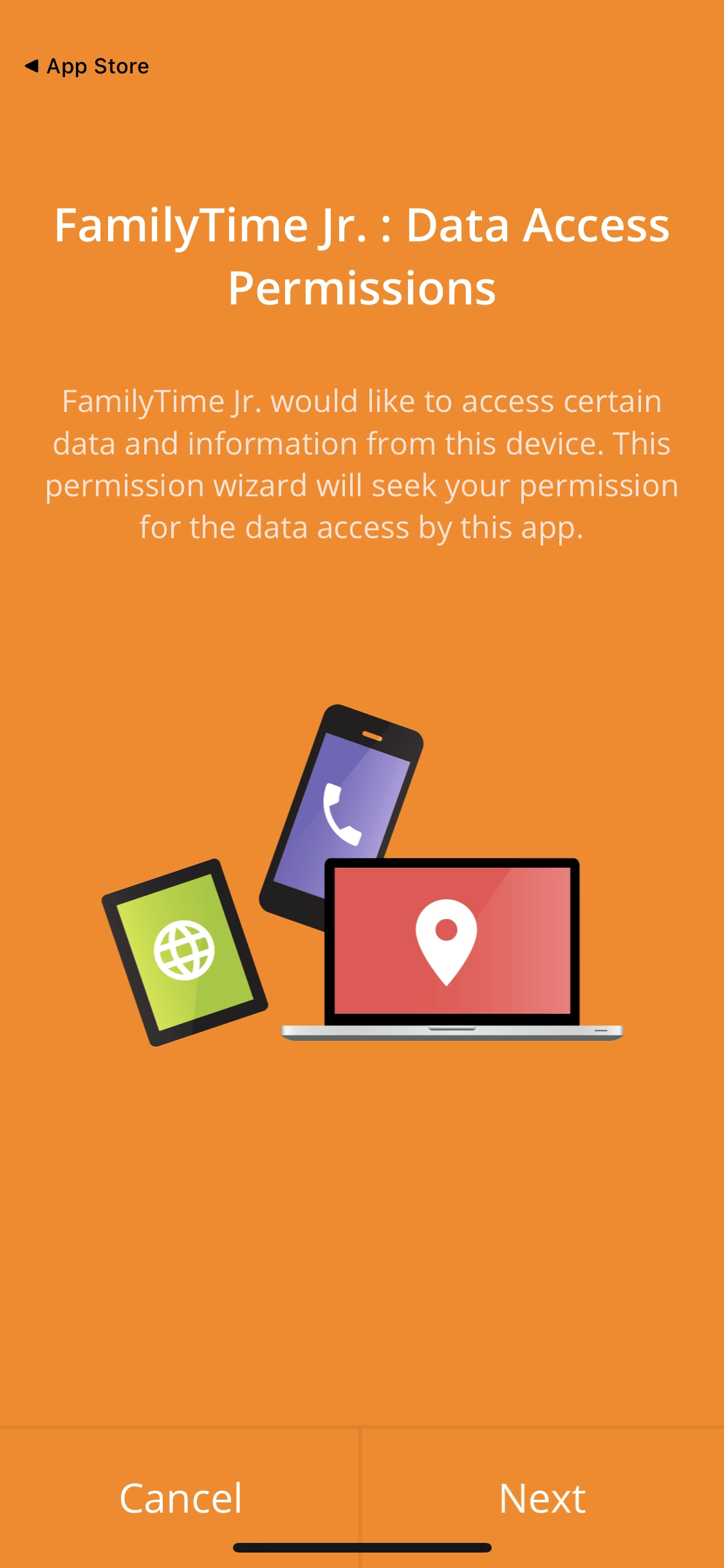
FamilyTime Jr. uses the Internet, Network State, Wi-Fi, and Phone State Information/ Permission to show parents the child's data. These permissions are used for server communication and let parents access the information on child’s device.
Contacts & Installed Apps
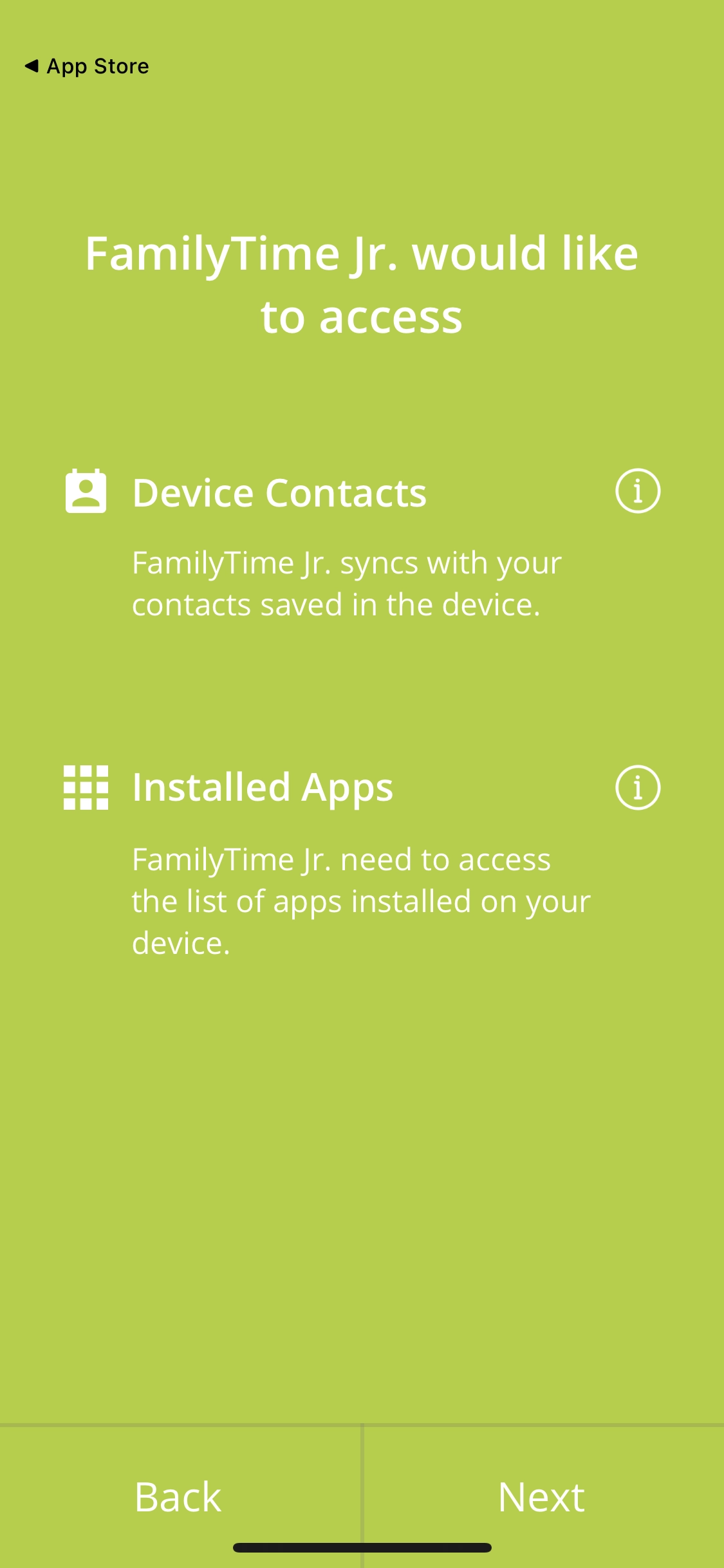
The FamilyTime Jr. app will pull all contacts and installed apps from the child's device and sync them with the parent dashboard. It requires the contacts & app access permission to log contacts and apps added to the device in the future.
Location History
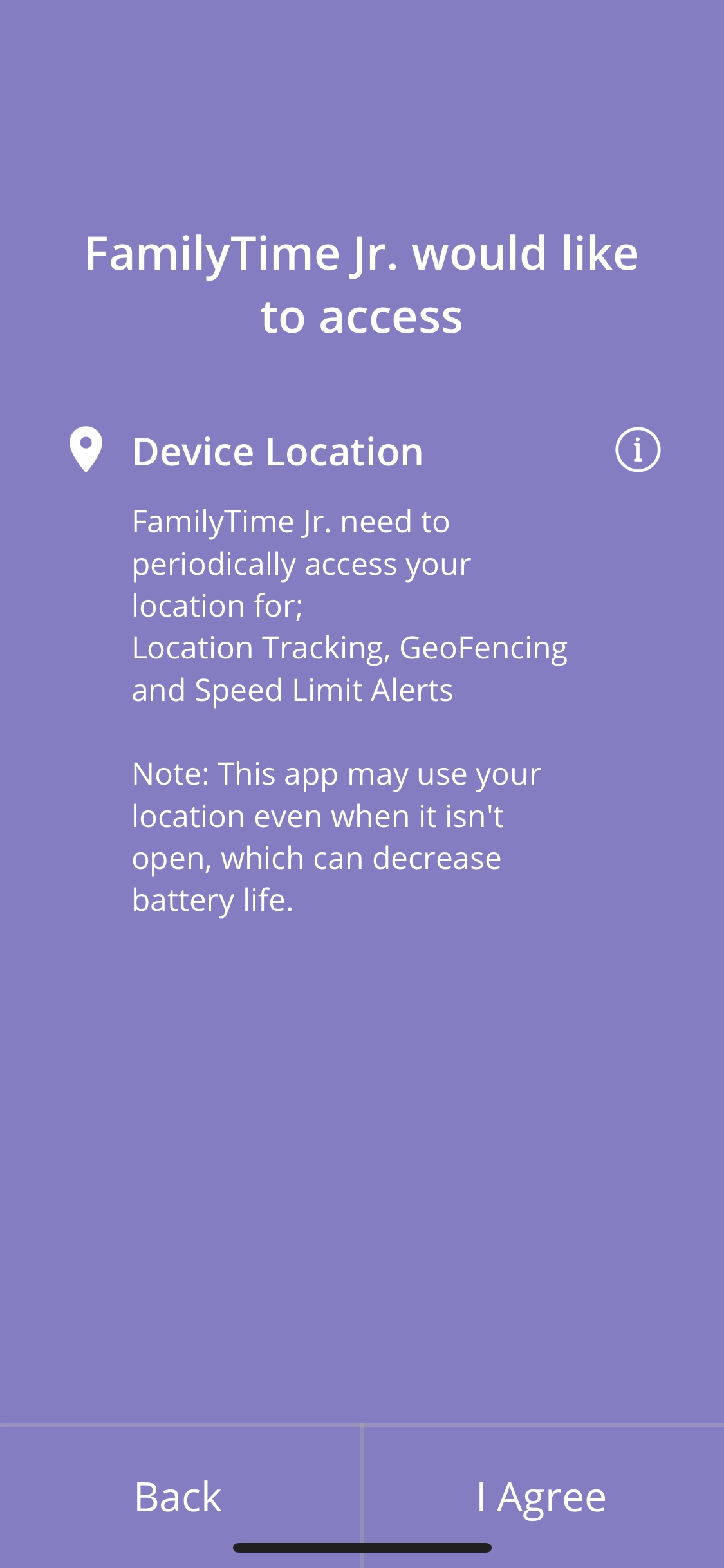
FamilyTime Jr. periodically stores the child's device location on the server to ensure parents will get live location updates. The app collects two kinds of location information: network- or GPS-based. This information provides the exact location of the ping for the child's device.

Need an Advice?
Not sure about something or want to have a quick word with one of our experts? No worries, our parenting experts are here for you 24/7! Click the button below and get to talk to our Expert right away!