

How do I reset or change my account password?
Changing your password on the FamilyTime Parent Dashboard app is pretty simple. You can do it by following these steps:
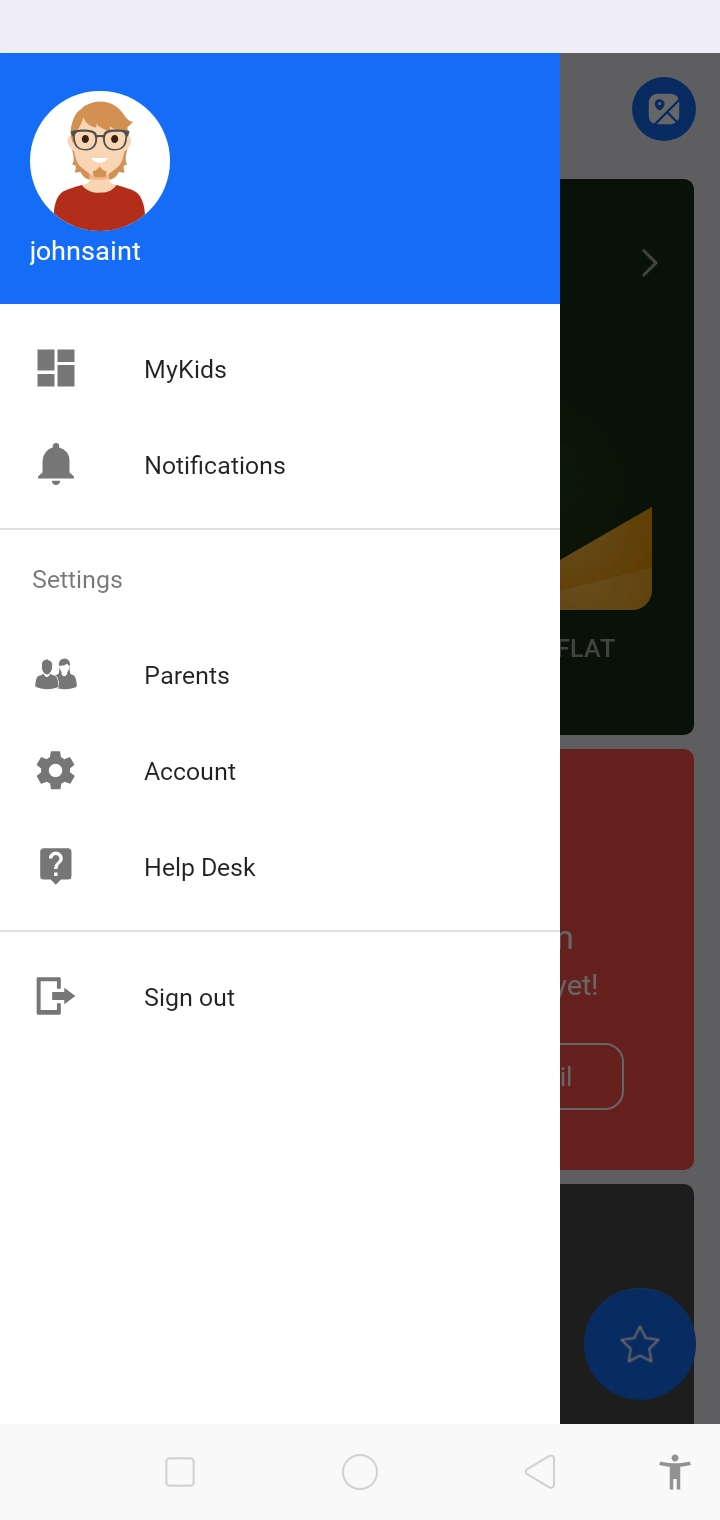
Go to your profile. and tap on “Account”.
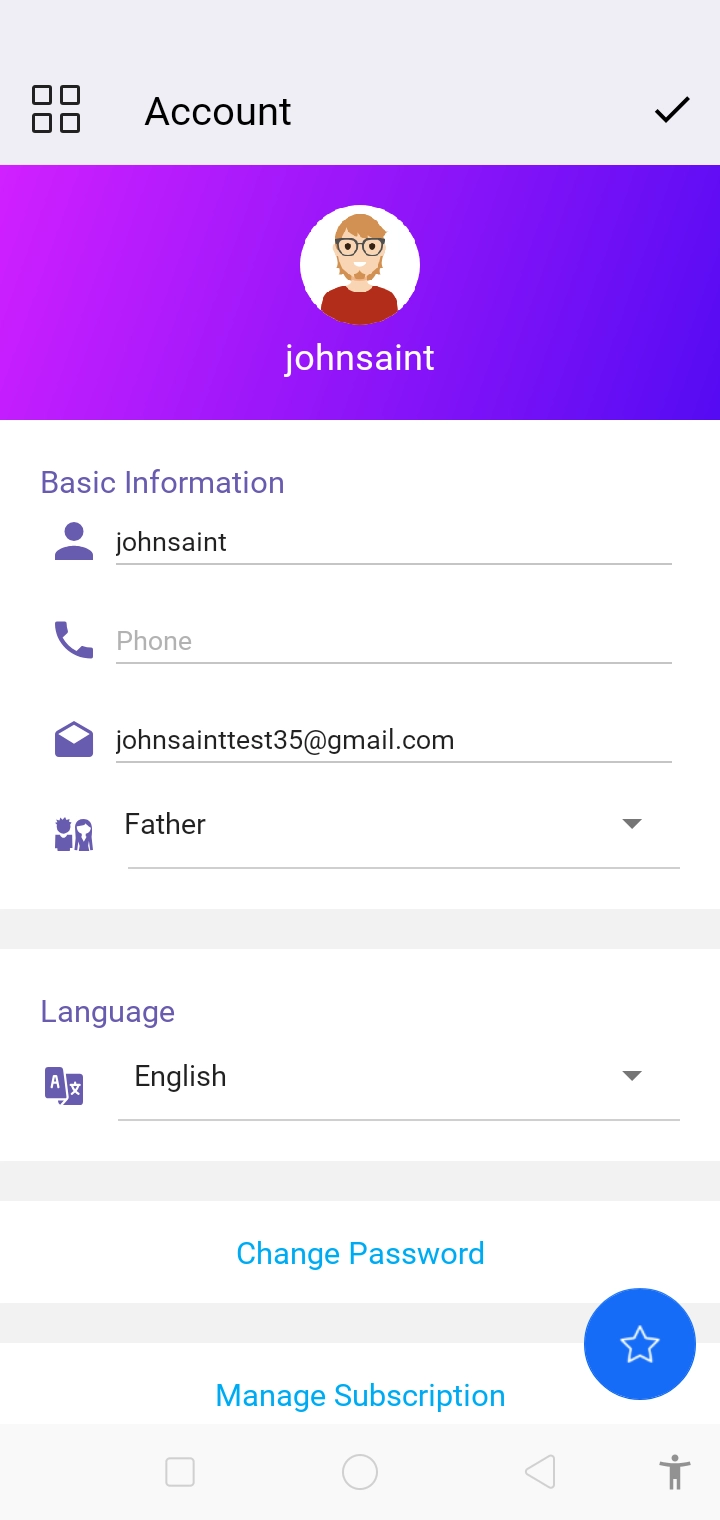
Tap “Change Password” .
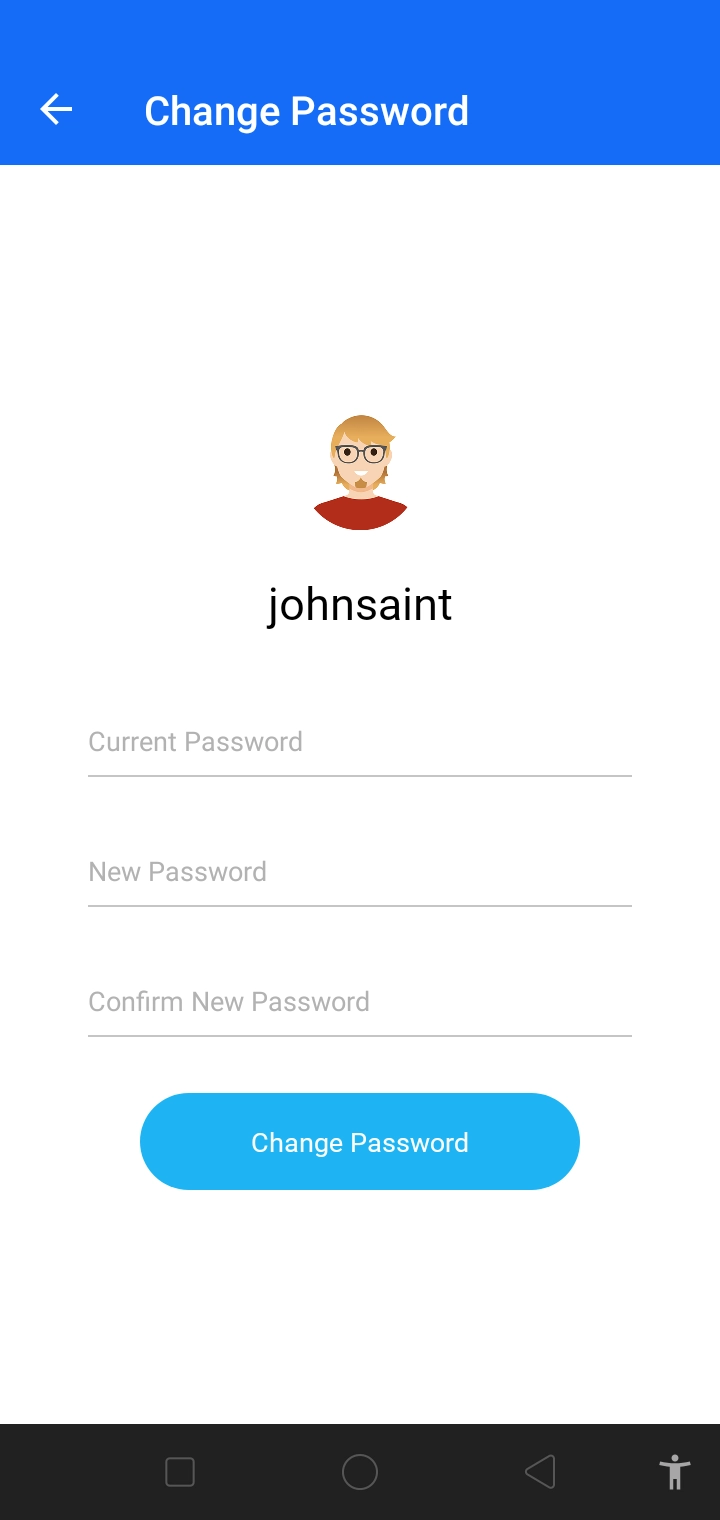
Enter your current password followed by a new password to change it.
Later, if at any time you forget your password, you can click on the Forgot Password option on the Login screen to reset immediately.
Remember to always select a strong password for your account which is hard to guess. Here are a few tips to follow:
- Add numeric characters
- Use a combination of small and upper-case alphabets.
- Add special characters.
- Avoid using full name, or common names
- Do not use numbers or alphabets in chronological order
FamilyTime will not be responsible for any data loss if your account gets compromised so you should never share your account password with anyone.

Need an Advice?
Not sure about something or want to have a quick word with one of our experts? No worries, our parenting experts are here for you 24/7! Click the button below and get to talk to our Expert right away!