

Sending SOS Alert
A child can send SOS alerts from the Child Dashboard using the FamilyTime Jr. App.
The child device must have an internet connection, and GPS enabled for the feature to work.
Child can tap the “SOS Button” from the dashboard’s main screen.

Tap in the “Tap to Activate” circle, and the app will send a panic alert to the parent device.

On the parent device, the parent will receive a quick alert and confirm the reception to reach the child immediately.

The parent will have access to the exact pin location of the child.
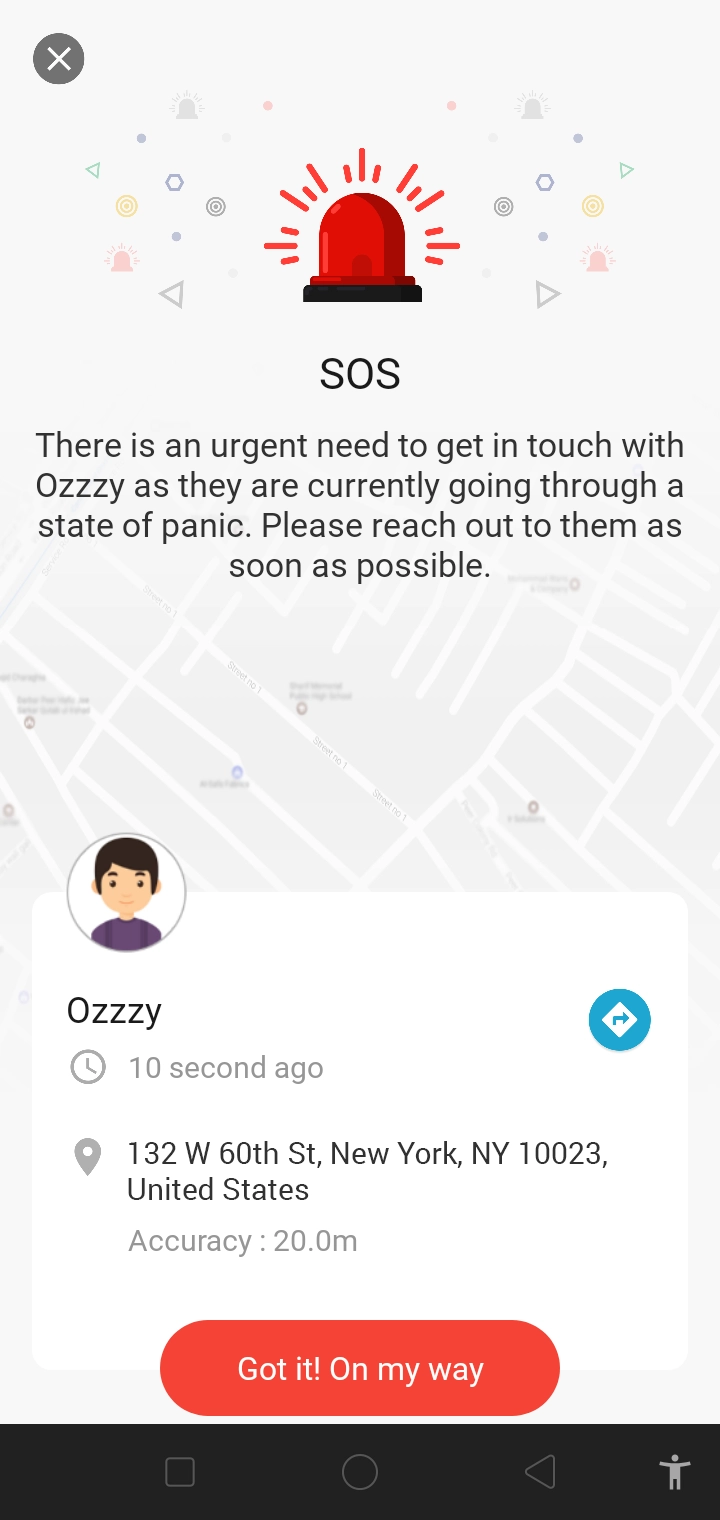
However, the child will receive affirmation from the parent about getting the alert and coming on their way to rescue.


Need an Advice?
Not sure about something or want to have a quick word with one of our experts? No worries, our parenting experts are here for you 24/7! Click the button below and get to talk to our Expert right away!