

Sending PickMeUp Alert
The child can send the PickMeUp alert from the FamilyTime Jr. app following these steps:
Tap “PickMe” from the bottom menu of the dashboard.
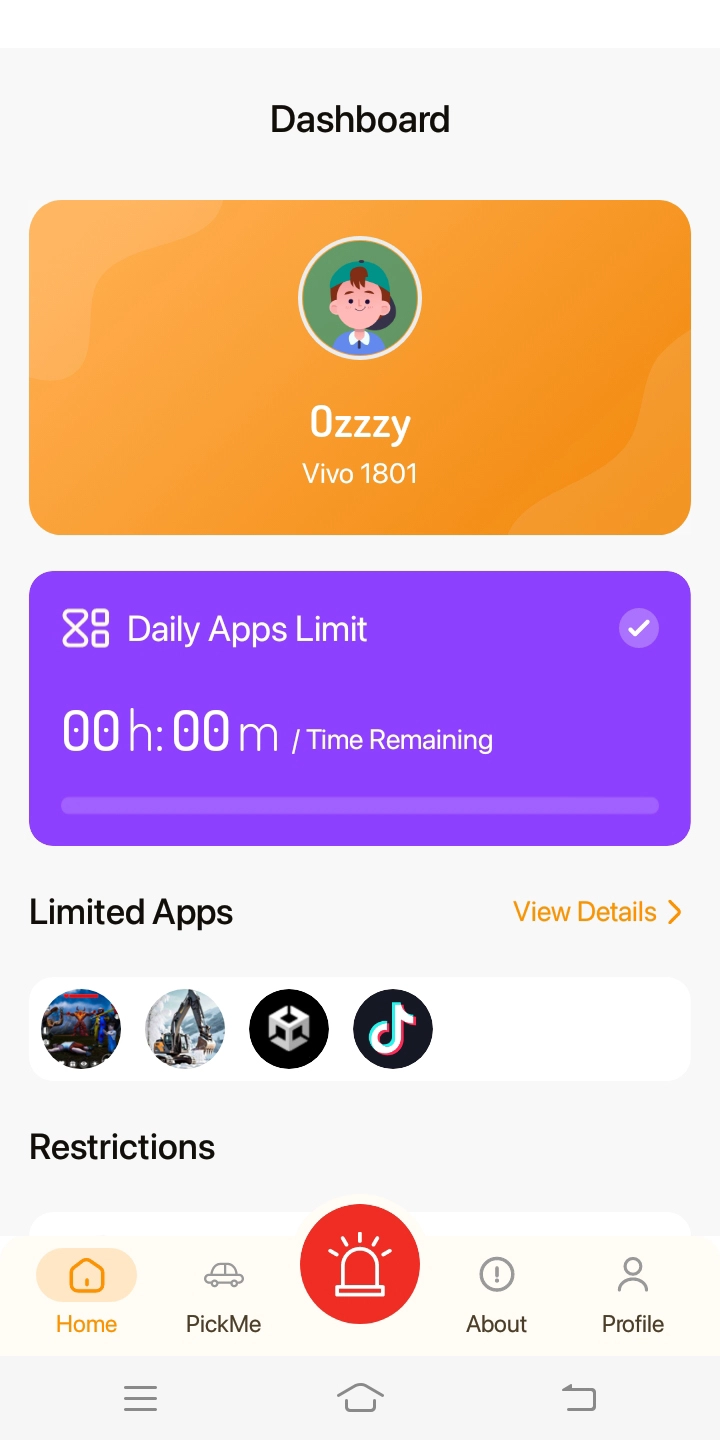
It will open the “Tap to Activate” screen.

By tapping the “Tap to Activate” option, child can send a notification to parent’s device with exact GPS location.

On the other side, parents can respond to request confirming their arrival in the possible minimum time.
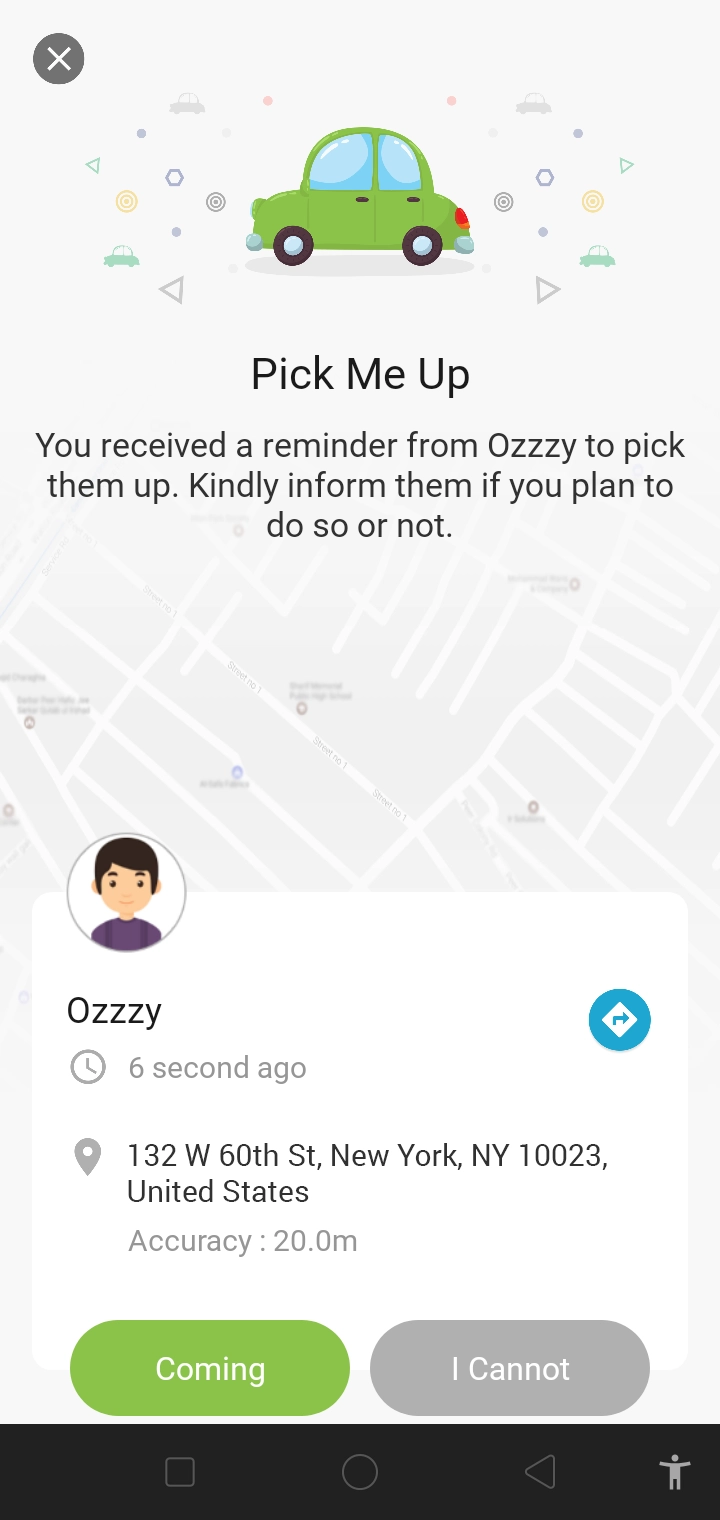
Once responded by the parent, the child will receive the confirmation.

PickMeUp alerts work efficiently only when the child’s device is connected to the internet and has GPS enabled.

Need an Advice?
Not sure about something or want to have a quick word with one of our experts? No worries, our parenting experts are here for you 24/7! Click the button below and get to talk to our Expert right away!