


How do I know which iOS version my mobile device runs?
Please note that FamilyTime will only work on your or your child’s iPhone if it has iOS version 8 and above. You can easily determine which iOS version your device runs by following these steps:
1
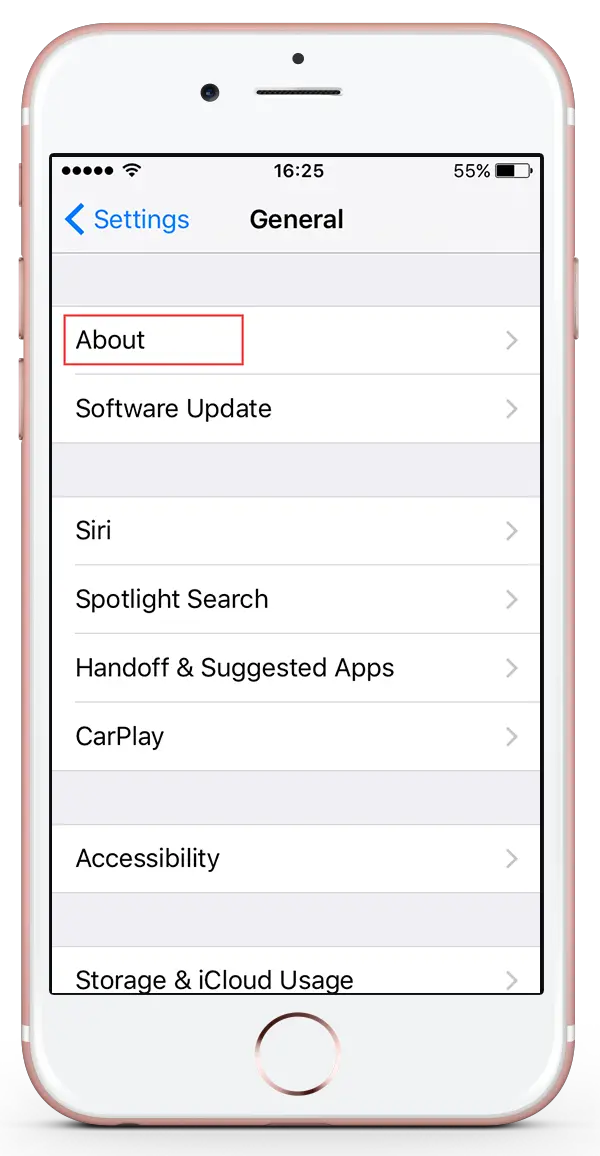
Go to Settings and tap General from the menu.

2
Select About from the menu.
3
The OS version of your device is shown alongside Version.

Need an Advice?
Not sure about something or want to have a quick word with one of our experts? No worries, our parenting experts are here for you 24/7! Click the button below and get to talk to our Expert right away!