

How do you ensure you are on the right version of FamilyTime?
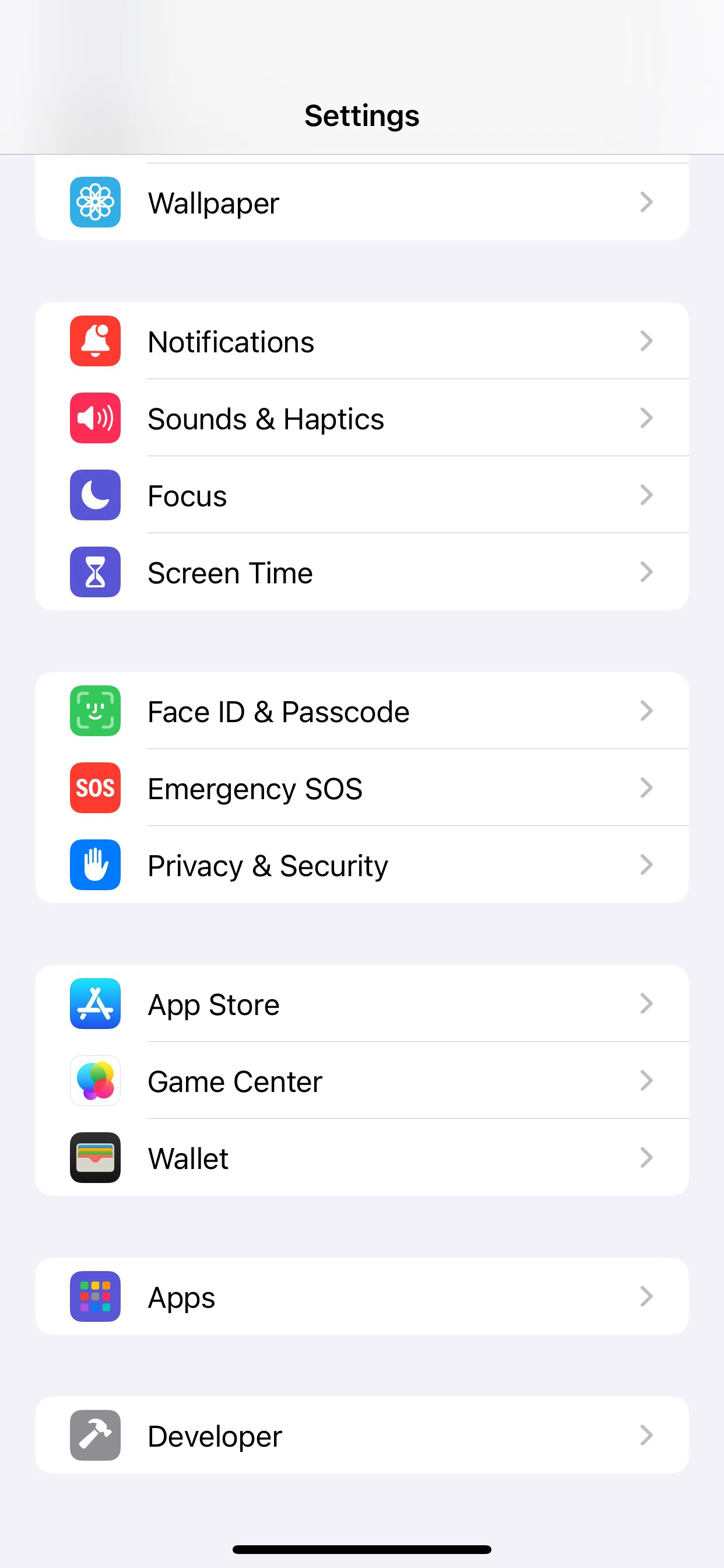
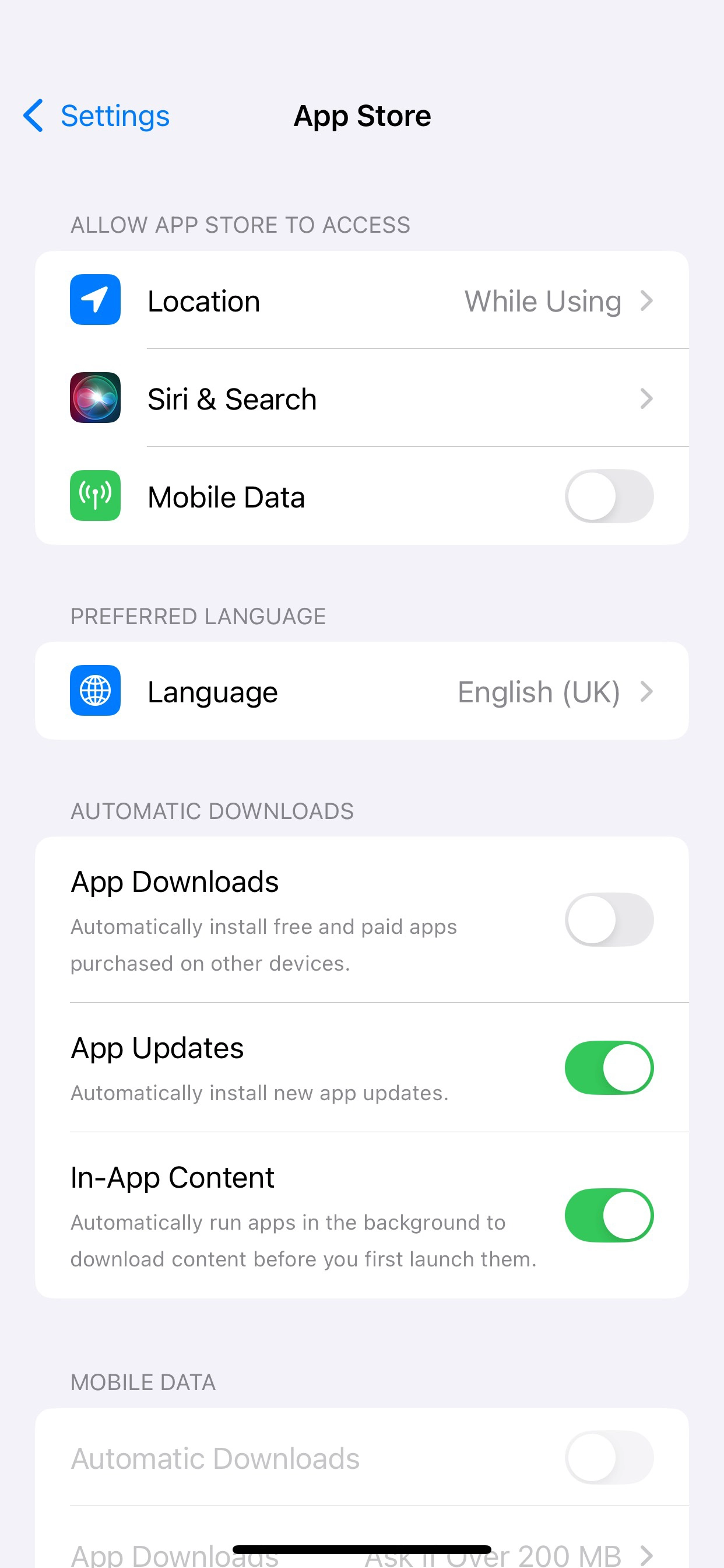
Checking the app’s version on your device is simple. Here are a few ways to check the app's latest and installed version on your devices.
1
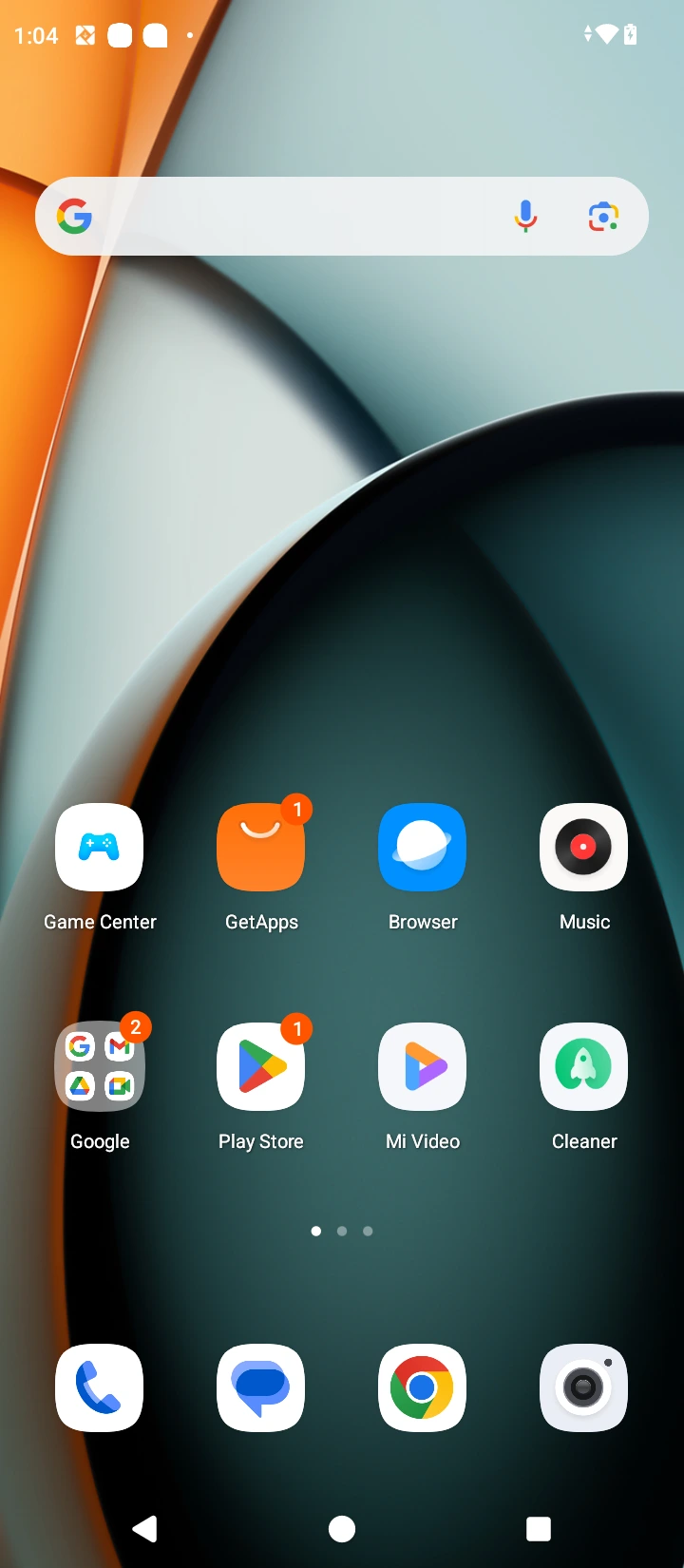
Open the "Play Store" app.
2
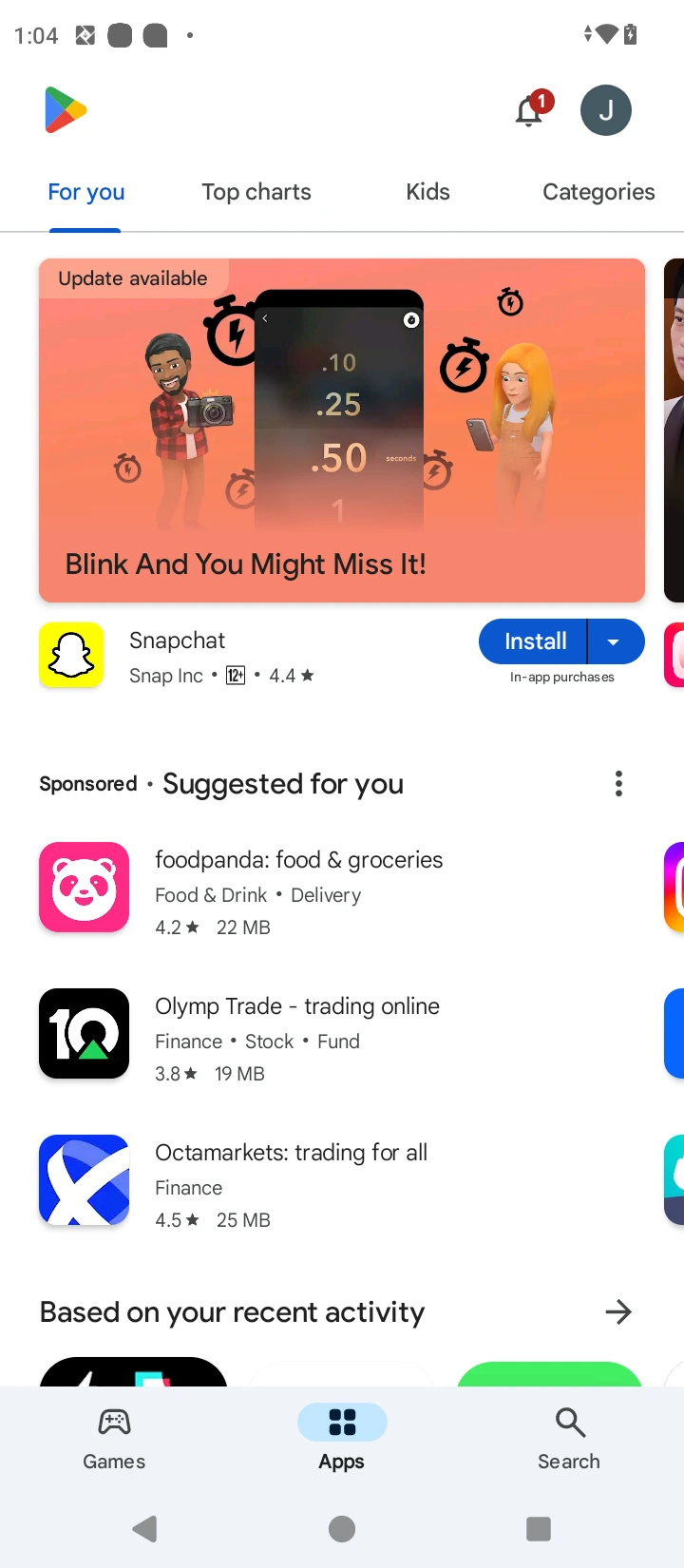
Tap on your profile icon at the top right corner.
3
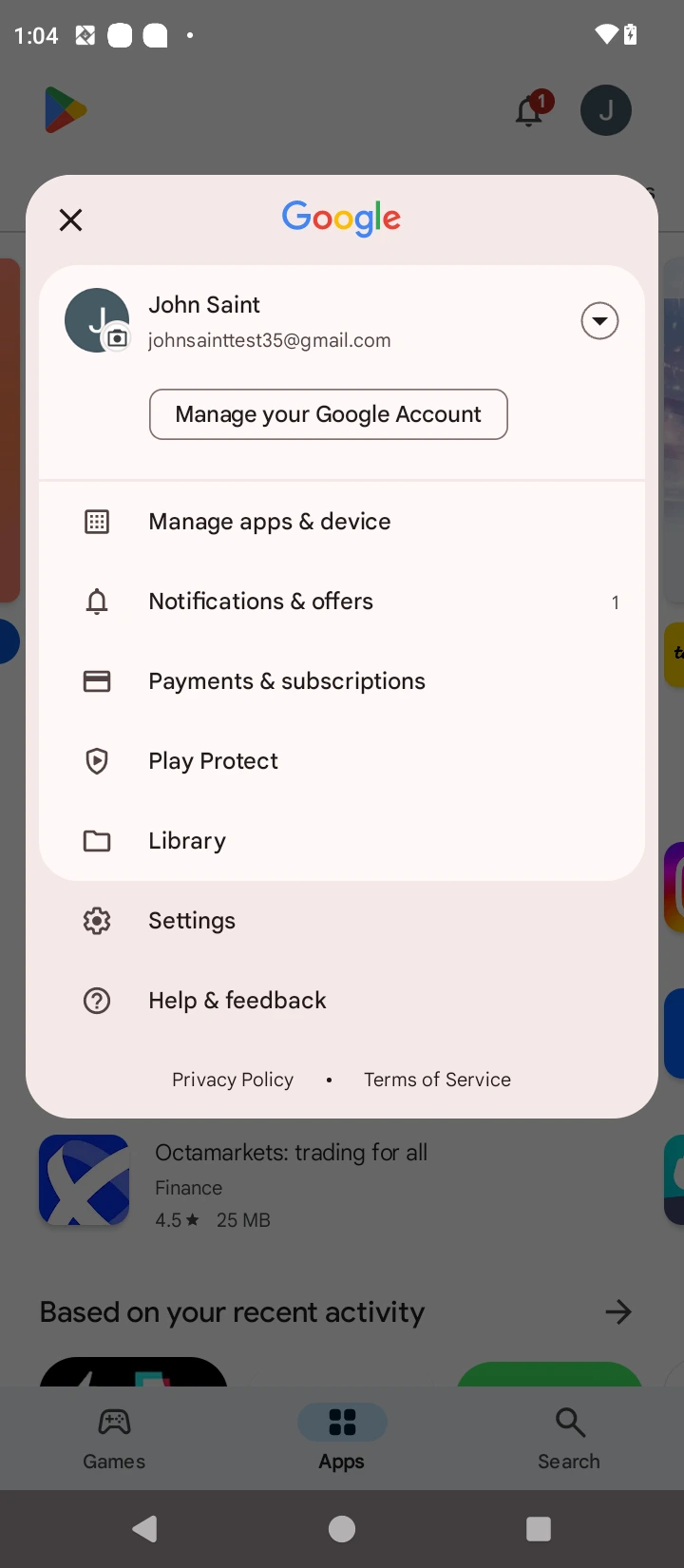
Tap "Manage Apps & Devices."
4
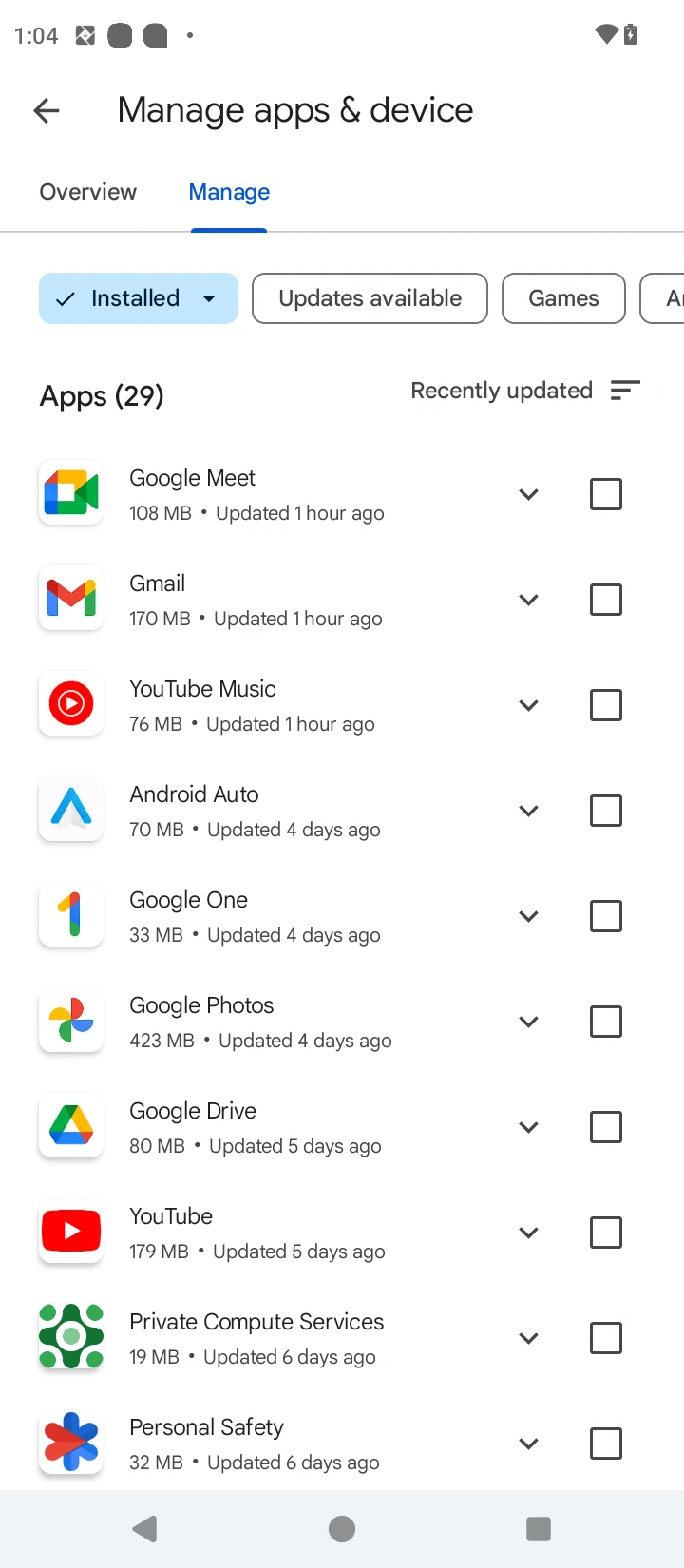
Select the "Manage" tab.
5
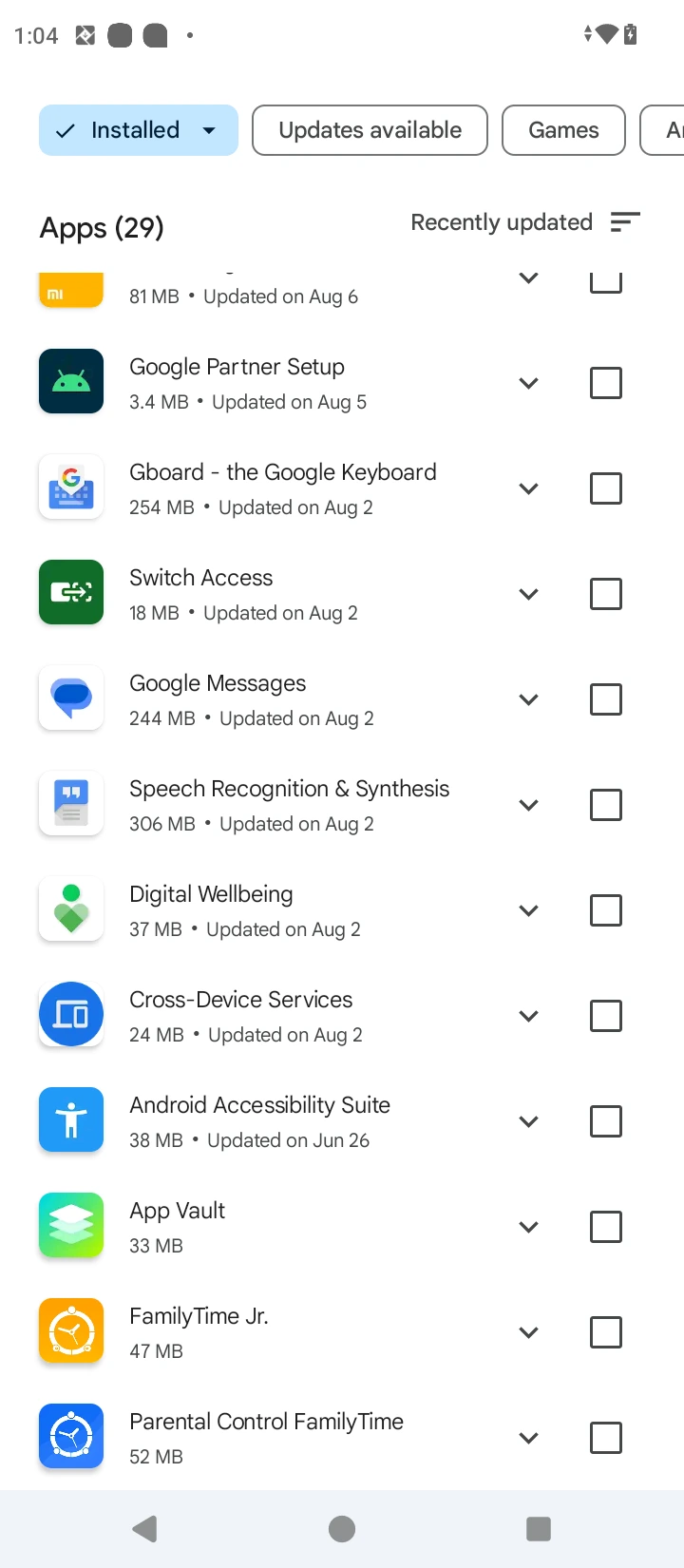
Scroll and tap on "FamilyTime."
6
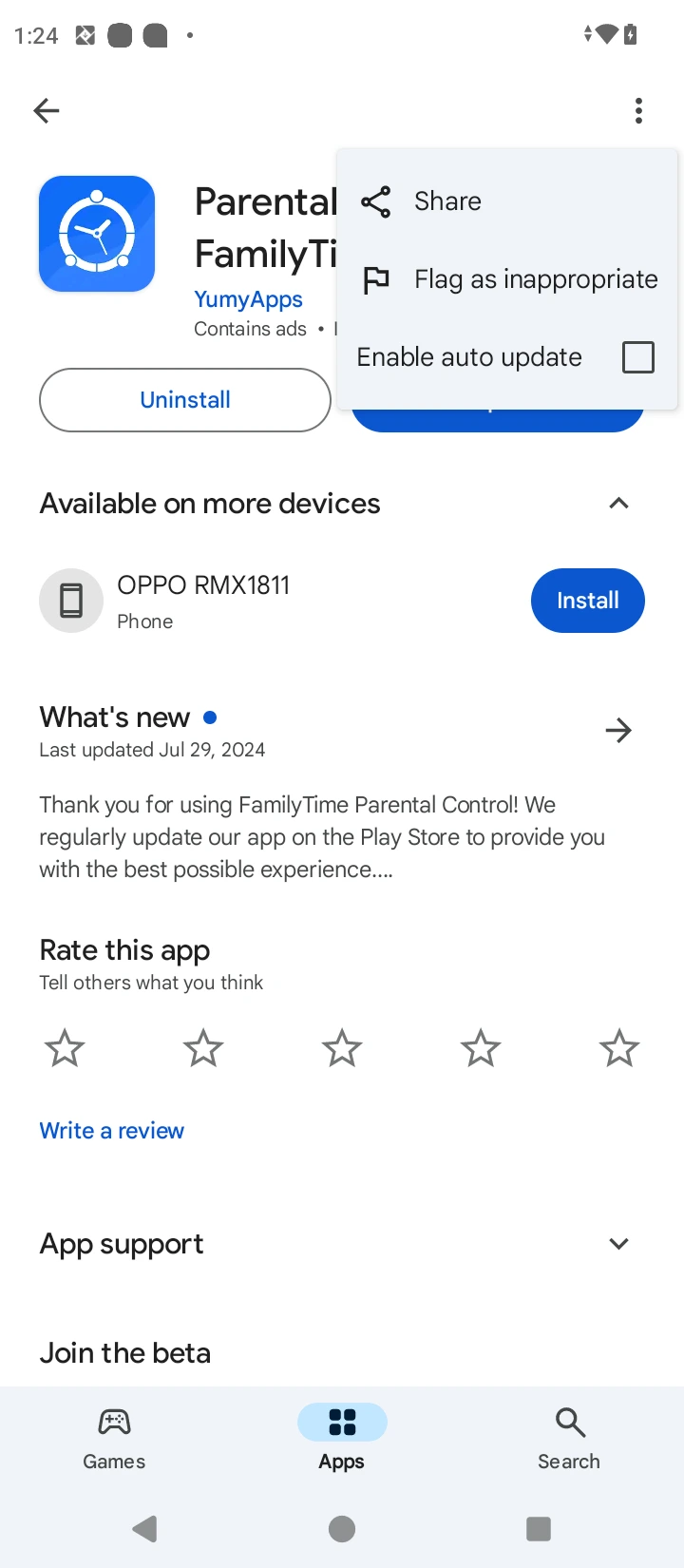
Tap on three dots at the top right corner
7
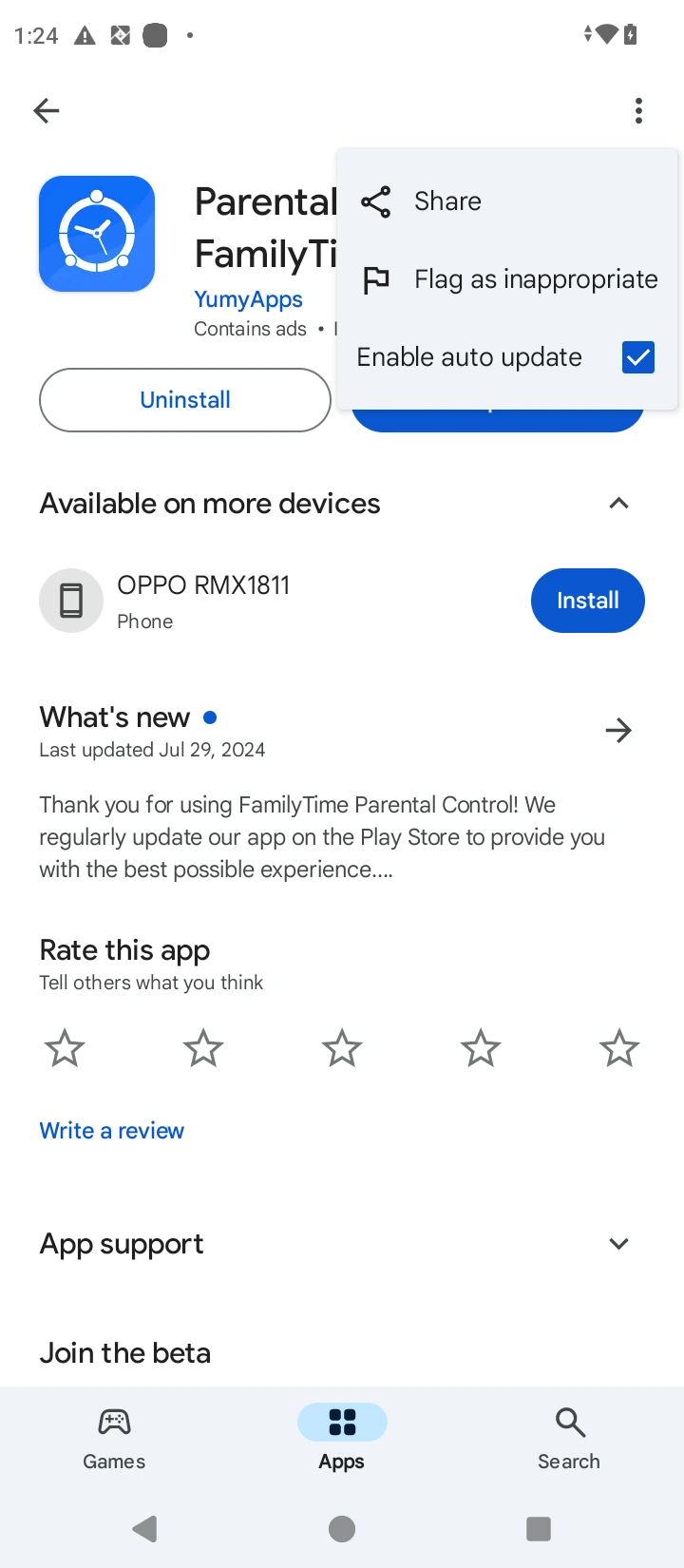
Check the "Enable auto-update" option.

Need an Advice?
Not sure about something or want to have a quick word with one of our experts? No worries, our parenting experts are here for you 24/7! Click the button below and get to talk to our Expert right away!