

How do you set up/use FamilyTime Text Messages Monitoring for Android?
Setting up SMS monitoring on your child's Android device using the FamilyTime parental dashboard is easy. It takes a few taps, and you are done.
Open FamilyTime Parental Dashboard and Tap "Settings" on your child's profile.

Scroll down to the "Schedule Screen Time" section on the menu.

Toggle on the "Text Messages" option.
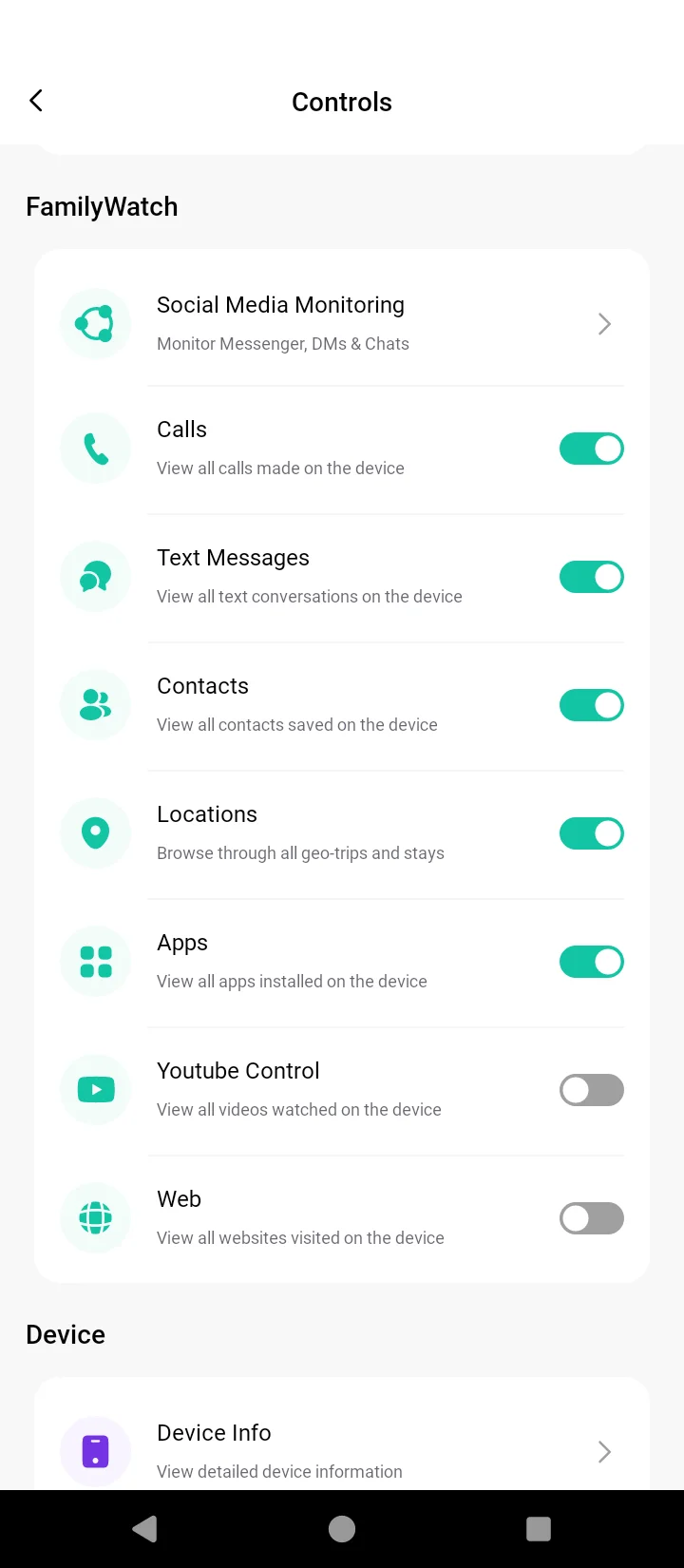
Tap Reports under the child profile on your Dashboard.
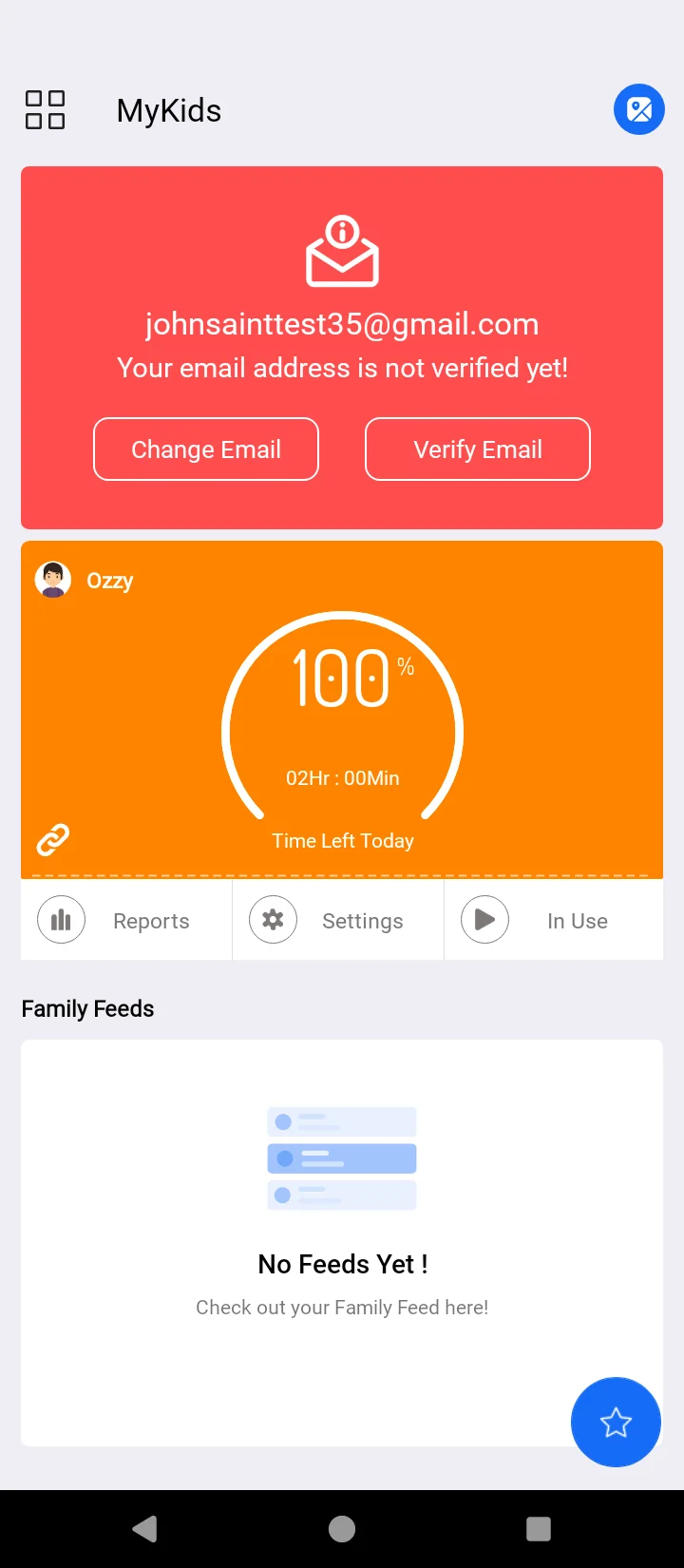
Tap "Total Messages" from the "Summary" menu.

Here you can see all the SMS conversations on your child's device.

Tap on any one of these to preview the messages.
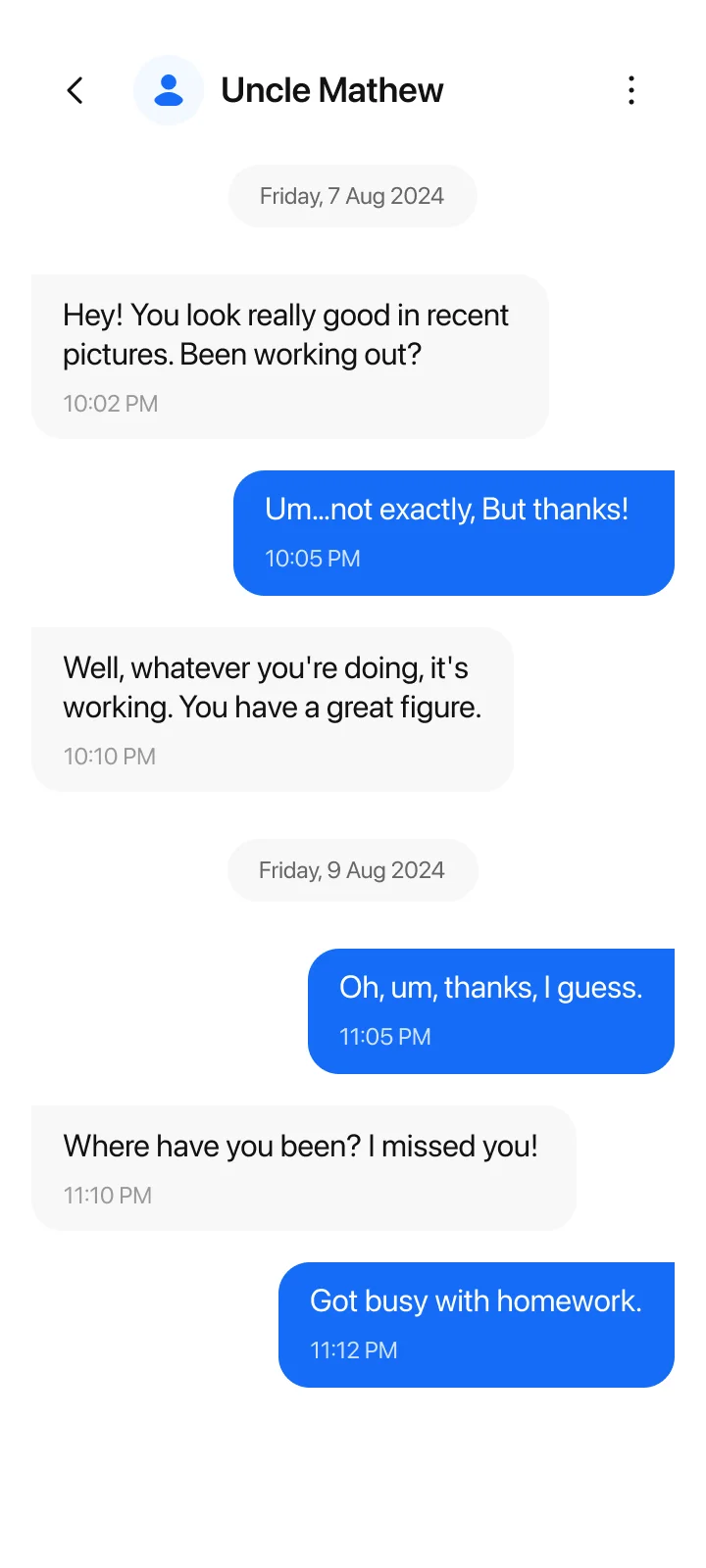
And it's done! Now, the FamilyTime app will start recording and monitoring the SMSs from your child's device, which you can see in the reports.
How to View Text Messages Monitoring Reports?
FamilyTime has an edge in providing simplified and easy-to-access reports in the Dashboard. you can review the SMS monitoring reports anytime by following these simple steps.
Remember, you can review the SMSs for the day, week, or month here. You have the calendar navigator available to select the specific dates to check dedicated messages or chats.
How Text Messages Monitoring Helps?
Using the Test Messages Monitoring, you can keep the kids secure in many ways. Here are a few ways this feature helps you:
- Staying in touch with what's going on in your children's lives.
- Getting a pretty accurate idea about their likings and preferences.
- Get alerts instantly if your child is being bullied or is receiving hate messages or threats.
- It gives you a heads-up if your child is involved in sending or receiving explicit messages and images.
Best Practices – Tips to Using FamilyTime Places Feature
Here, we share some best practices to make the most out of the FamilyTime Text Messages Monitoring feature. You can use the feature according to your needs or consider doing the following:
- Go through your children's text messages at least once a day and skim through any new messages.
- Come across an unknown number sending your child hate or threatening messages. You can add that number to the Watchlist Contacts list.
- Select the date or month from the calendar control to select the chats you want to review.
- If you find something disturbing in the chats, do not immediately act on it. instead, talk to them about the situation and mediate accordingly.
- Develop strong communication with your kids to be friends so they will discuss everything happening in their lives with you without hesitation.

Need an Advice?
Not sure about something or want to have a quick word with one of our experts? No worries, our parenting experts are here for you 24/7! Click the button below and get to talk to our Expert right away!