

How to Setup / Use Speed Limit on iOS Devices?
Setting up a Speed Limit on your child's iOS device is pretty simple. Following the step-by-step instructions, you can do it within no time.
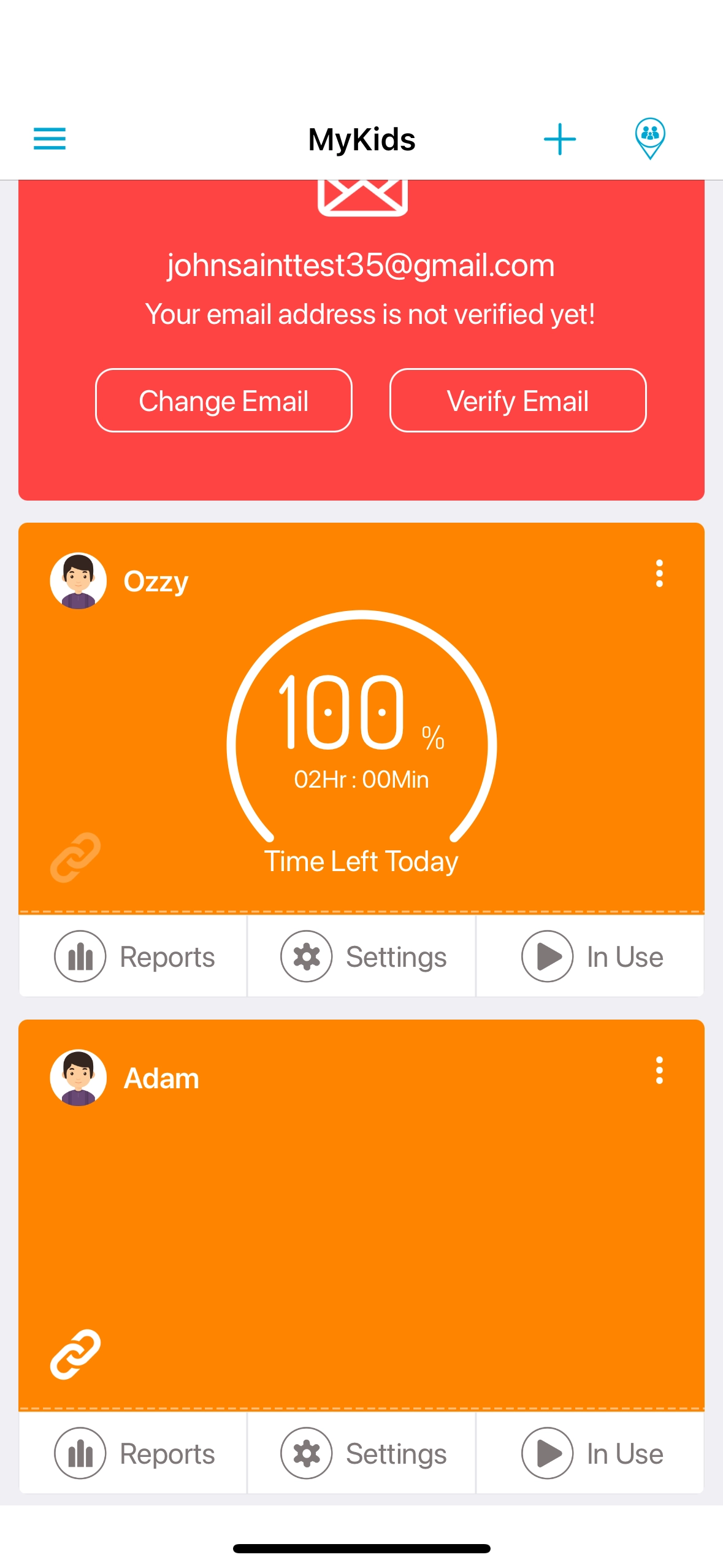
Open FamilyTime Parent Dashboard and Tap "Settings" if your child has an iOS device.
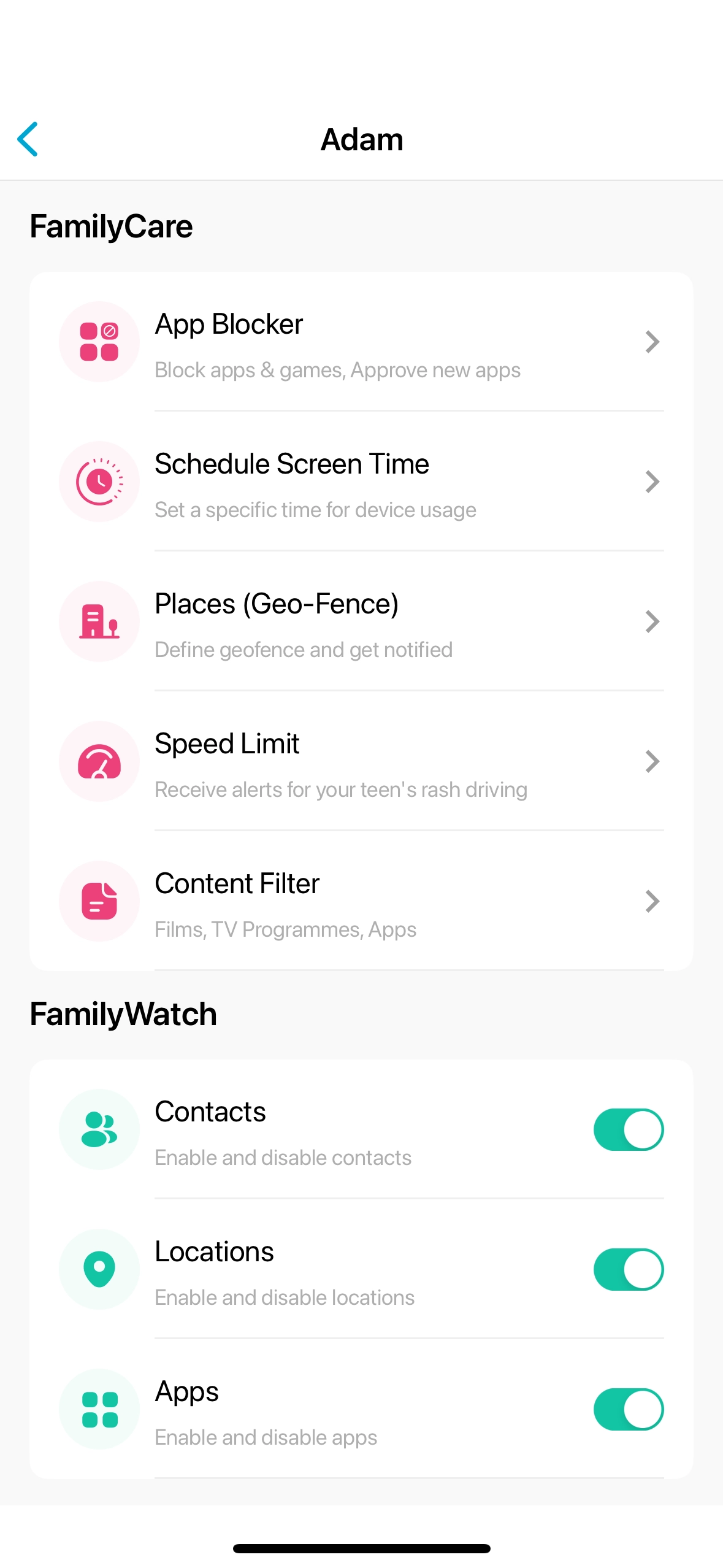
Tap "Speed Limit" from the list.
Toggle on "Enable Speed Limit."
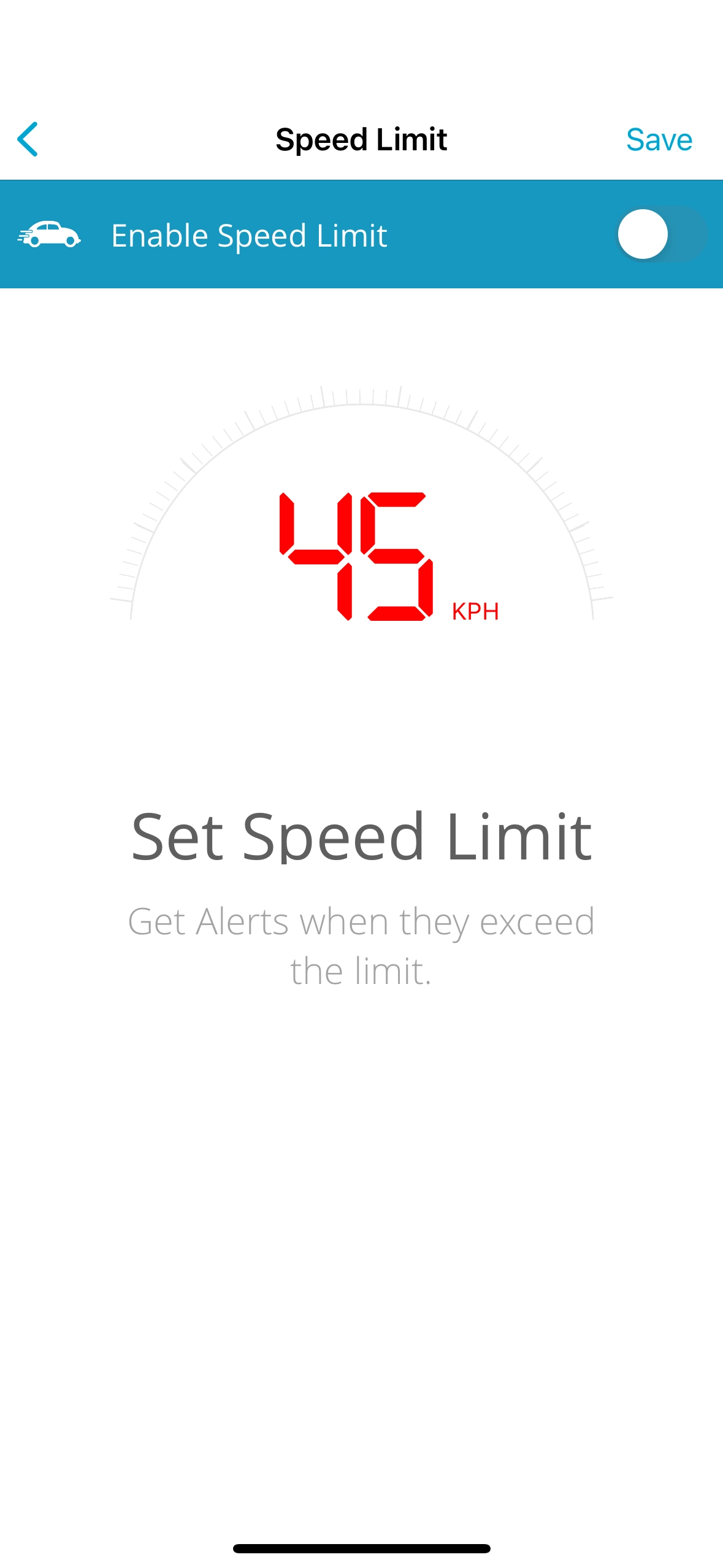
Edit the speed limit by tapping on the speed limit number.

Tap “✔” at the top right of the screen.

Confirm the changes, and it's done!


Need an Advice?
Not sure about something or want to have a quick word with one of our experts? No worries, our parenting experts are here for you 24/7! Click the button below and get to talk to our Expert right away!