

How to Setup/Use Location History on iOS Devices?
By following given simple steps, you can setup location tracking on your child’s iOS devices:
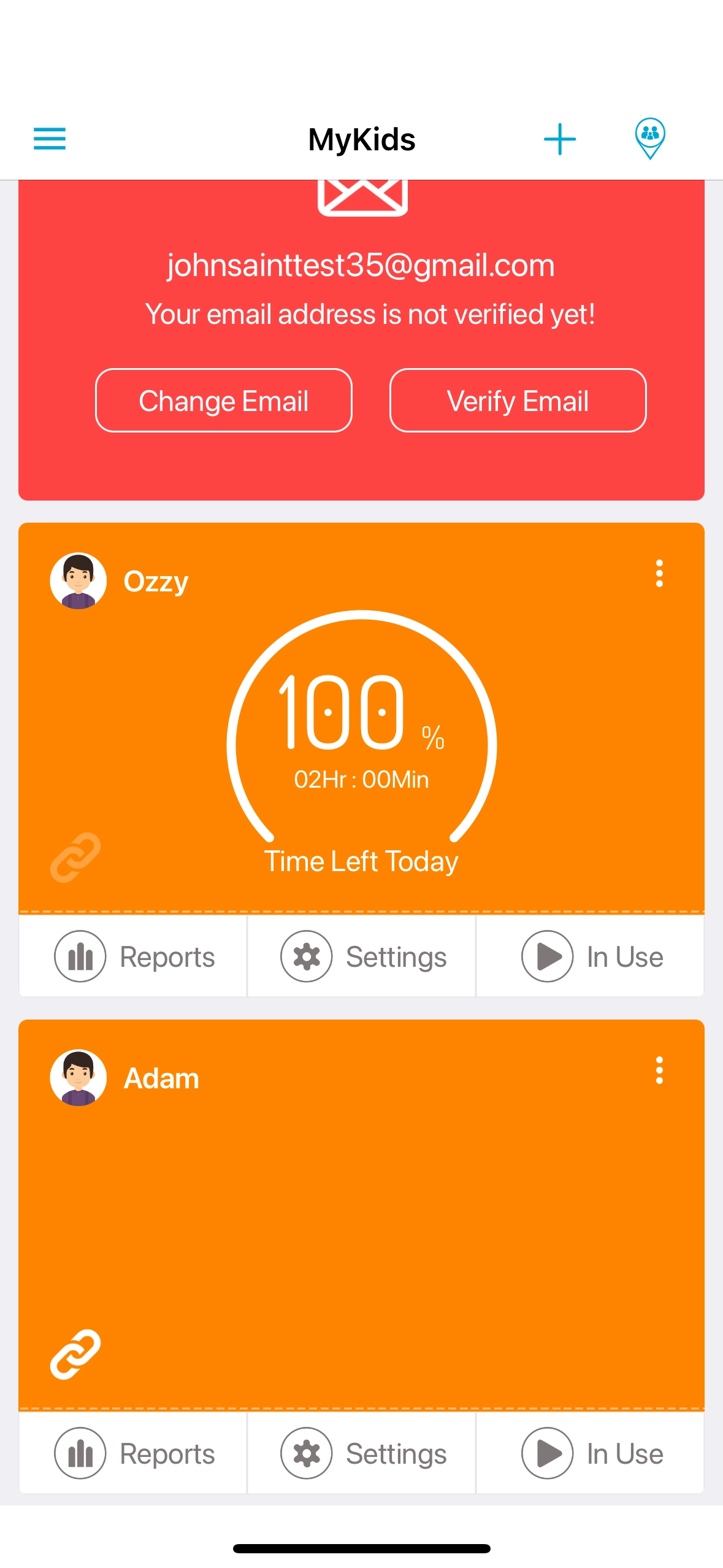
Open FamilyTime parent Dashboard. Tap “Settings” on your child’s profile.
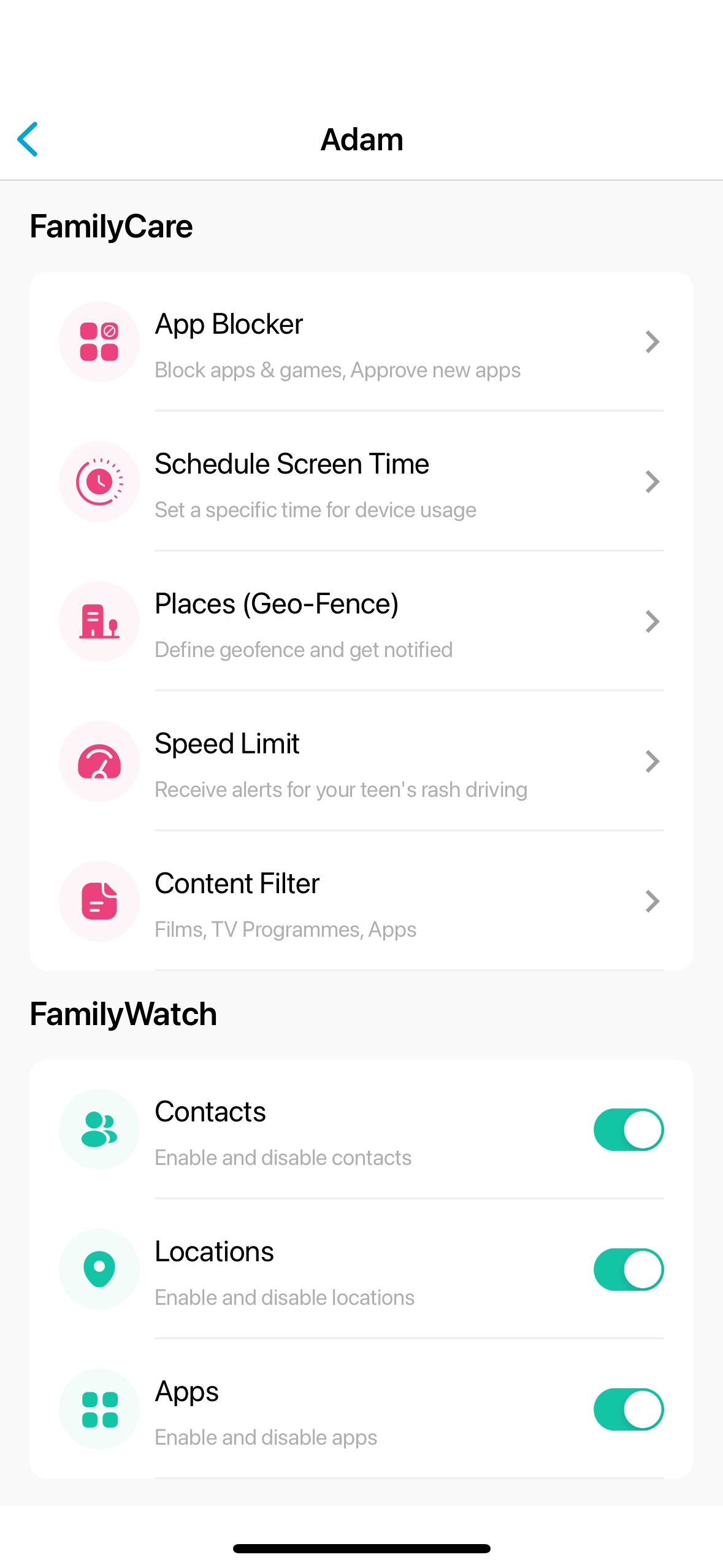
Locate the option of “Locations” in Family Watch section.

Toggle On “Locations,” and its done.
Checking Location History
Once you have turned on location tracking on child’s device, its pretty simple to check their location history.
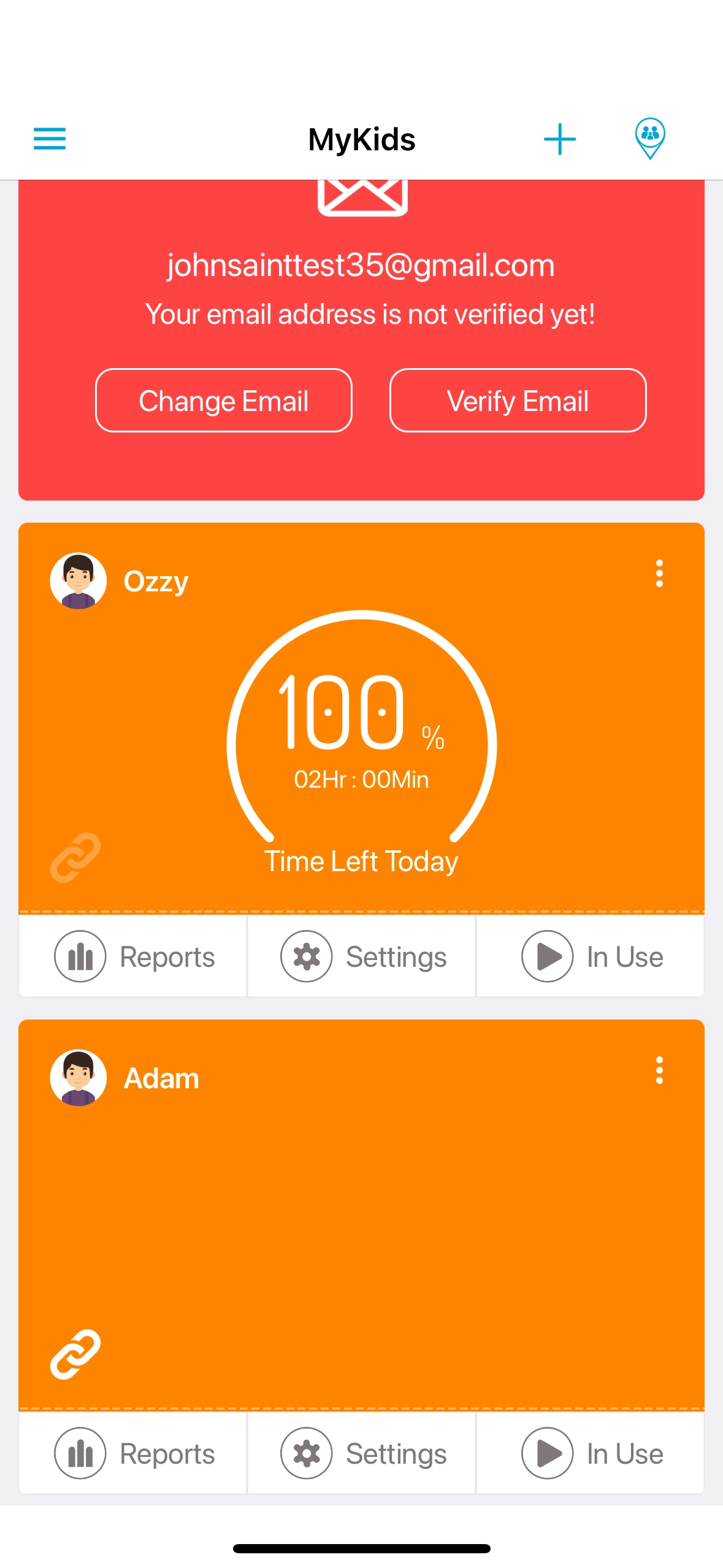
Open FamilyTime parent Dashboard. Tap “Reports” on your child’s profile.
Tap on “Total Locations” .

Here you can see all the locations your child has been to.


Need an Advice?
Not sure about something or want to have a quick word with one of our experts? No worries, our parenting experts are here for you 24/7! Click the button below and get to talk to our Expert right away!