

How do you set up/use the Contacts Watchlist on Android devices?
Setting up the Contacts Watchlist is simple using your FamilyTime Parent Dashboard. Setting up the feature takes a few minutes, and you can be stress-free.
Open FamilyTime Parent Dashboard and Tap "Settings" on the child’s profile you want to set up the Watchlist.

Tap “Contact Watchlist” from the menu.
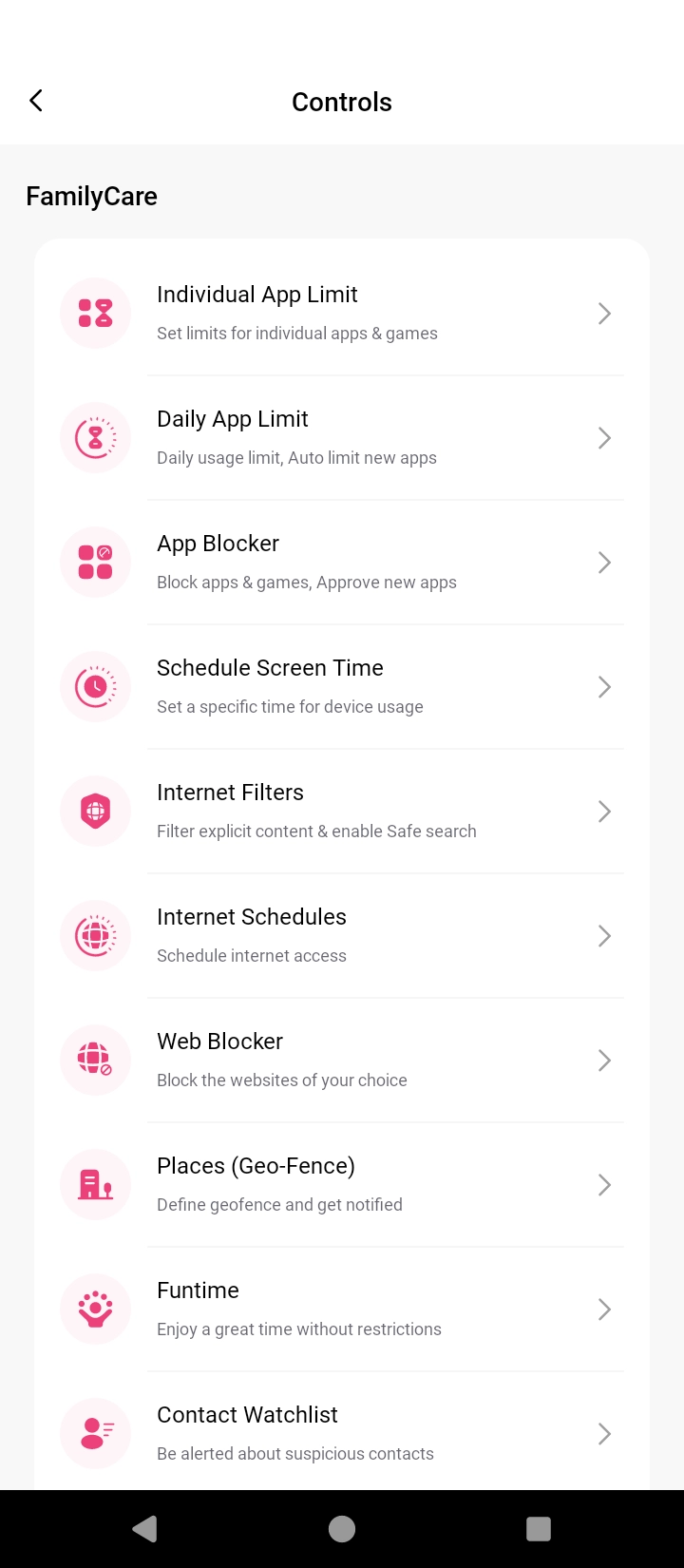
Toggle on "Enable Watchlist."
Toggle to select the contact for the Watchlist.

Confirm the implementation of new settings.

Once the setting is synced, you will receive alerts and notifications about any messages or calls made by these contacts to your child or vice versa.
How Does Contact Watchlist Help?
Watchlisting contacts advance your child’s digital safety by keeping you updated with their communication. You can exclusively monitor any unsuitable content on your child’s device. Overall, the feature offers you the following:
- Control over who your children talk to on their phone.
- Screen unwanted and suspicious people away from your children.
- Heads-up if someone you don’t want to be in contact with your children tries to contact them.
Best Practices – Tips to Use Contact Watchlist Feature
Contacts Watchlisting is an adaptable feature you can use as it fits your needs. Here are some useful tips to make the most of this useful feature:
- Skim through the list of all the contacts your child has saved on the phone or tablet and identify the ones you don’t approve of.
- Tell your kids why you feel that way about those contacts and why they should avoid contact with them.
- As a safety measure, add those contacts to the Contact Watchlist so you can know instantly if there is any contact between them.

Need an Advice?
Not sure about something or want to have a quick word with one of our experts? No worries, our parenting experts are here for you 24/7! Click the button below and get to talk to our Expert right away!