

How to Lock/ Unlock Android Phone?
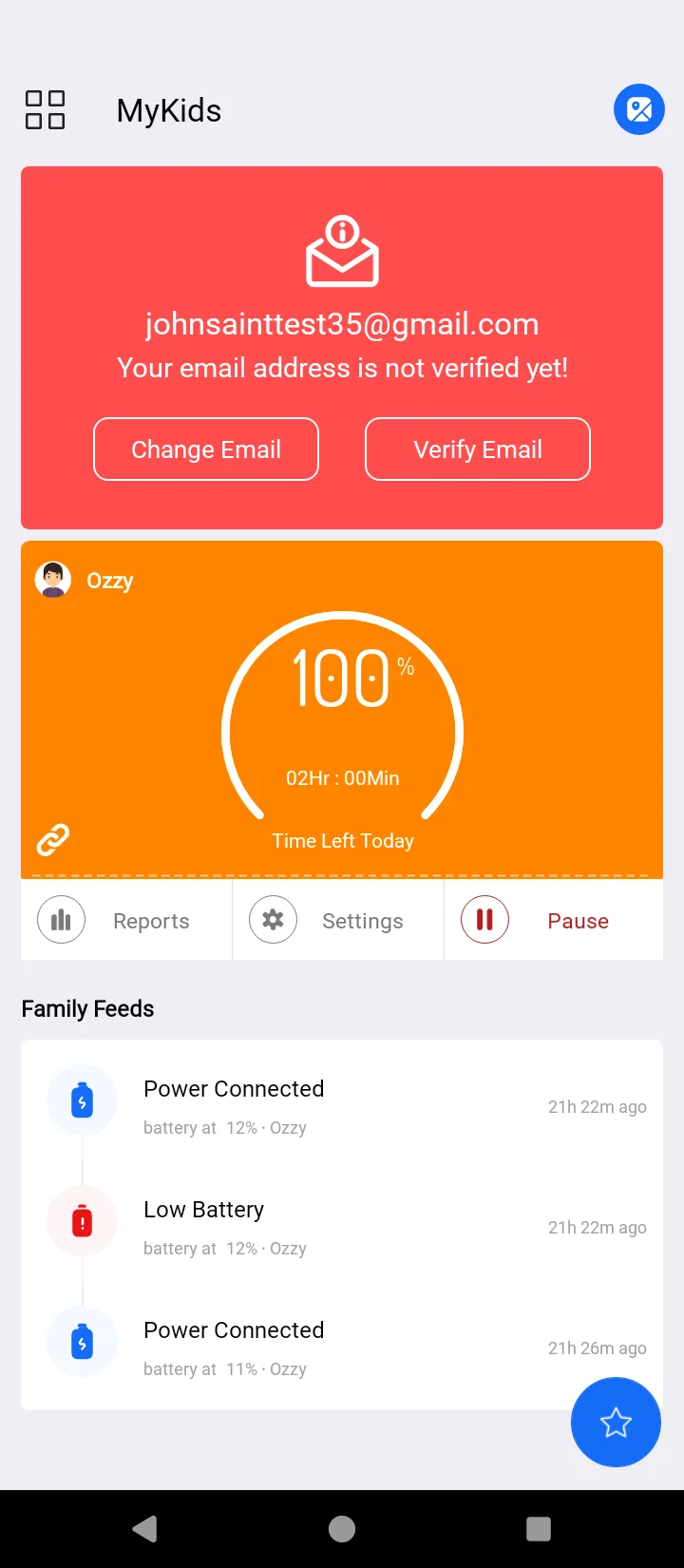
Remotely control, lock & unlock your child's Android devices with just one tap. It's simple, and you can use FamilyPause anytime you want. Here's how to do it:
Open your FamilyTime Dashboard.
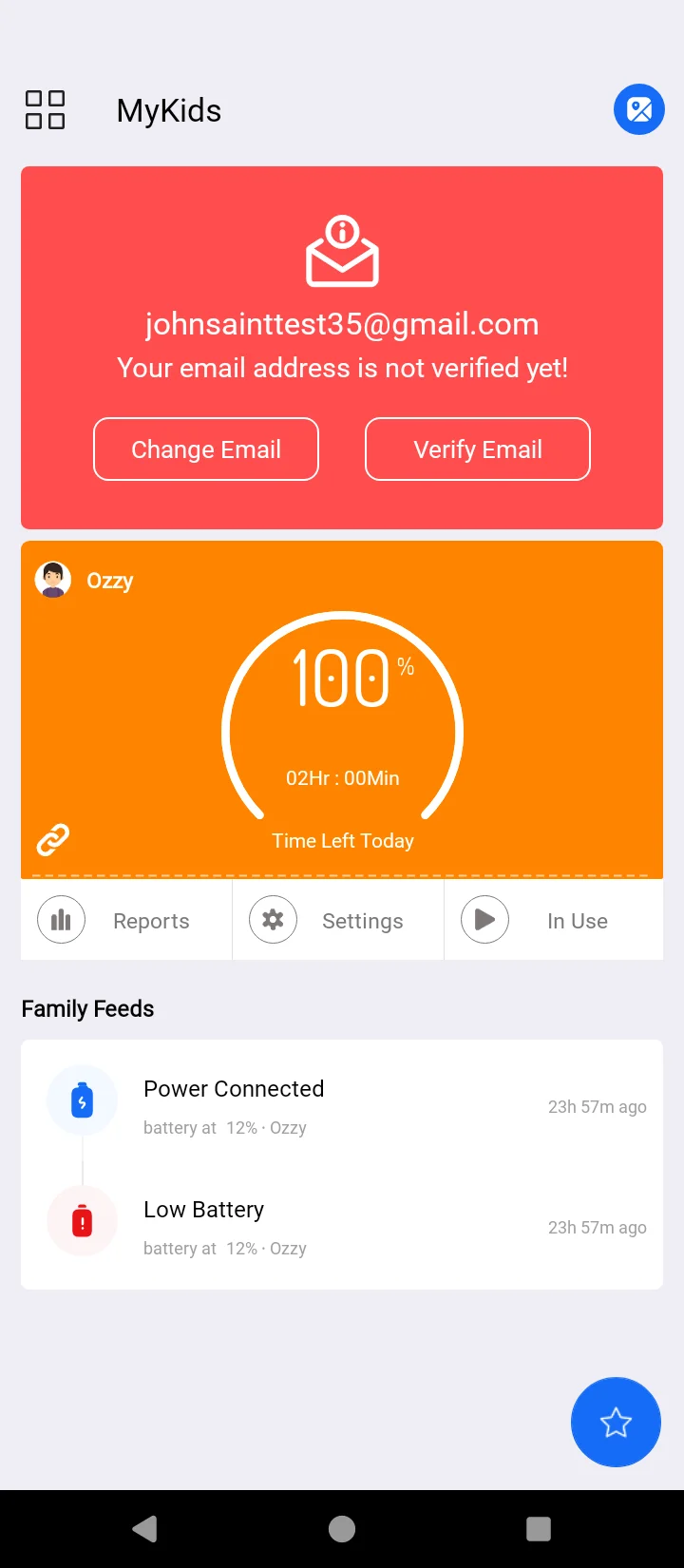
Tap “In Use” under your child's profile on the dashboard.

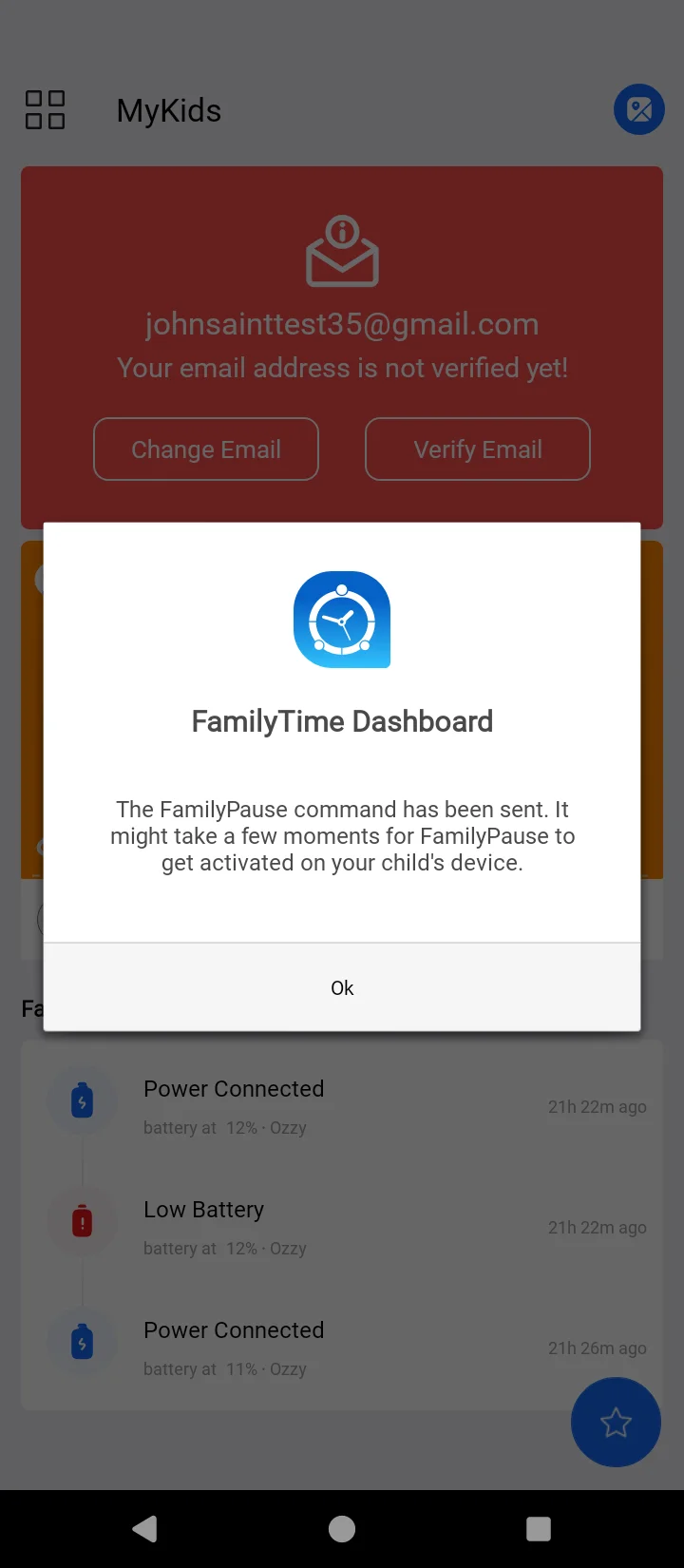
How Does FamilyPause Feature Help?
FamilyPause feature by FamilyTime makes your digital parenting easier and simpler. It offers a one-tap solution to your distracted kids who are always stuck to a digital screen.
- It gives your children time to unplug and reconnect with reality.
- It helps parents to directly control excessive mobile usage of their children.
- An easy single-tap phone lock/ unlock button helps save time and quickly lock the phone.
- It helps protect sensitive data on the phone in case of theft, loss, or damage.
Best Practices to make the most of FamilyPause
FamilyPause puts the Android phone on lock immediately. The device can only be used once it is unlocked. It's a readily available feature you can use to meet your needs. Here are some useful tips to make the most of this useful feature:
- Immediately lock the phone as your child reports phone theft or loss to prevent personal data on that device from falling into the wrong hands.
- Use the feature to grab your child's attention immediately
- When observing that your child is accessing inappropriate content on the device by any chance or involved in an explicit digital activity, use the FamilyPause to lock it immediately.
- FamilyPause can be used to ground the kids for their bad behavior.
- The feature helps kids do the chores and other tasks that were not scheduled.

Need an Advice?
Not sure about something or want to have a quick word with one of our experts? No worries, our parenting experts are here for you 24/7! Click the button below and get to talk to our Expert right away!