

TikTok Parental
Control
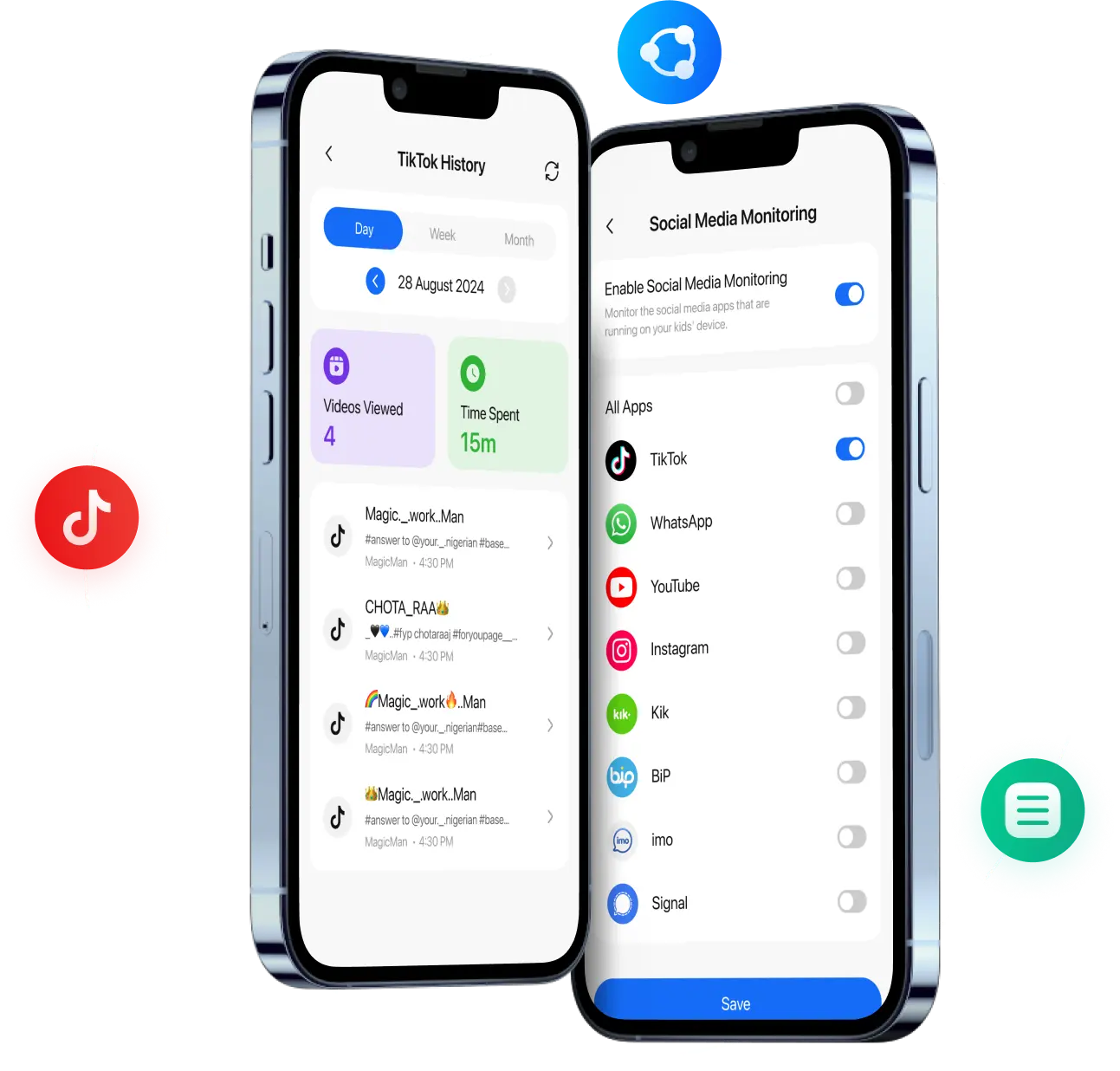
Ensure digital well-being of your kids with TikTok parental monitoring feature of FamilyTime. With this TikTok monitoring app, you can easily filter improper content and assist children in managing the time they spend on the app.
What Makes TikTok Parental Monitoring a Must-Have?

Age-Inappropriate Video Content
Not all TikTok videos are safe for young eyes. The platform is filled with videos that could expose children to topics like explicit language, violence, sexual content, and even harmful stereotypes. With FamilyTime’s TikTok Parental Monitoring feature, parents can shield their kids from such content by restricting inappropriate material to ensure a safer viewing experience..

Dangerous Challenges and Viral Videos
From risky stunts to harmful social media challenges, TikTok has seen its share of viral dangers. Parents can now breathe easier with FamilyTime’s monitoring tools, allowing them to see what their kids are engaging with and intervene before these trends influence their behavior.

TikTok Addiction
The endless scroll of entertaining TikTok videos can easily lead to overuse and addiction, especially for children. FamilyTime helps parents manage screen time by setting daily usage limits on TikTok, ensuring a balanced digital routine.

Inadequate Supervision and Control
Parents can’t always keep an eye on every video their child watches or interacts with on TikTok. FamilyTime’s comprehensive TikTok monitoring empowers parents to track activity, block unsafe content, and create a safer online space for their kids without constant supervision.
Control What Your Kids Watch on TikTok and Their App Usage
Setting up YouTube parental controls Setting up TikTok parental controls with FamilyTime is simple and just takes a few steps.
Keep an Eye on your Kids’ TikTok Experience
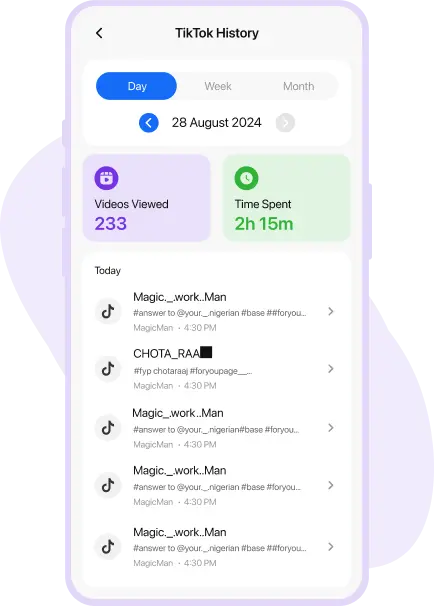
With FamilyTime, monitor your kids’ TikTok experience and decide content they may watch without pairing the TikTok app. FamilyTime allows you to:
- Monitor the list of the channels that your kids visit on a certain day.
- Check the video history to see the film's metadata and what your children have watched.
- Analyze the time your kids spend on TikTok with TikTok monitoring of kids.
Manage Their TikTok Usage
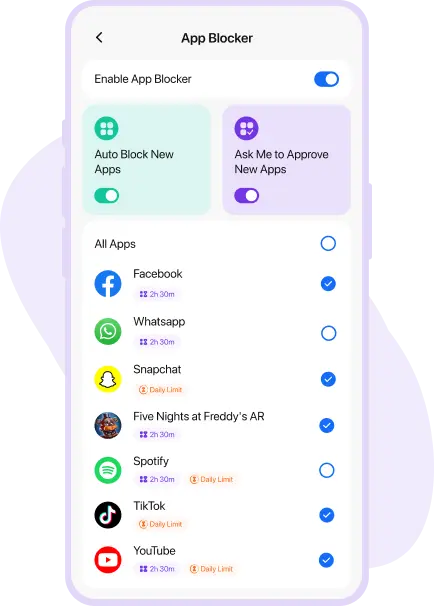
Aside from monitoring your children’s TikTok usage, utilise FamilyTime to create a screen time limit or block the app.
- Set a screen timer to prevent your children from browsing TikTok before sleep.
- Stop worrying about your children watching movies instead of learning.
- Block the app with a single click to safeguard your children from any improper material.
Media Covered Us


TikTok Parental Monitoring Tips and Tricks!
Equip yourself with the necessary knowledge and put TikTok Control for Kids into action
Tips to Delete TikTok Account
without Phone num.
Introduce effective ways about how to block harmful videos on Kid's device.
Parents Guide: How to Keep
Kids Safe on TikTok?
Know how to see your kid’s TikTok search/comment history and remotely detect their.
Why is TikTok so Addictive?
Solutions to TikTok Addiction.
Find some practical ways to check your kids' TikTok watch history.

Why FamilyTime is the Best Parental Control App
Take Back Control of Your Family Time with Effortless and Effective Digital Parenting

30-Day Reporting History

FREE Access to New Features

Uninstall Protection

Easy to Use Interface

Co-Parenting Made Easy

GDPR Compliance

One Account Multiple Devices
